17
Getting Started
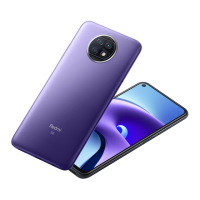
Redmi Note 9T
Using a Google Account
Use a Google account and get more convenience with Google
services. A Google account is required to use some services or
fully use some applications.
Google Account Cautions
Be careful not to forget your Google account mail address
or password.
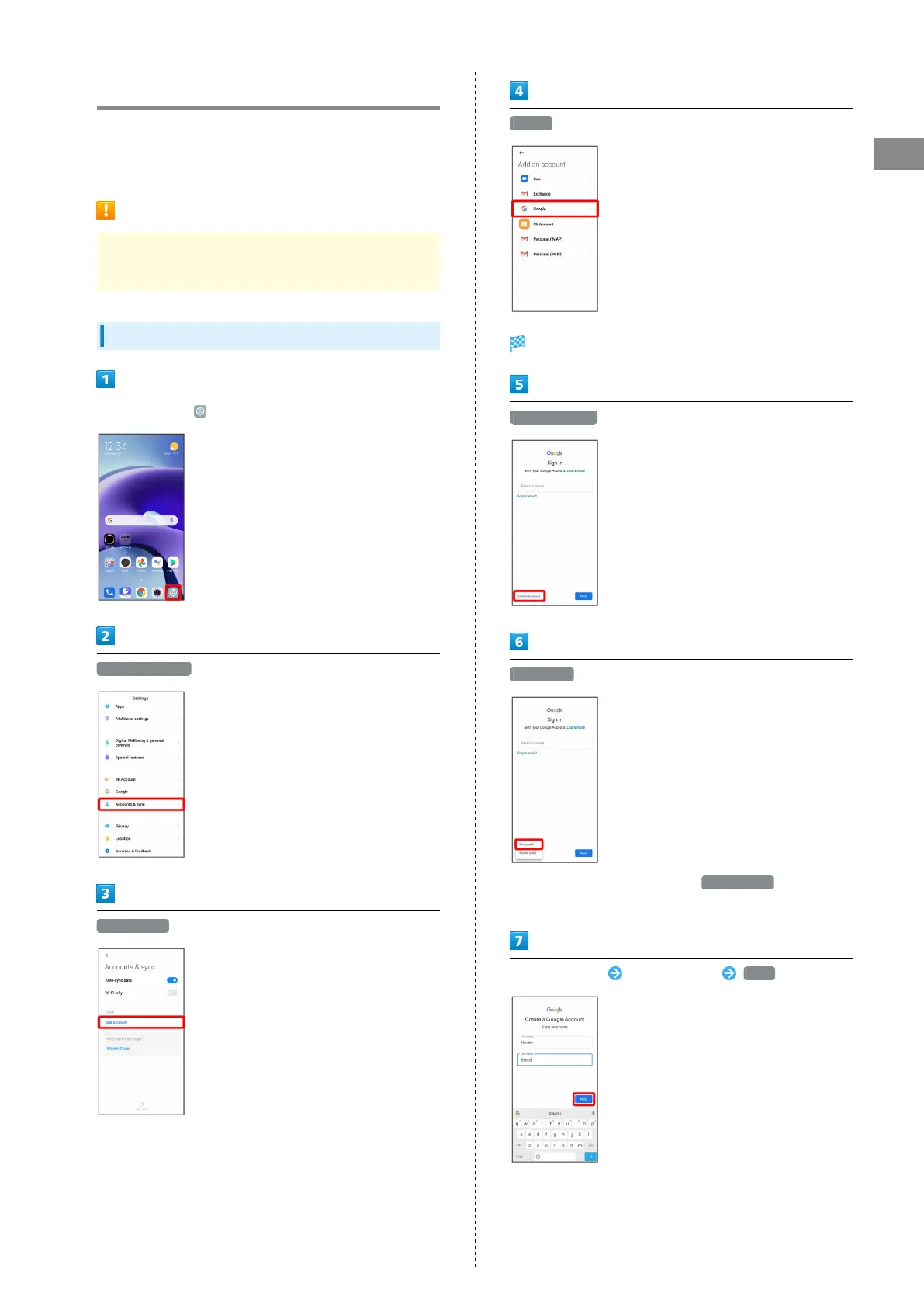
Creating a Google Account
In Home Screen, (Settings)
Accounts & sync
Add account
Google
Window for signing in to a Google account opens.
Create account
For myself
・
To create a child's account, Tap For my child then follow
onscreen prompts.
Enter first name Enter last name Next











 To Next Page