08
Before Use
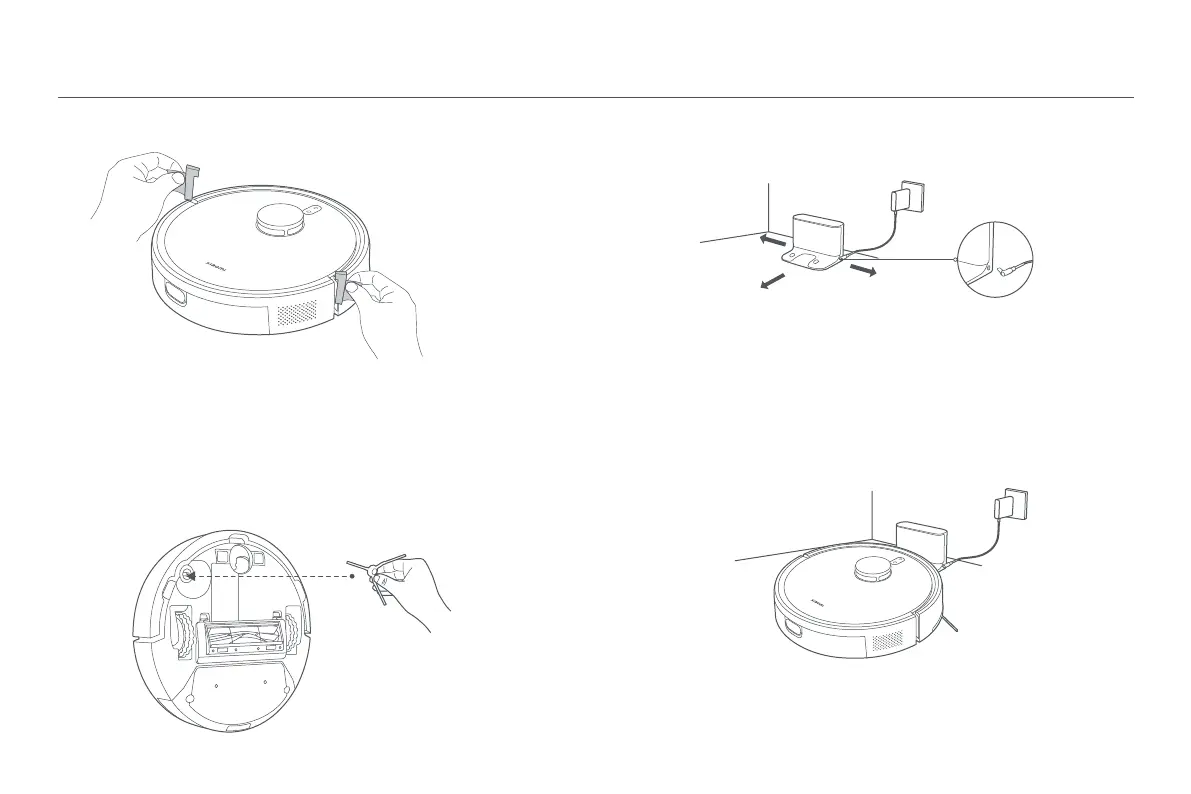
1. Remove the protective strips.
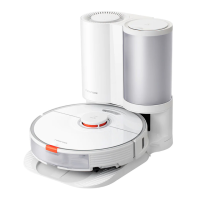
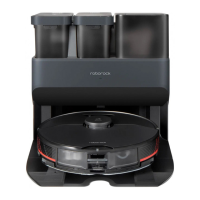
3. Remove the protective film from the charging dock,
place the dock against a wall, and connect it to power.
4. Charge the robot vacuum.
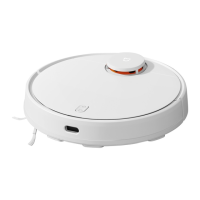
Place the robot vacuum on the charging dock for charging.
Take out the side brush, and install it onto the position as illustrated. The side
brush is properly installed when you hear a "click".
2. Install the side brush.
CAUTIONS:
• Do not expose the charging dock to direct sunlight.
• Do not place any objects within 0.5 meters on either side of the charging dock and 1.5 meters in
front of it.
Notes:
• To ensure the baery's optimal performance, fully charge the baery for the first time before
use.
• Place the robot vacuum on the charging dock and make sure their charging contacts are aligned.
The robot vacuum will automatically turn on and cannot be turned off while charging.
0.5 m
0.5 m
1.5 m
Connect the power adapter to
the charging dock






 To Next Page