Appendix F. Configuring Dual Mode Tablet Digitizer Input Methods
Summary: Dual Mode digitizer input method settings
Table 11
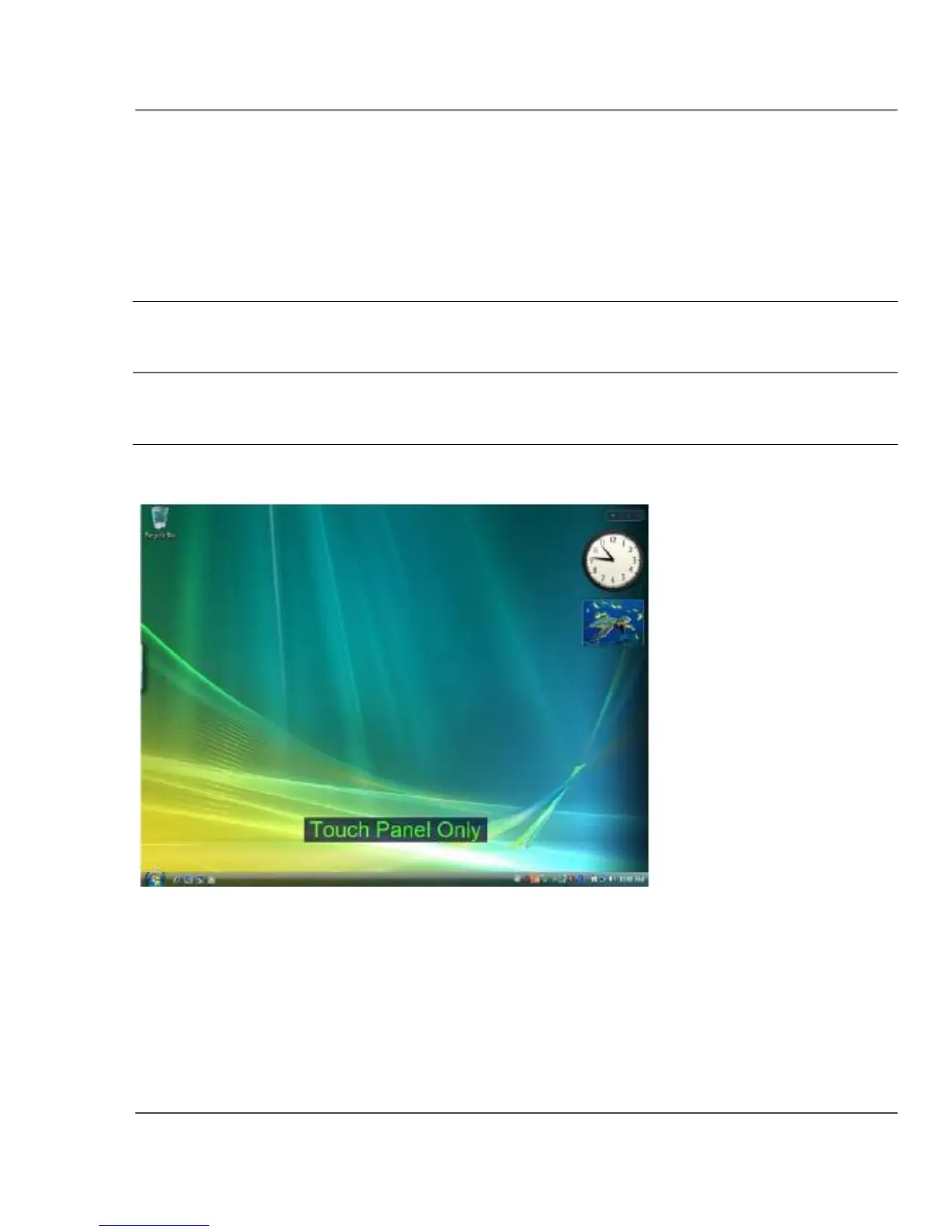
Settings: Touch Panel only
BIOS Setup Utility Panel Control Center
Digitizer Selection Pre-defined Function On-screen description
value
Touch Only
value
Digitizer Selection
when key is pressed
“Touch Panel only”
Notes
Input is possible only from
peripherals and touch.
Touch is functional.
iX104C5 User’s Handbook
123



 To Next Page