Appendix F. Configuring Dual Mode Tablet Digitizer Input Methods
Summary: Dual Mode digitizer input method settings
Table 13
Settings: Auto/Digitizer Only/Touch Only settings
BIOS Setup Utility Panel Control Center
Digitizer Selection Pre-defined Function On-screen description
value
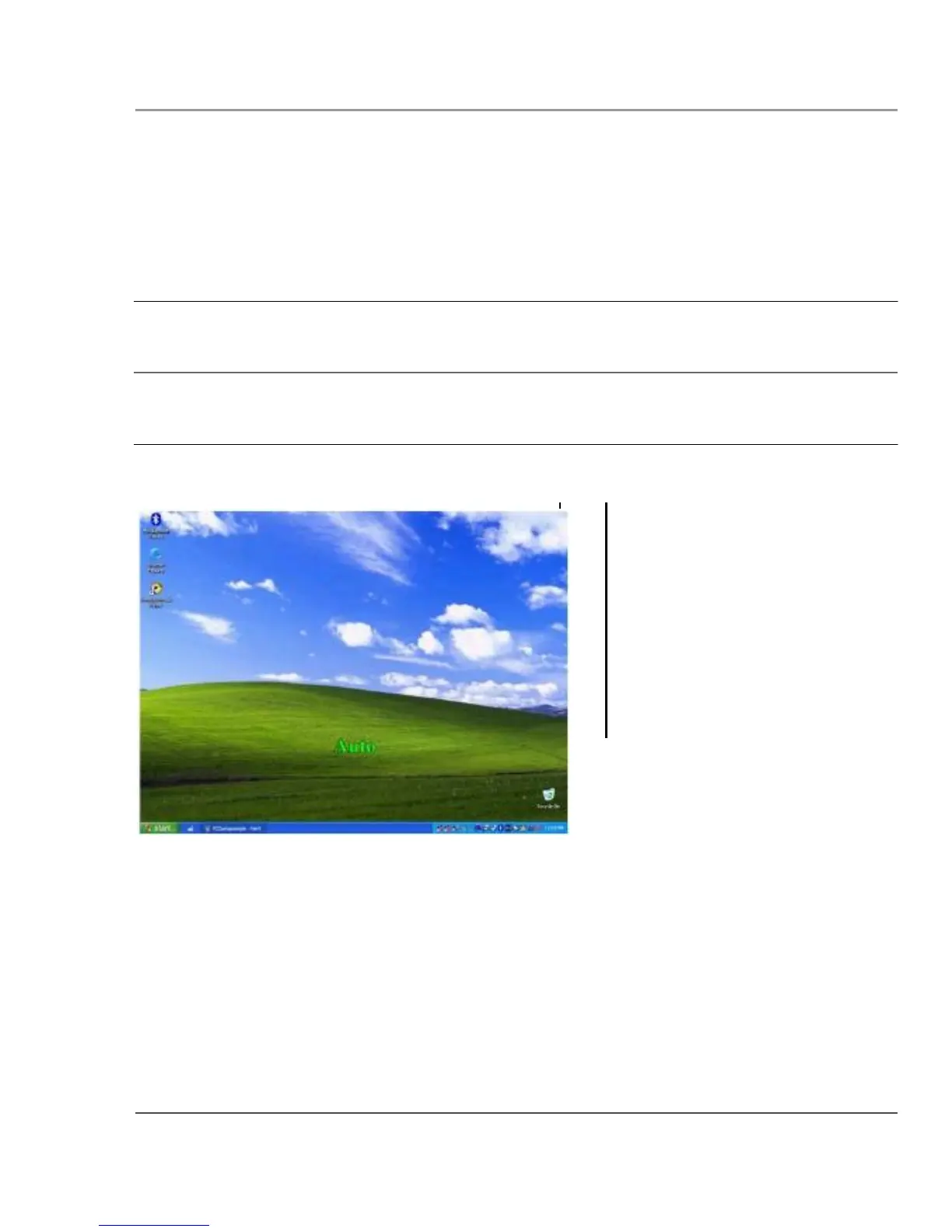
Auto
value
Digitizer Selection
when key is pressed
“Auto”
“Digitizer only”
Notes
Rotates through each mode,
displaying each mode in turn.
“Touch only”
iX104C5 User’s Handbook
125



 To Next Page