Chapter 2. Using the Tablet
Programming hot keys
5.
To start an application:
a.
b.
c.
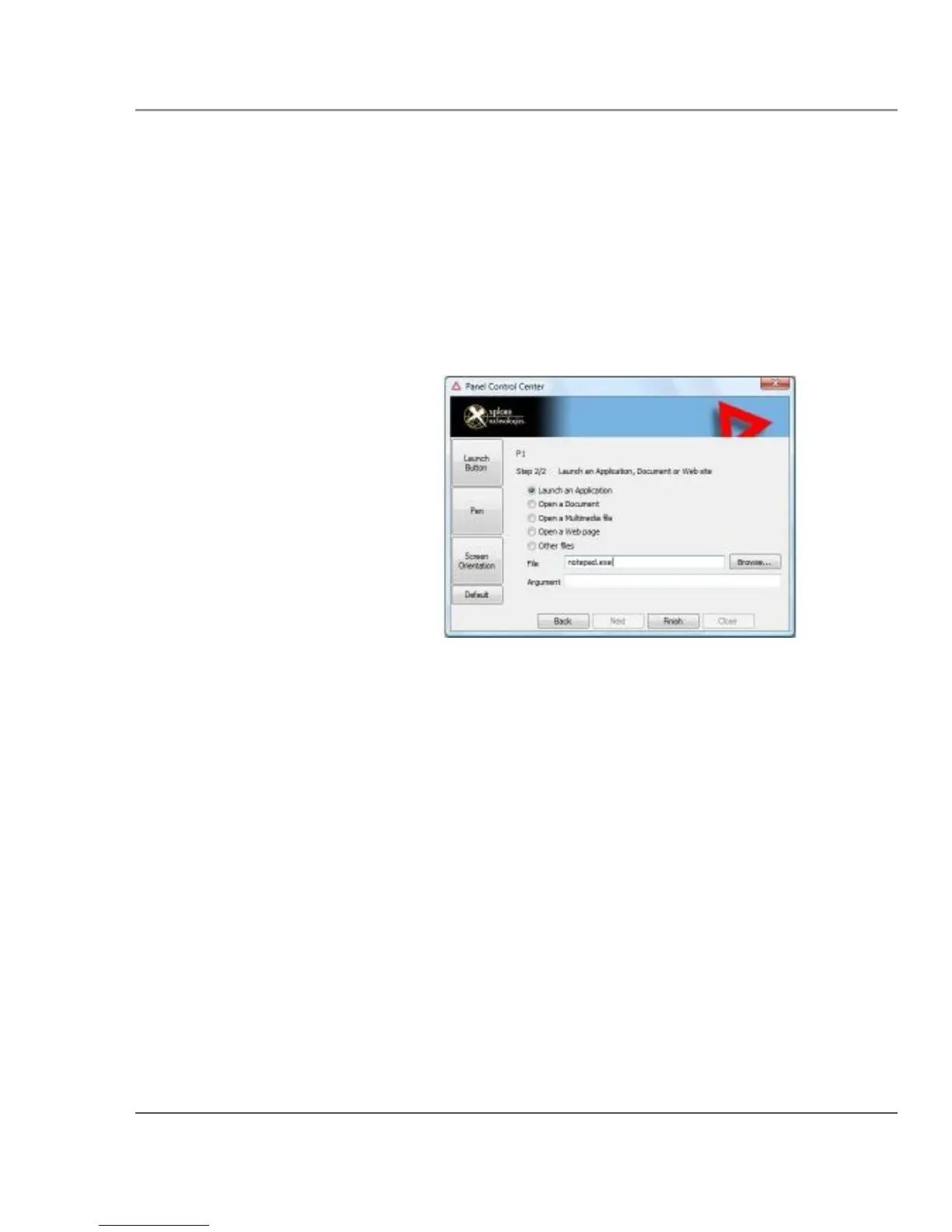
Click Launch an Application.
Press Browse to find the application you want the hot key or
Function mode hot key combination to start (for example:
word.exe, notepad.exe, excel.exe).
Click Change.
6. To open a document:
iX104C5 User’s Handbook
a.
b.
c.
In the Click Open a Document.
Press Browse to find the document you want the hot key or
Function mode hot key combination to open. (For example:
spreadsheet.xls, airports.doc, wiringdiagram.jpg)
Click Change.
73



 To Next Page