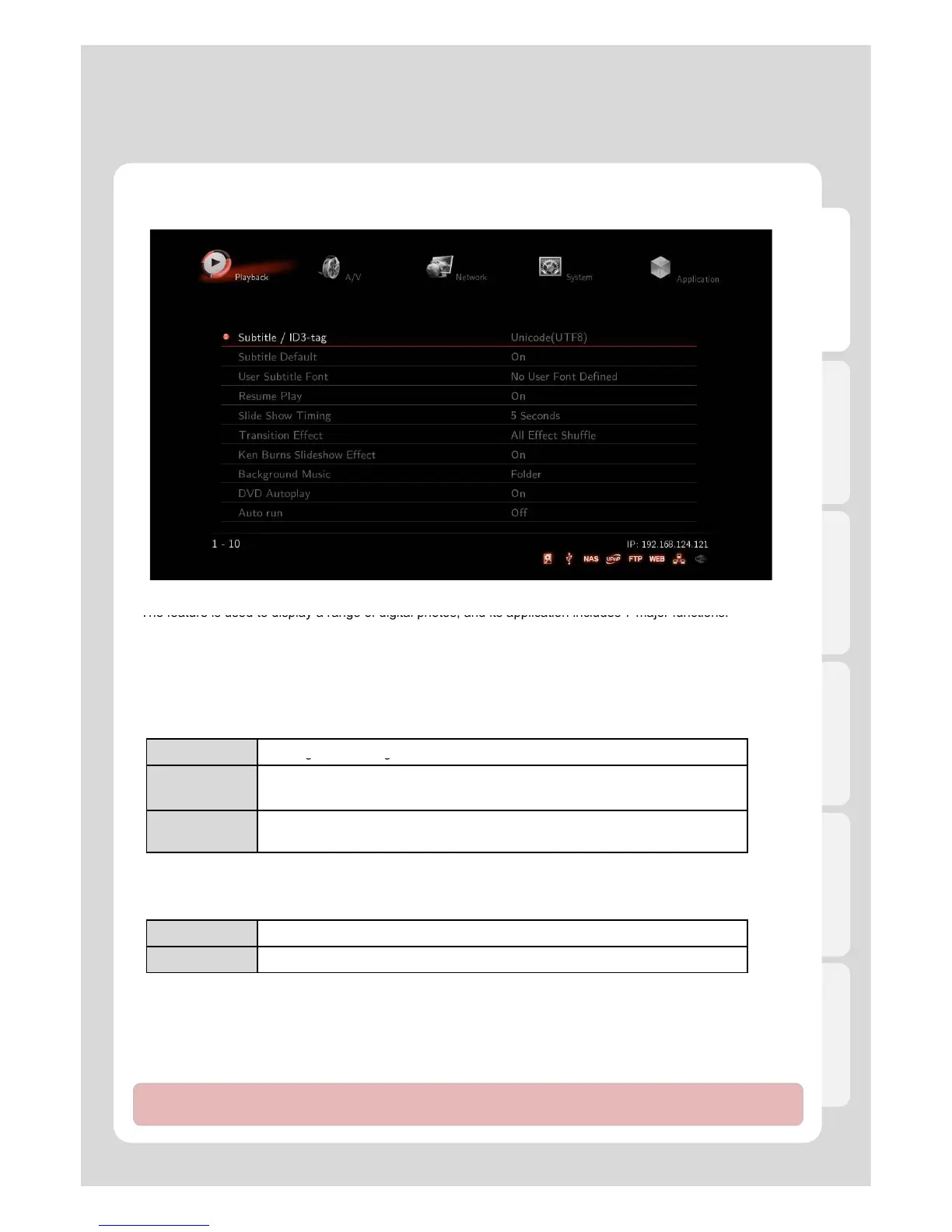
Settings
English
3. Playback
Transition Effect
The feature is used to display a range of digital photos, and its application includes 7 major functions.
Background Music
Background music is played while running photo slideshow.
[All Effect Shuffle] is set as a default value.
Ken Burns Sideshow Effect
The feature enables used technique of embedding still photographs in motion pictures, and displays zooming
effects.
OFF Turnin
round music.
DVD Autoplay
The feature allows you to select automatic DVD play mode when inserting a DVD disk into the DVD ROM
Folder
You will enjoy playing the entire content of music folder while your focus is on its
inside photos of the same folder.
Playlist
Music files will be played, select [Media Library] – [Playlist]. There can be
several new variations on slideshow like using your captioned photos and music.
connected to your player via USB port
Auto Run – (need an internal HDD to use this feature )
This feature allows you to automatically play a designated playlist when Xtreamer starts.
Auto-Run function detects and plays a Playlist and also enables you to organize your playlists via the Xtreamer
OFF DVD Disk isn’t automatically played.
ON DDVD Disk is automatically played.
25
Web
Photo Playlist
(Shuffle) / Movie Playlist (Sequence) / Movie Playlist (Shuffle)]
Note : Add up your file lists to Playlist by selecting [Media Library] – Tap Menu [Music/Photos/Movies] in order to
run automatically. Added Playlist from [All] mode won’t be played by Auto Run.



 To Next Page