Advanced Users Guide
English
7. How to register Network PC Shortcut
This instruction will be useful if you want to create shortcut or you can’t search for PC
through Network.
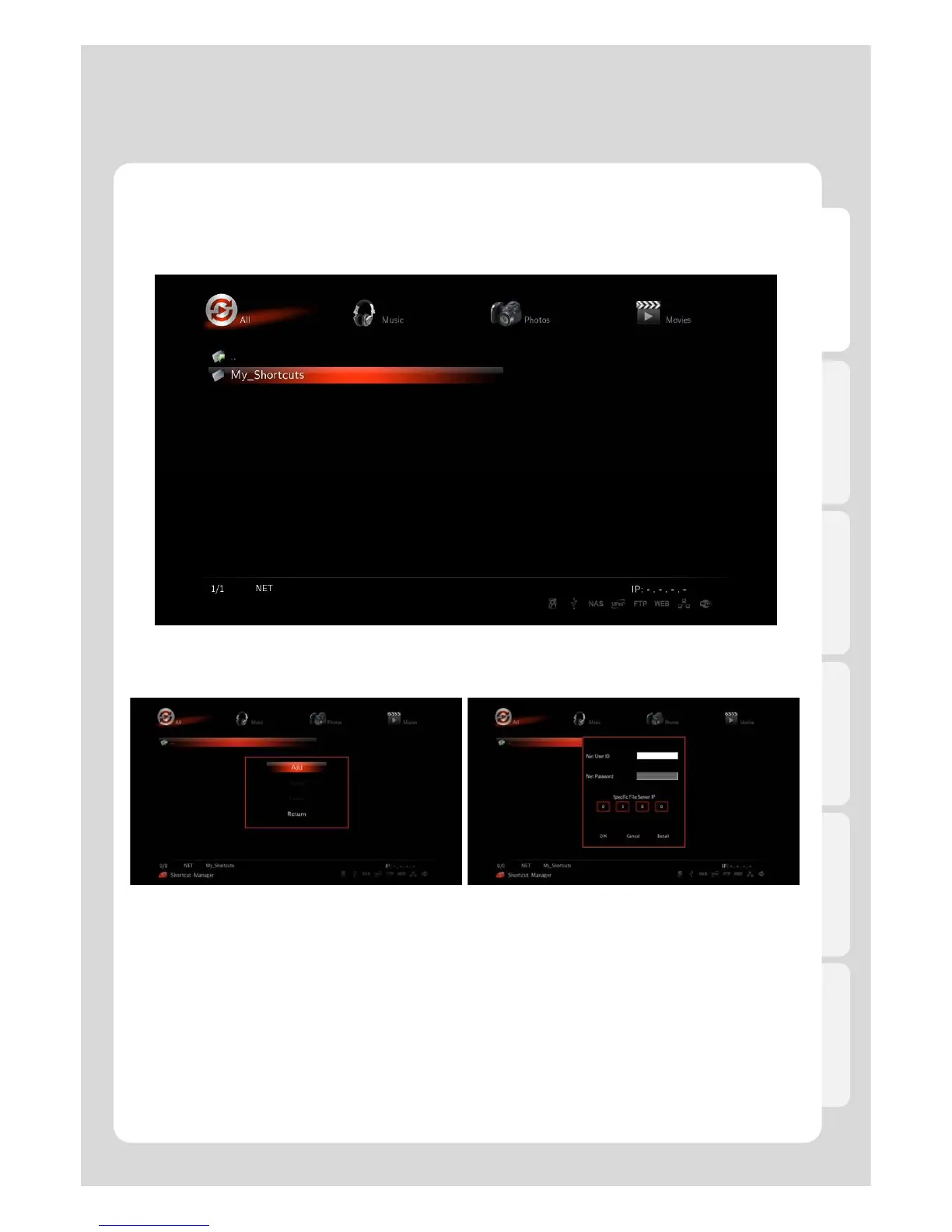
1. Access to menu by selecting [Media Library] – [NET] – [My_Shorcuts].
Press [FUNC] button on your remote in
As starting Windows enter ID and PWD into pop
screen, then if window appears, press [Add] button.
window for Network User’s. If you don’t use PWD, enter
[guest] in the ID Section, leave the PWD section blank.
Once entered, save ID and PWD by pressing [OK].
84



 To Next Page