Advanced Users Guide
English
10. Firmware upgrade
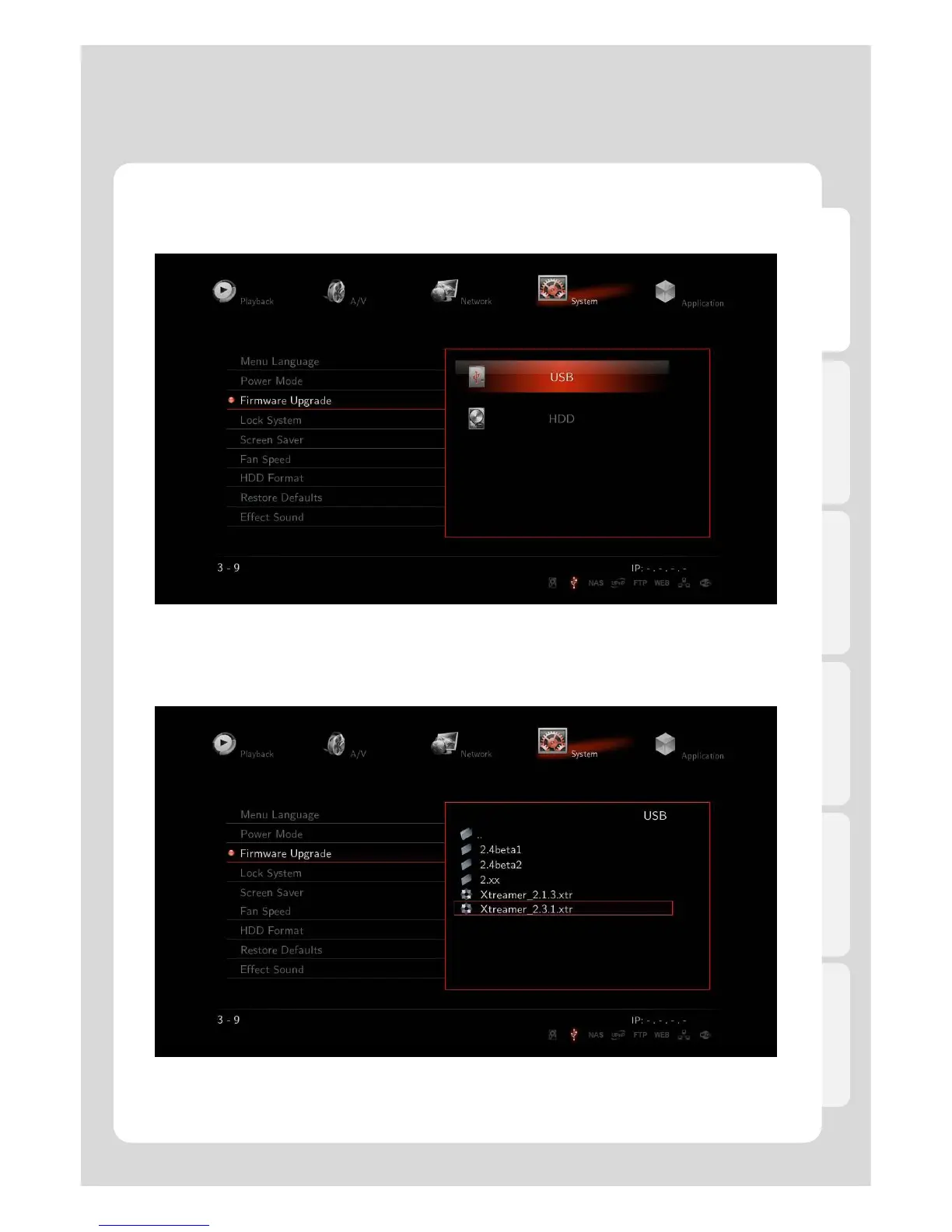
※ To update Firmware, you will need USB memory or internal HDD.
※ If you want to download the latest firmware version, access to Xtreamer website to get it.
www.xtreamer.net www.enicorn.co.kr
86
1. Download new firmware to your HDD or USB.
Select [Setting] – [System] – [Firmware Upgrade], and then look for saved firmware file then, select it.



 To Next Page