Settings
English
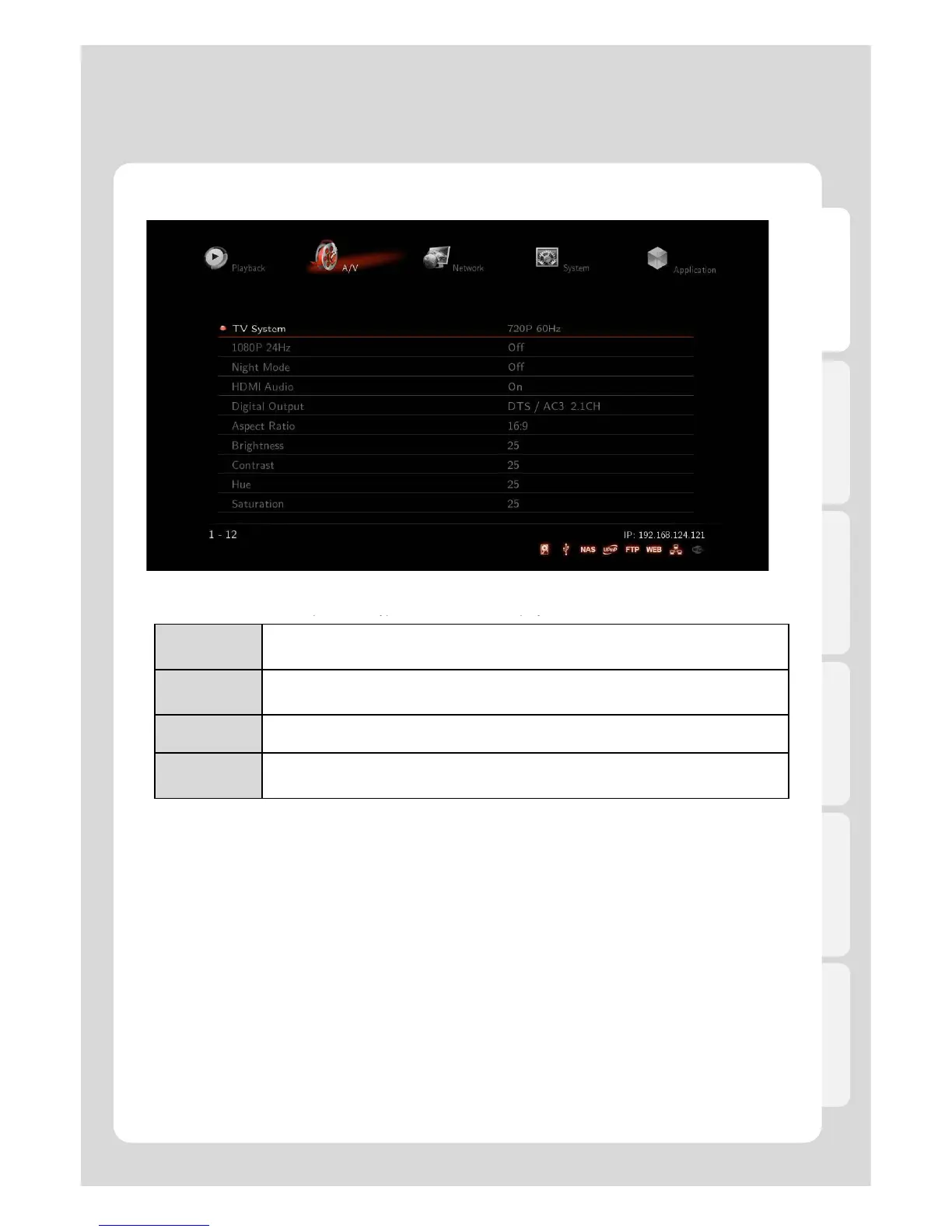
4. A/V
Aspect Ratio
You will be able to select As
back.
PanScan 4:3
16:9 Ratio converted to 4:3 Ratio is referred to as high definition TV. It will reduce
scan lines to 4:3.
LatterBox 4:3
16:9 Ratio converted to 4:3 Ratio is referred to as your TV. It will decompress image
to 4:3.
16:9 Video is fully displayed in 16:9 DVD frame as well as 4:3 Ratio fully displayed.
16:10
It enables you to add letterboxing bars above and below video screen, meanwhile,
your TV maintains its aspect ratio of 16:9, e.g. 16:9=1920x1080 / 16:10=1920x1200.
Brightness
Brightness in video refers to the luminance portion of a video signal. It enables you to use Increase Brightness
and Decrease Brightness commands by pressing [SET-UP] button on your remote during playback.
This option tells Xtreamer by how much to adjust video contrast when using Increase Contrast and Decrease
Contrast commands by pressing [SET-UP] button on your remote while playback.
Hue
This option provides how to use the Hue adjustment to enhance your colors. Along the way, you will be able to
use Increase Hue and Decrease Hue commands by pressing [SET-UP] button on your remote during playback.
Saturation
This feature, saturation is one of three coordinates in the HSL and HSV color spaces. It enables you to use
Increase Saturation and Decrease Saturation commands by pressing [SET-UP] button on your remote while
playback.
28



 To Next Page