Xtreme Power Conversion Corporaon
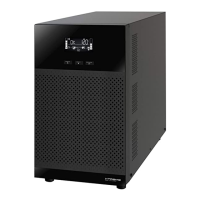
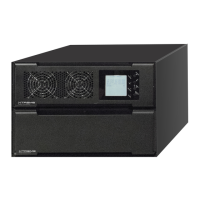
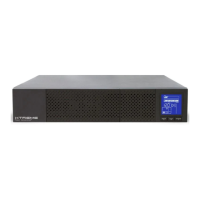
P91, TX91, TX91L, TXVR Service Manual
Page 18
Uninterrupble Power Supply
7. Troubleshoong
This secon describes how to nd the troubles when UPS is abnormal. We suggest you to follow the service
procedure below:
1. Check the UPS status via LED and LCD display, the sound of the buzzer, or listen to the descripon of end
users.
2. Inspect failure board for stac checking.
3. Replace failure components.
4. Stac checking.
5. Power-on checking.
6. Test aer repair.
Following secon will help service person to solve most problems.
7.1 LCD Panel Display Paern Denion
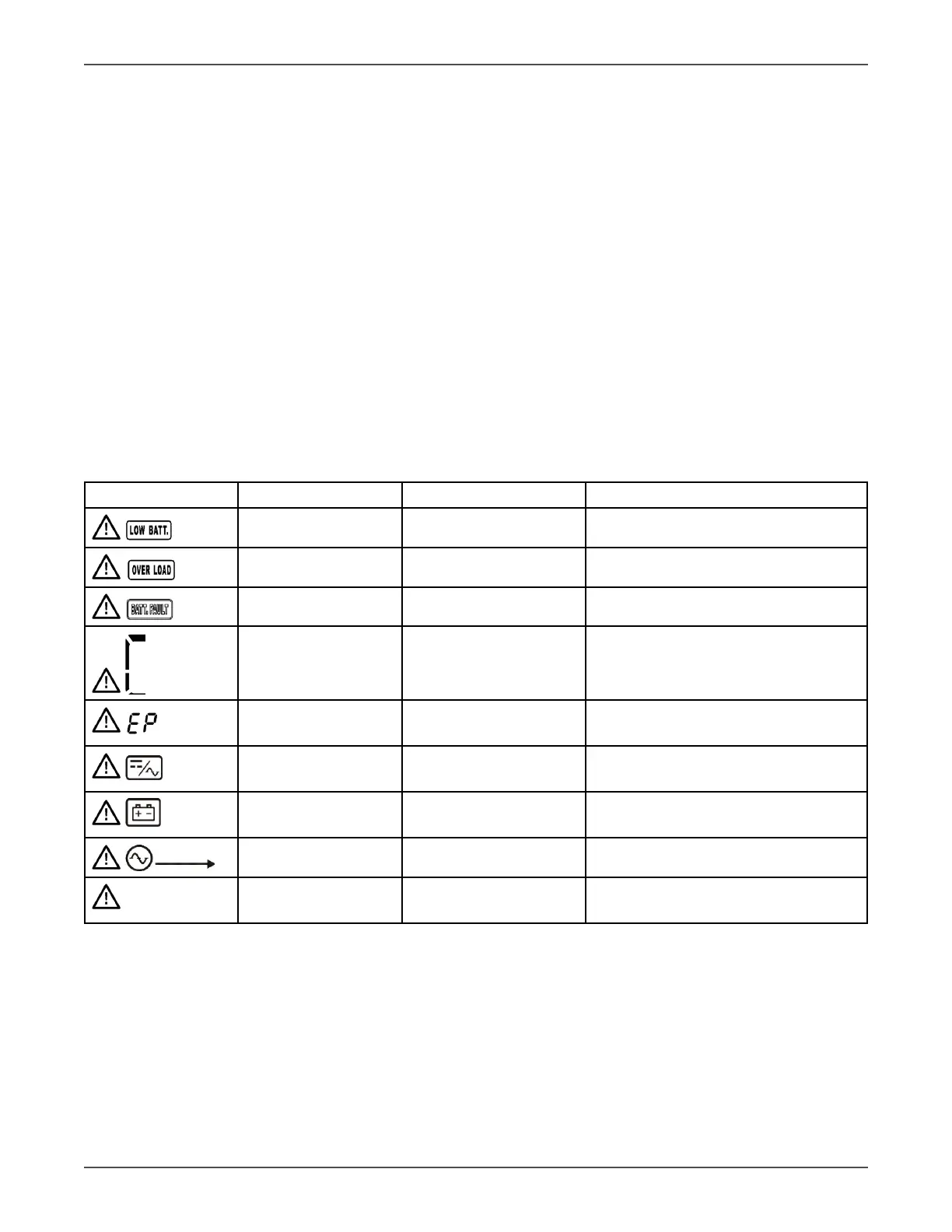
7.1.1 Trouble shoong for warning icon in LCD display
Any warning display implies some abnormity happened to the UPS, indicang that some situaon that may
endanger the reliability of the UPS has occurred, but these situaons don’t immediately lead to interrupon of
power supply.
LCD icon (Flashing) Alarm Possible cause Acon
1 Beeping / second Low baery Check the baery voltage
2 Beeping / second Over load Check the loads
1 Beeping / second Baery disconnected Check the baery wiring
1 Beeping / second Baery/Charger voltage
too high
Check the output voltage of the bat-
tery and the charger
1 Beeping / second EPO plug or cable not
connected
Check the EPO plug and EPO cable
1 Beeping / second Fan failure, or high
internal temperature
Check the fans, loads, venlaon,
ambient temperature
1 Beeping / second Charger broken or
low output voltage
Check the charger
1 Beeping / second I/P fuse broken Check the I/P fuse
1 Beeping / second Overload 3 mes in
30min
Check the loads
Note: When the UPS alarms, the UPS is sll working on the original mode.


 To Next Page