Xtreme Power Conversion Corporaon
P91, TX91, TX91L, TXVR Service Manual
Page 3
Uninterrupble Power Supply
1 General Informaon
1.1 Geng start
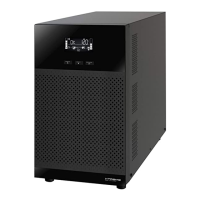
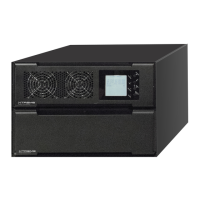
This manual is for P91, TX91, TX91L, TXVR tower and R/T UPS. It can help service person perform the basic main-
tenance and repair service.
This manual only focuses on the service secon, so you should get the basic operaon of the UPS from the user
manual, and make sure you had read and understood the user manual before reading the manual.
The manual include 9 secons:
● General Informaon, this secon shows you the general informaon of the service manual.
● Electric Specicaons, this secon shows you the basic electric specicaon of the UPS.
● Funconal block, this secon shows you the major funconal block of the UPS.
● Working Principle of the Major Funconal Block, this secon shows you the working principle of the
major funconal block.
● Funcon explanaons for each PCB, this secon explains you all the PCBs of the UPS system.
● Interface, this secon shows you the LCD interface, including display and seng.
● Trouble Shoong, this secon gives you the way to nd the problems.
● Test Step, this secon tells you how to test the UPS aer you repair the unit.
● Appendix, this secon shows you the basic waveforms for reference and the basic communicaon
commands.
1.2 Important Safety Instrucons
For qualied service person only.
DO NOT perform any internal service or adjustment of this product unless the technical person is well
trained and experienced. .
Dangerous voltage exists at several points in this product. To avoid personal injury, don’t touch any ex-
posed connecons or components while UPS is on.
Turn o the UPS and switch o the input breaker before removing protecve case. AC voltage is always
present if the input AC power is sll available.
High voltage may exist at DC capacitors. Before removing the protecve case, wait for at least
ve minutes aer turning o the UPS.
Verify input source (voltage and frequency) is within the maximum range before service.


 To Next Page