Xtreme Power Conversion Corporaon
TX91 3.8- 10kVA User’s Manual
Page 26
Uninterrupble Power Supply
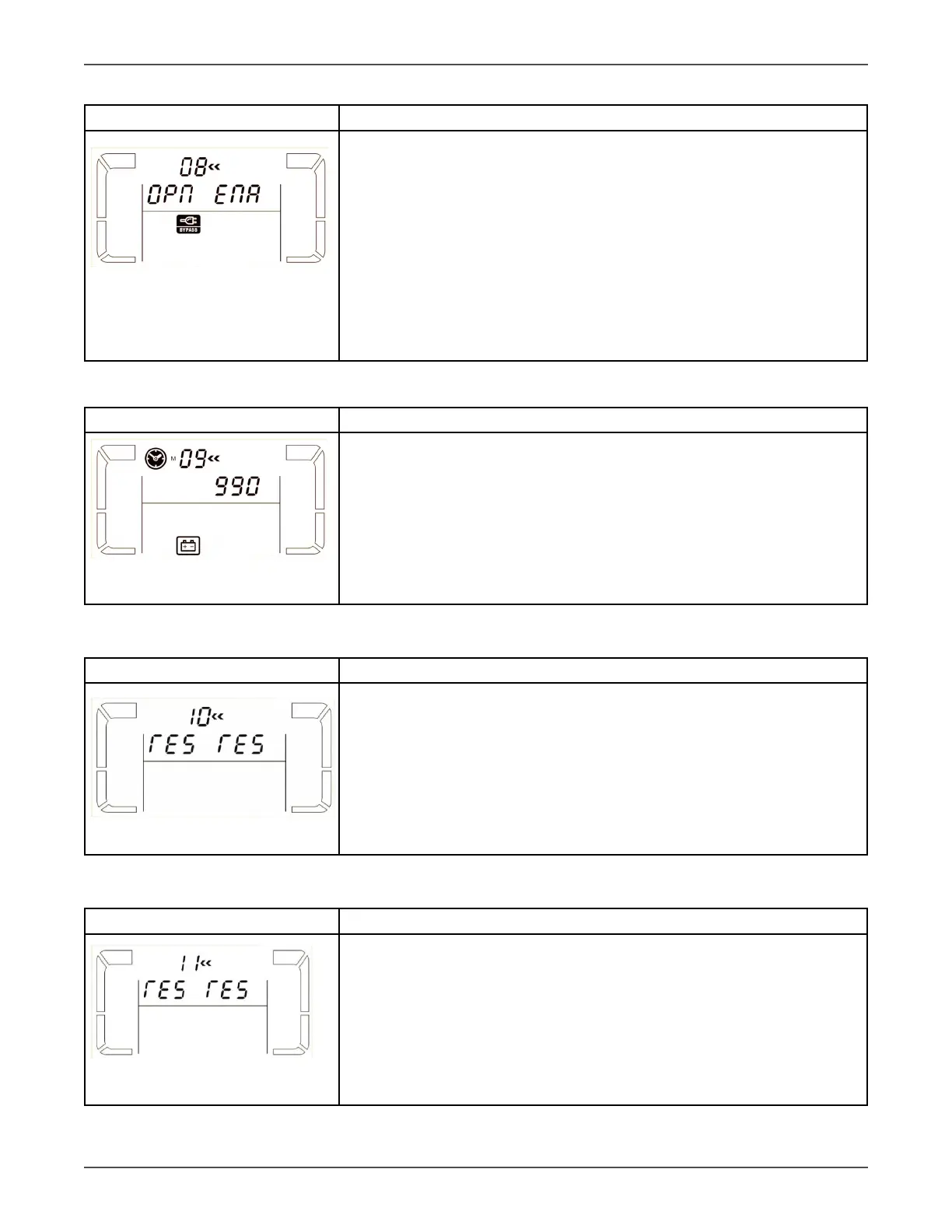
08: Bypass mode seng
Interface Seng
Parameter 2:
OPN: Bypass allowed. When selected, UPS will run at Bypass mode depend-
ing on bypass enabled/disabled seng.
FBD: Bypass not allowed. When selected, it’s not allowed for running in
Bypass mode under any situaons.
Parameter 3:
ENA: Bypass enabled. When selected, Bypass mode is acvated.
DIS: Bypass disabled. When selected, automac bypass is acceptable, but
manual bypass is not allowed. Manual bypass means users manually oper-
ate UPS for Bypass mode. For example, pressing OFF buon in AC mode to
turn into Bypass mode.
09: Baery backup me seng
Interface Seng
Parameter 3:
000~999: Set the maximum backup me from 0min to 999min. UPS will
shut down to protect baery aer backup me arrives. The default value
is 990min.
DIS: Disable baery discharge protecon and backup me will depend on
baery capacity.
The default value is DIS.
10: Reserved
Interface Seng
Reserved
11: Reserved
Interface Seng
Reserved



 To Next Page