2-4 Time Search
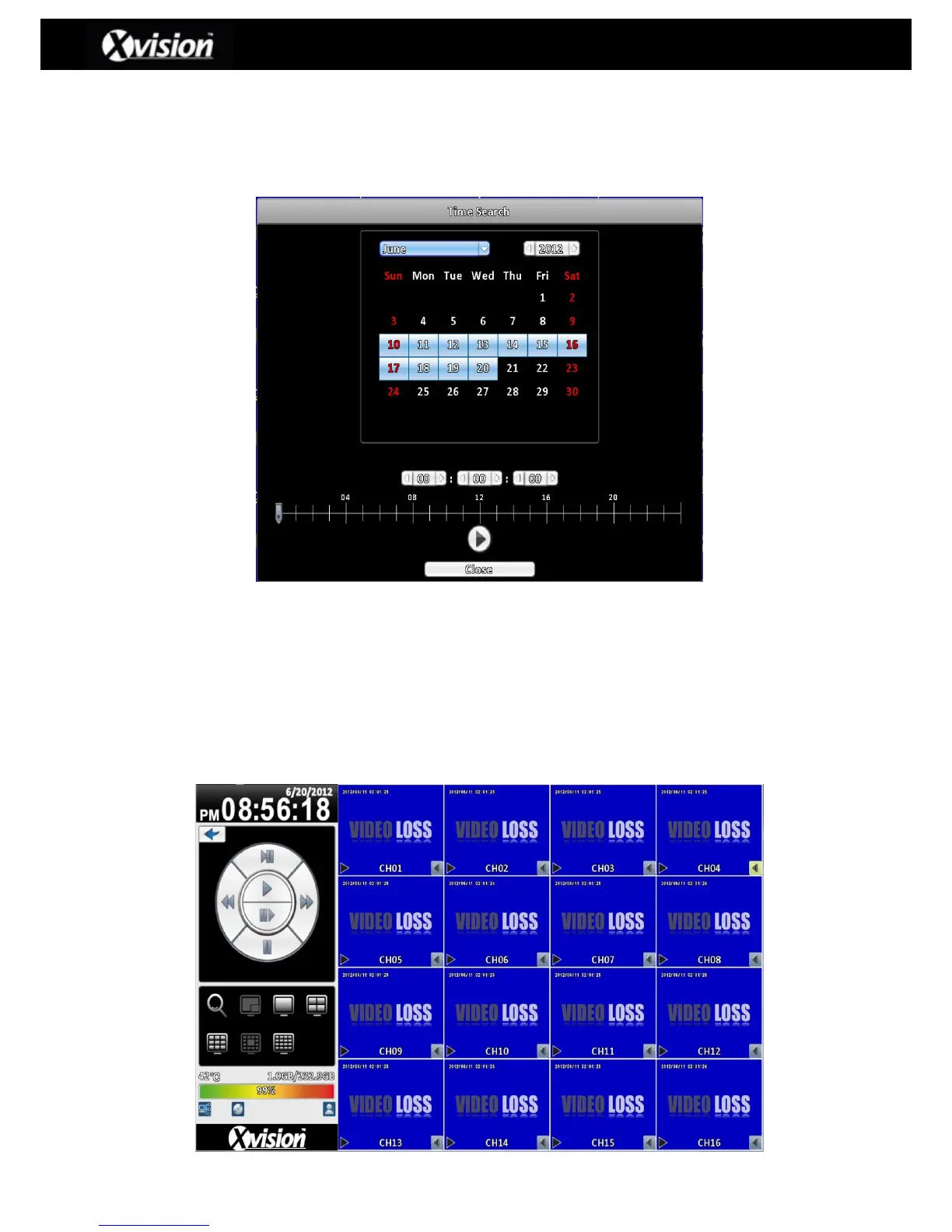
TIME SEARCH allows the user to search for recording data within specific times. Dates that
contain any recording data are highlighted with a blue square, as detailed in the image below.
Users can select the specified date (Including month/year) using the on-screen calendar. The
time can also be further specified by using the drop down menu or the slider time bar located at
the bottom of the page.
Once the date/time has been specified please click the play button, which will then take the user
to the playback screen and menu, as detailed below:
Playback Menu (4:3 Aspect Ratio)



 To Next Page
 Loading...

