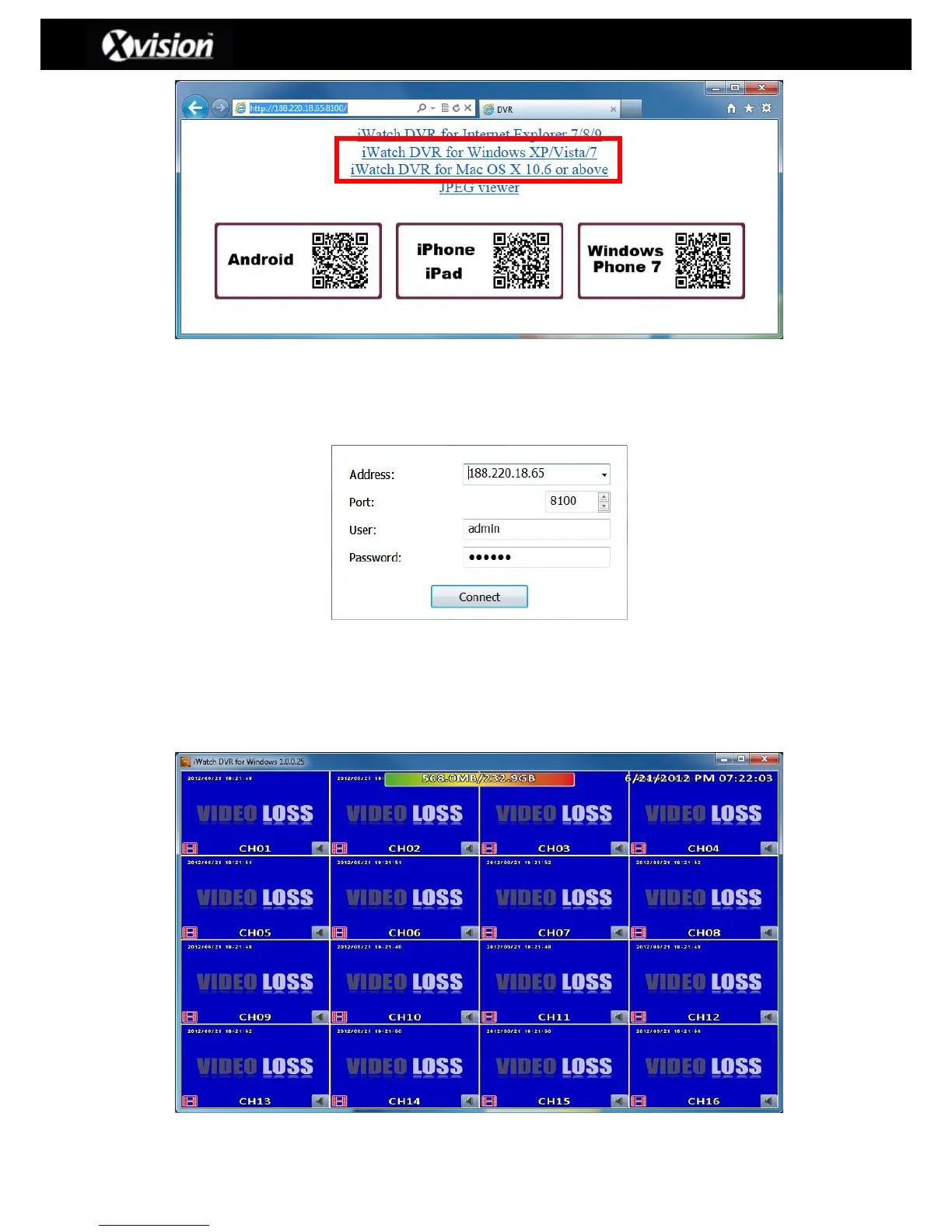
Step 4: Run/install the downloaded iWatchDVR software and the user will be prompted
for the login details to the DVR (IP address, Port Number, Username and Password):
Please Note: The drop-down menu can be used to record previous IP addresses.
Press “Clear” to clear IP address history.
Step 5: Once the user authentication has been confirmed the iWatchDVR software will
have access to the DVR:


 To Next Page
 Loading...

