Chapter 1 LIVE OPERATIONS
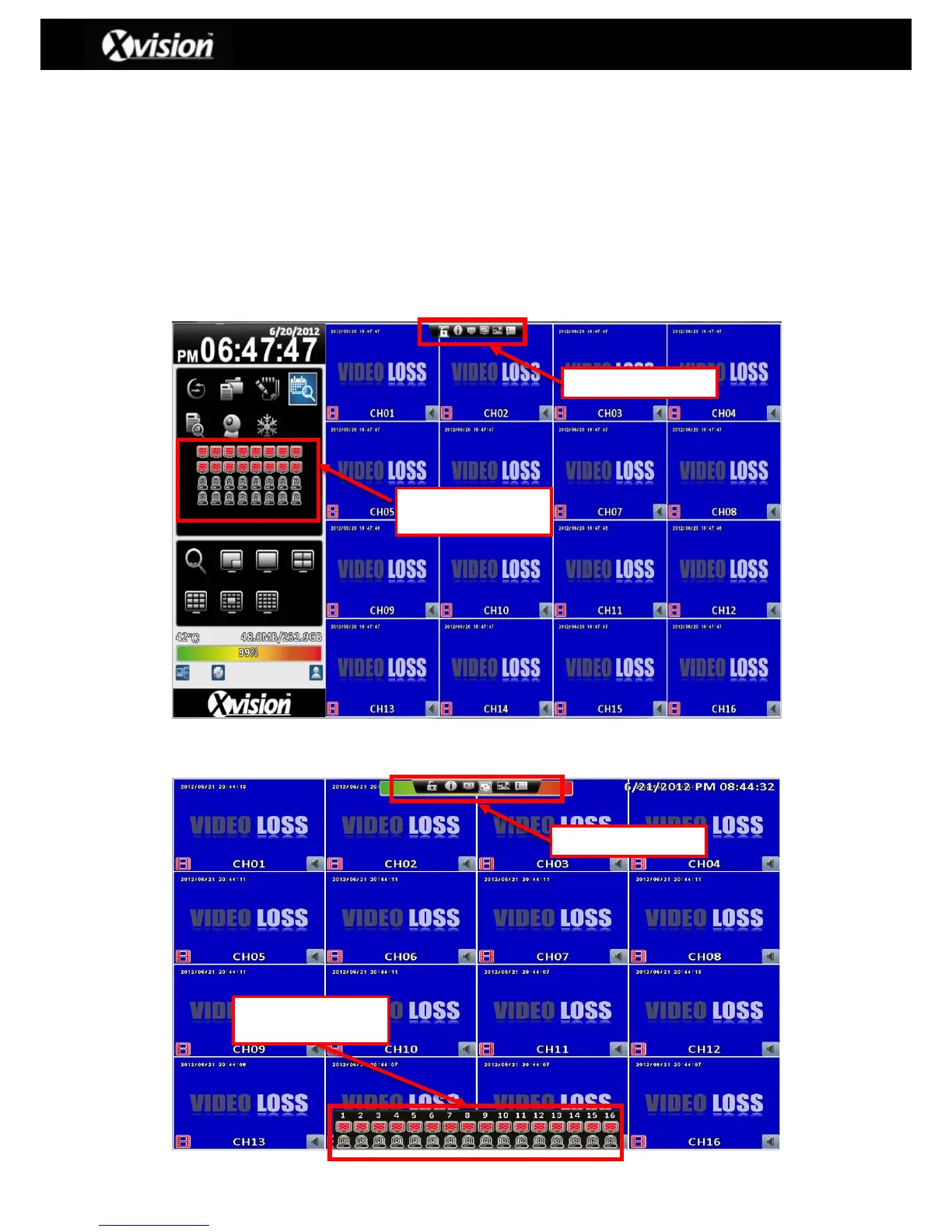
Within live mode, the user can view all the channels as a multi view on the screen, listen to live
audio, as well as operating the DVR. The DVR can either be viewed as in 4:3 or 16:9
(Widescreen) format by selecting the screen aspect ratio button on the shortcut toolbar, which is
can be found by hovering the mouse at the top of the screen.
Please Note: Under the 16:9 aspect ratio (Widescreen mode); Hovering the mouse at the
bottom of the screen will allow the channel state window to appear.
4:3 Aspect Ratio (Normal Mode) - Operation screen
16:9 Aspect Ratio (Widescreen Mode) - Operation screen



 To Next Page
 Loading...

