Chapter 2 MAIN MENU SETUP
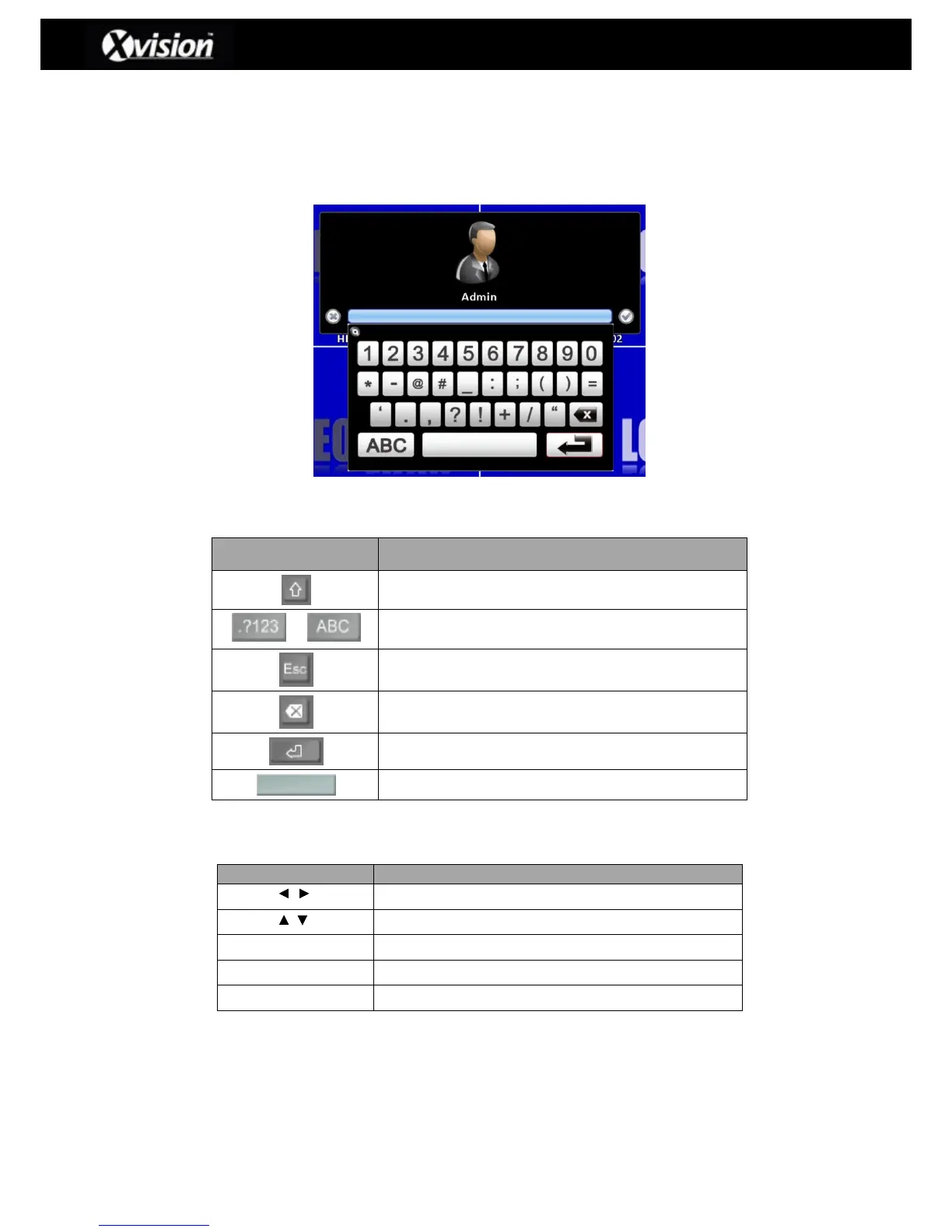
To enter the main menu and set up the DVR a user log-in and password are required. The
default password of the administrator is ‘123456’. Please check the section ‘Account Setup’ for
information on setting up other users.
Virtual keyboard Description
Switch between capital and small letters.
Switch between numbers and letters.
Press to cancel the setup, and re-enter details.
Delete the last character.
Enter to confirm the password
Remote Control Button Description
Scroll LEFT/RIGHT between menu options
Scroll UP/DOWN between menu options
Save current setup and return back to LIVE mode
Return to previous menu without saving
Enter menu option or display virtual keyboard



 To Next Page
 Loading...

