Video Preservation
(Hours)
Setup the video preservation period. Recorded video will be
deleted automatically after expiry of preservation period.
Select the hard drive and press "Start" to begin the formatting
process (i.e. the DVR will clear the hard drive data). When the
status bar displays "successful" the hard drive formatting is
complete. The user will now be able to see the hard drive
information (model, capacity) from the main menu.
Displays HDD status (Recording/Error)
Displays HDD Attributes (Rewritable/Writable/Read-Only)
Displays HDD capacity (Free/Capacity )
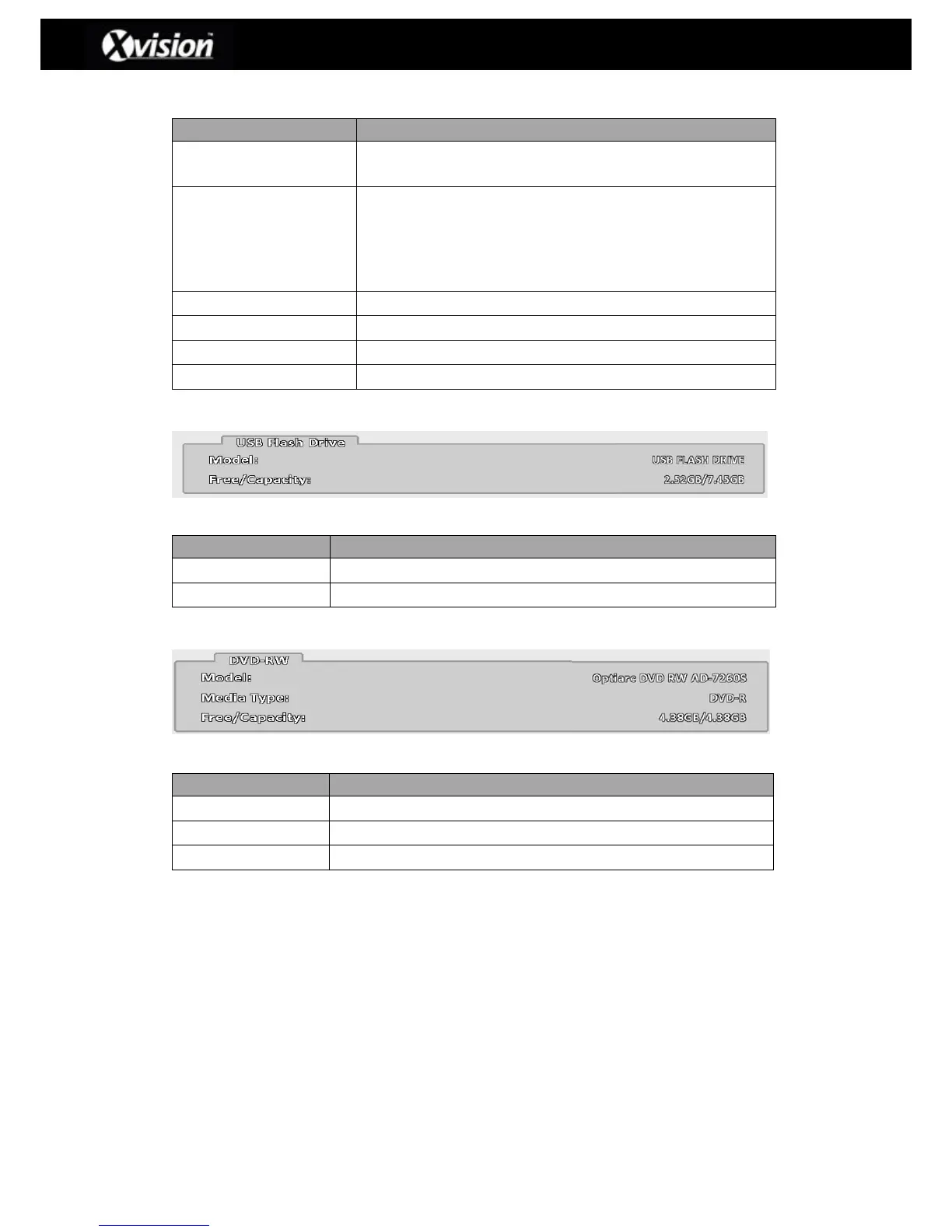
3-6.2 USB Flash Drive Setup
USB Setup Description
Displays USB flash drive model
Displays USB flash drive capacity (Free/Capacity)
3-6.3 DVD-RW Setup
DVD-RW Setup Description
Displays DVR-RW capacity (Free/Capacity )


 To Next Page
 Loading...

