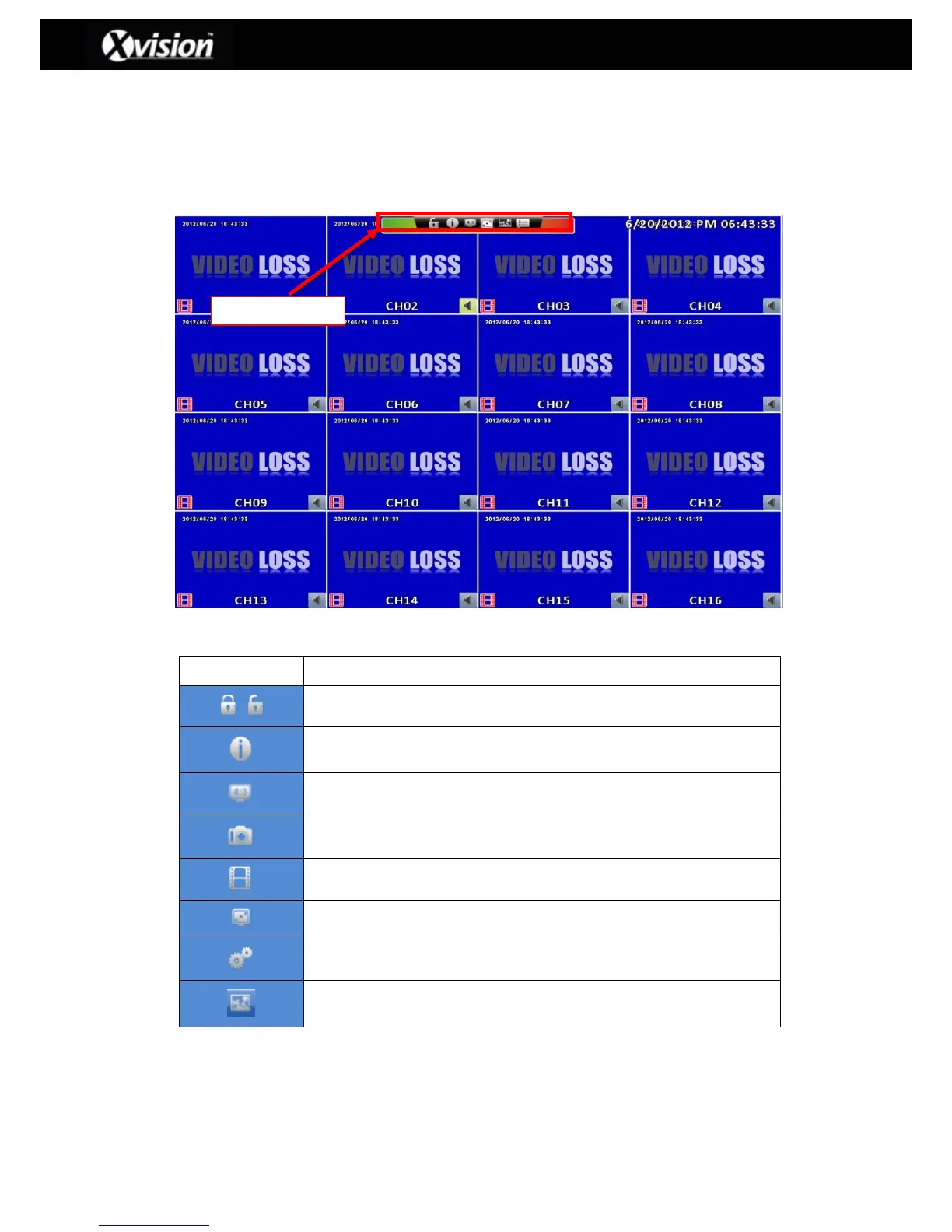
2-8 Shortcut toolbar
The shortcut toolbar is located by moving the mouse/cursor over the top/central part of the
screen (this is the same for both the normal and widescreen options), as detailed below:
Widescreen Display – Shortcut toolbar
Shortcut Toolbar
User login / out: using auto-lock
System Information: The model name, version, IP address, MAC, and
hard drive information
Wide-screen switching: switch 4:3 / 16:9 display.
Enable / Disable recording function
Options: Change the path of PC screen snapshots, video storage.
Network stream quality: Adjust the video bandwidth based on PC
network bandwidth



 To Next Page
 Loading...

