3-7.1.2 Change Date and Time
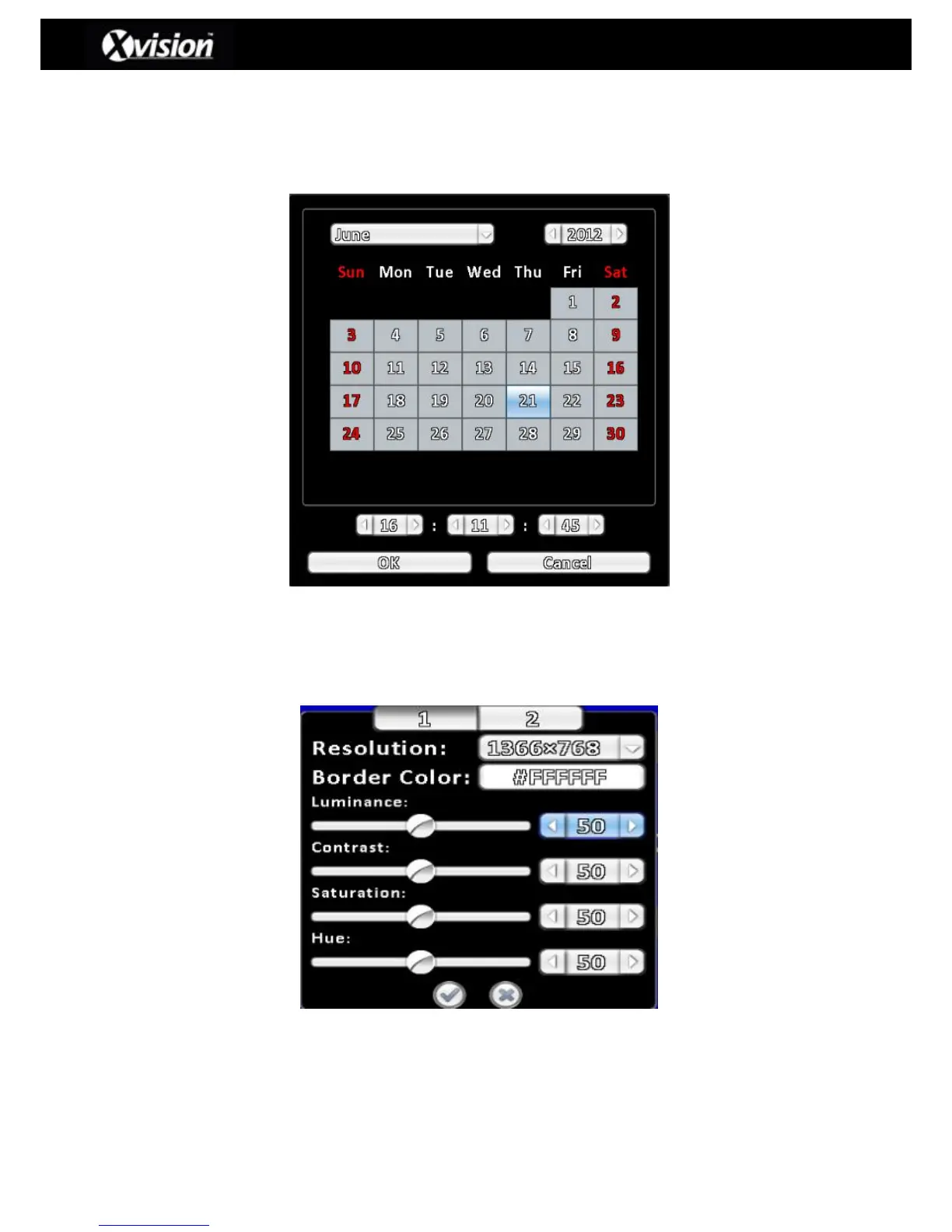
The user can set the local time manually by selecting the button ‘Change Date and Time’ (as
detailed in the image above), which will bring up a new window that contains a calendar:
3-7.2 Monitor Setup
On selecting the monitor setup button a pop-up window showing setup options will appear on
the screen, as detailed below:



 To Next Page
 Loading...

