pg | 89
Sonde
Update Firmware
Users can check and update sensor or sonde rmware through the KOR interface soware. Each device must
be connected to the computer that is running the Desktop version of KOR, and the computer must have
internet access.
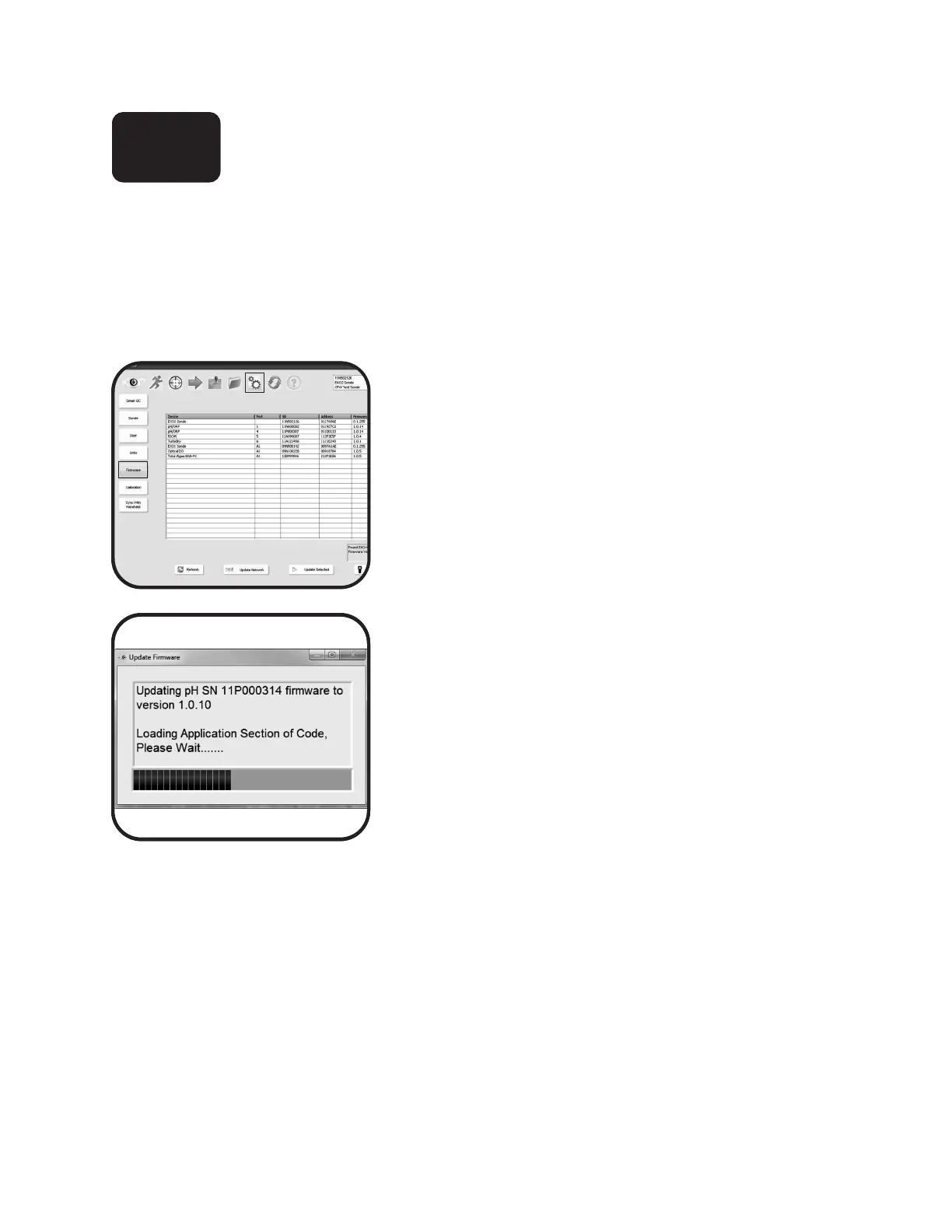
1 Open firmware submenu in Kor.
Navigate to the Options menu in KOR, then to the
Firmware submenu. Immediately aer clicking the
Firmware submenu button, KOR begins to search for
connected sondes and sensors and loads the table with
names, serial numbers, and current rmware versions.
2 Select device and update.
To update a device, click on the device’s name in the table
and then click the Update button.
KOR then updates the device’s rmware, which could take
several minutes.
Note: For best power management, update rmware while
a device is connected via USB, as this will provide power to
the device. However, if you use Bluetooth, we recommend
installing fully charged batteries in the sonde.
6.4














 To Next Page