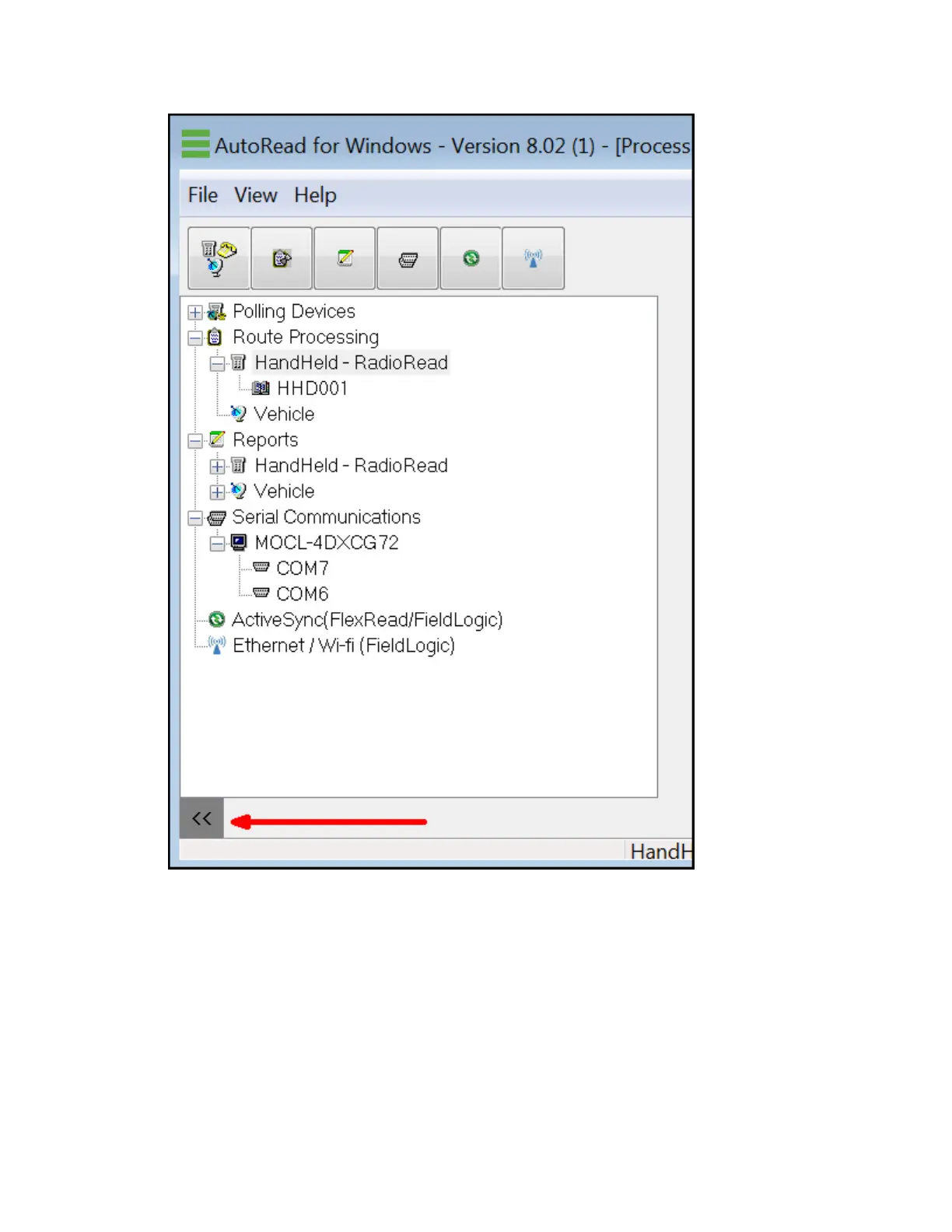
The Current View Area
The Current View area is the right portion of the screen, which displays the available items
for the screen selected (highlighted) in the Tree View. The Current View area is used for
changing properties on a given screen.
Global vs. Individual View
There are two main ways of displaying the routes on the Process Routes screen. These two
ways are Global and Individual route views. Global means that ALL the routes are displayed
on the right side of the screen (or Current View area).
8 Elements of the Process Routes Screen | 91












 To Next Page