SonTek, a Xylem brand
44 RiverSurveyor S5/M9 System Manual (February 2013)
Figure 41. Steps for Making a Discharge Measurement
6.11.1.
Start System
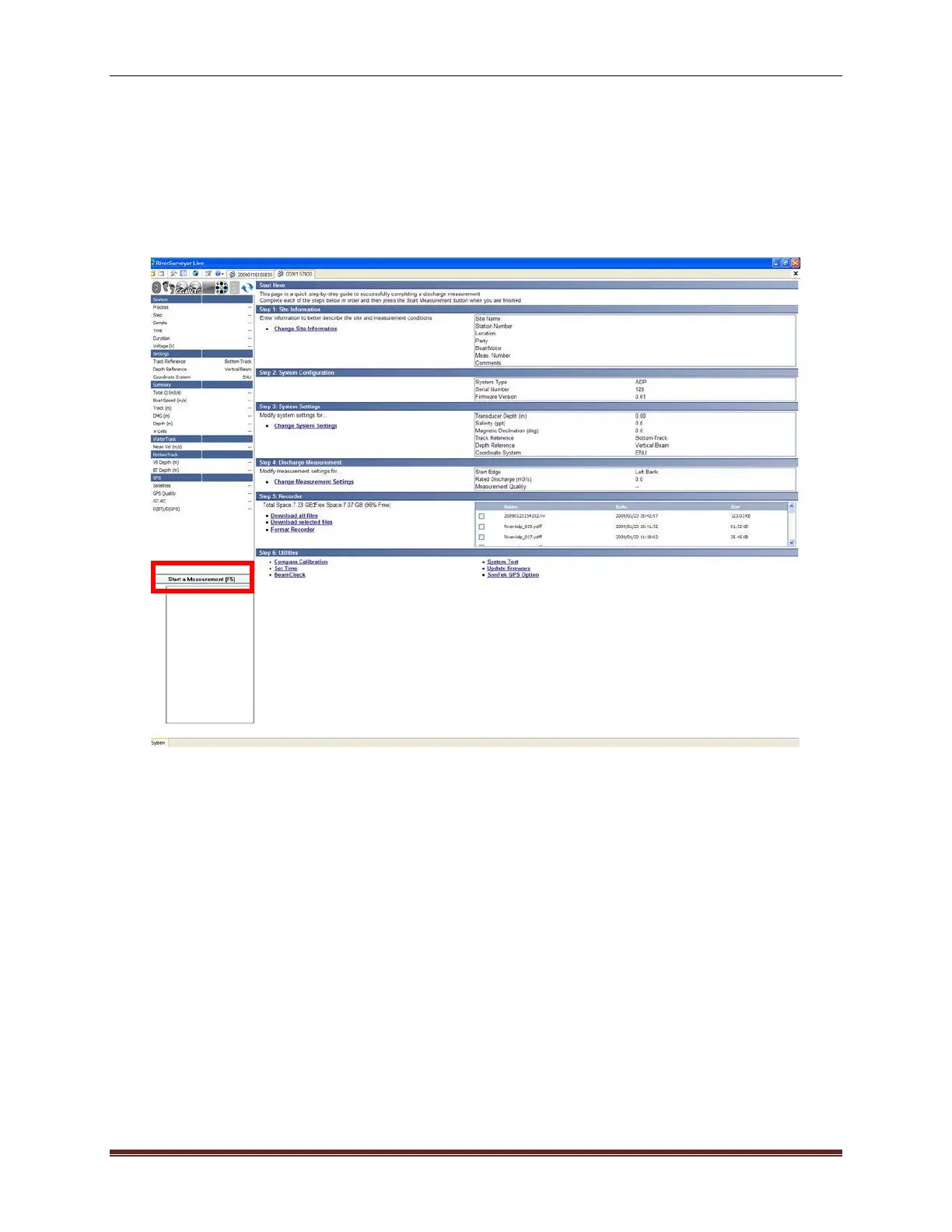
Click the Start a Measurement (F5) button to start data collection. Figure 42 shows where that
button is located on the System tab. Note that this does not record any data. Instead it allows
the data from the system to be viewed to make sure the system is operating correctly. Make
sure that all indicators (shown in the top left) are all valid (not red). Position the vessel at the
start edge of the transect.
Figure 42. Data Collection – Start a Measurement (F5)
6.11.2.
Start Edge
Click the Start Edge button (or F5) as shown in Figure 43 and collect at least 10 edge samples.
The Edge window will be displayed (Figure 44) showing information for both edges. Try to keep
the vessel as stationary as possible during this time. Input the start edge information into the
Edge dialog that pops up and press OK.



 To Next Page
 Loading...









