SonTek, a Xylem brand
RiverSurveyor S5/M9 System Manual (February 2013)
53
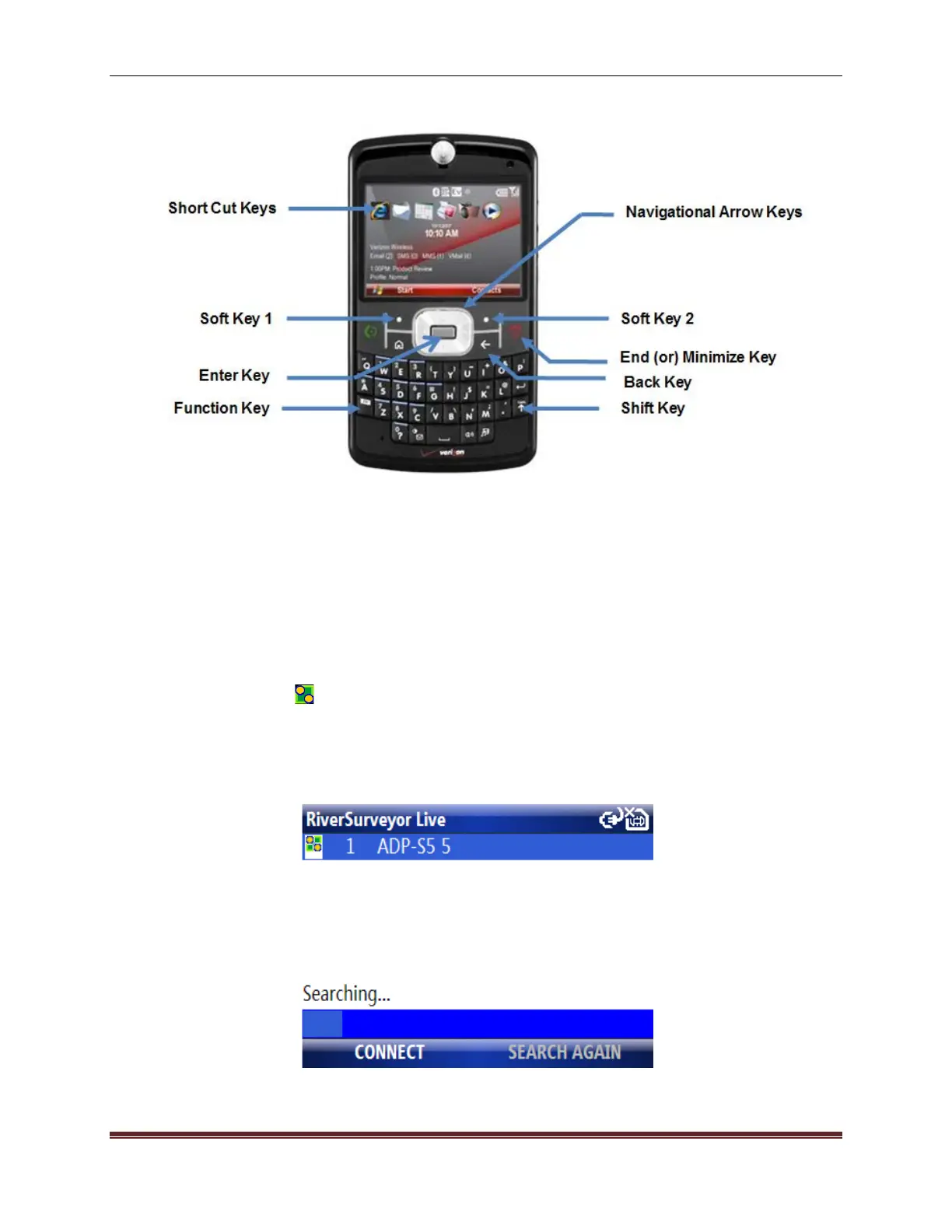
Figure 55. Mobile Device Functions
7.5. Starting the Software and Connecting to the System
To start RiverSurveyor Live for Mobile:
1. Select Start on the bottom left of the Mobile device screen.
2. Use the arrow keys to navigate to the RiverSurveyor Live for Mobile applica-
tion icon and select it. Or, select the icon from the short cut key.
A Search screen appears (Figure 56) when you start the software. The software will automati-
cally search for any Bluetooth capable RiverSurveyor systems within range of the Mobile device
(60m). Any RiverSurveyor systems within range will be listed on the screen.
Figure 56. System Search Screen



 To Next Page
 Loading...









