48
Hands-free operation with a Bluetooth
®
headset (VOX function)
When FT5DR/DE's VOX (automatic voice transmission) function is turned on, you can
use the Bluetooth
®
headset to perform hands-free operation that transmits automatically
just by talking.
Turn on the VOX function according to “VOX Operation” (page 50).
The VOX function settings are the same for the Bluetooth
®
headset and the microphone of
the transceiver. If you do not use the Bluetooth
®
headset and do not use the VOX function
with the transceiver microphone, set it to OFF.
Send by pressing the button on the Bluetooth
®
headset (when the VOX function is OFF)
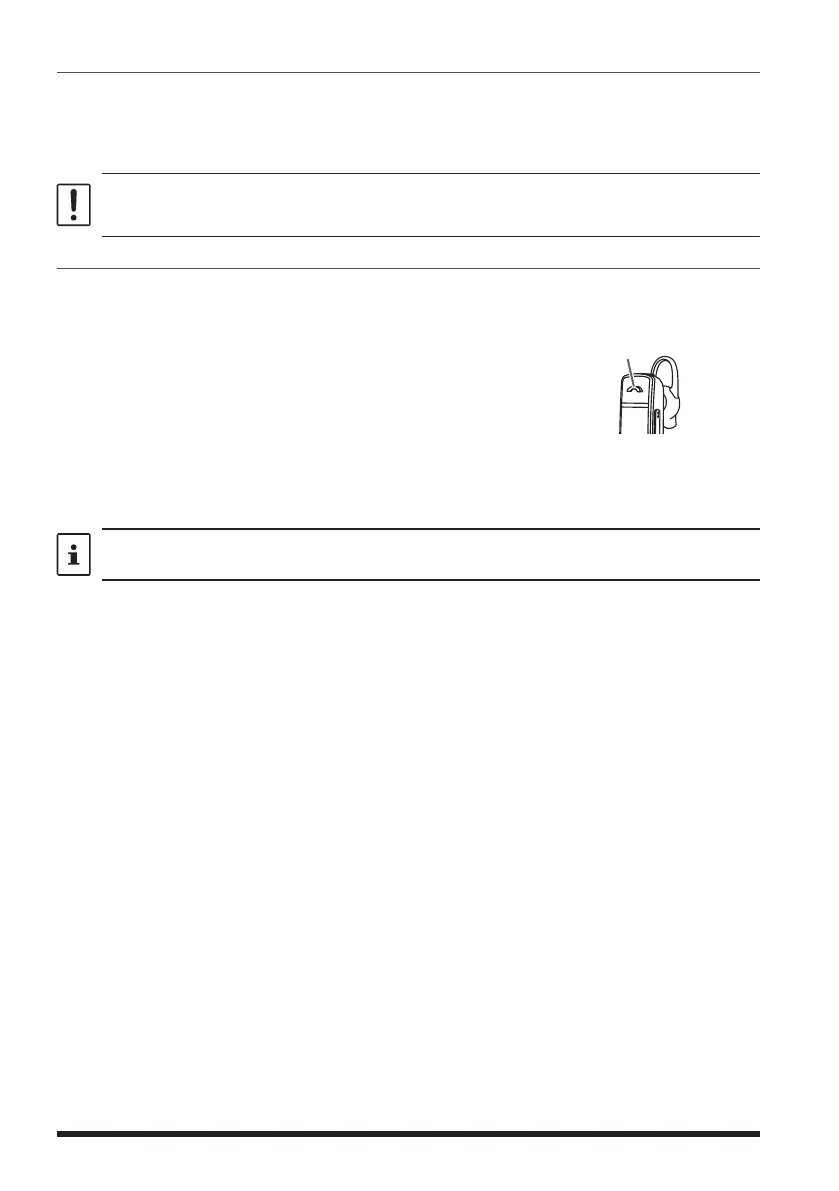
When the VOX function is OFF, pressing the “Call button*” on the Bluetooth
®
head-
set once will keep the FT5DR/DE in transmit and you can make a call using the
Bluetooth
®
headset.
If you press the “Call button”* again, FT5DR/DE will return to
the reception state.
*The button name may differ depending on your Bluetooth
®
headset.
Press briefly to transmit
SSM-BT10: When the Multi-Function Key is pressed, a beep will sound and the FT5DR/
DE will continue to transmit.
Press the Multi-Function Key again, a beep will sound and the FT5DR/DE
will be in receive mode.
Press the PTT switch on the FT5DR/DE to speak into the microphone of the Bluetooth
®
headset regardless of whether the VOX function is ON or OFF.


 To Next Page