108 Chapter 11—Channel Library & View
03D—Owner’s Manual
Channel View
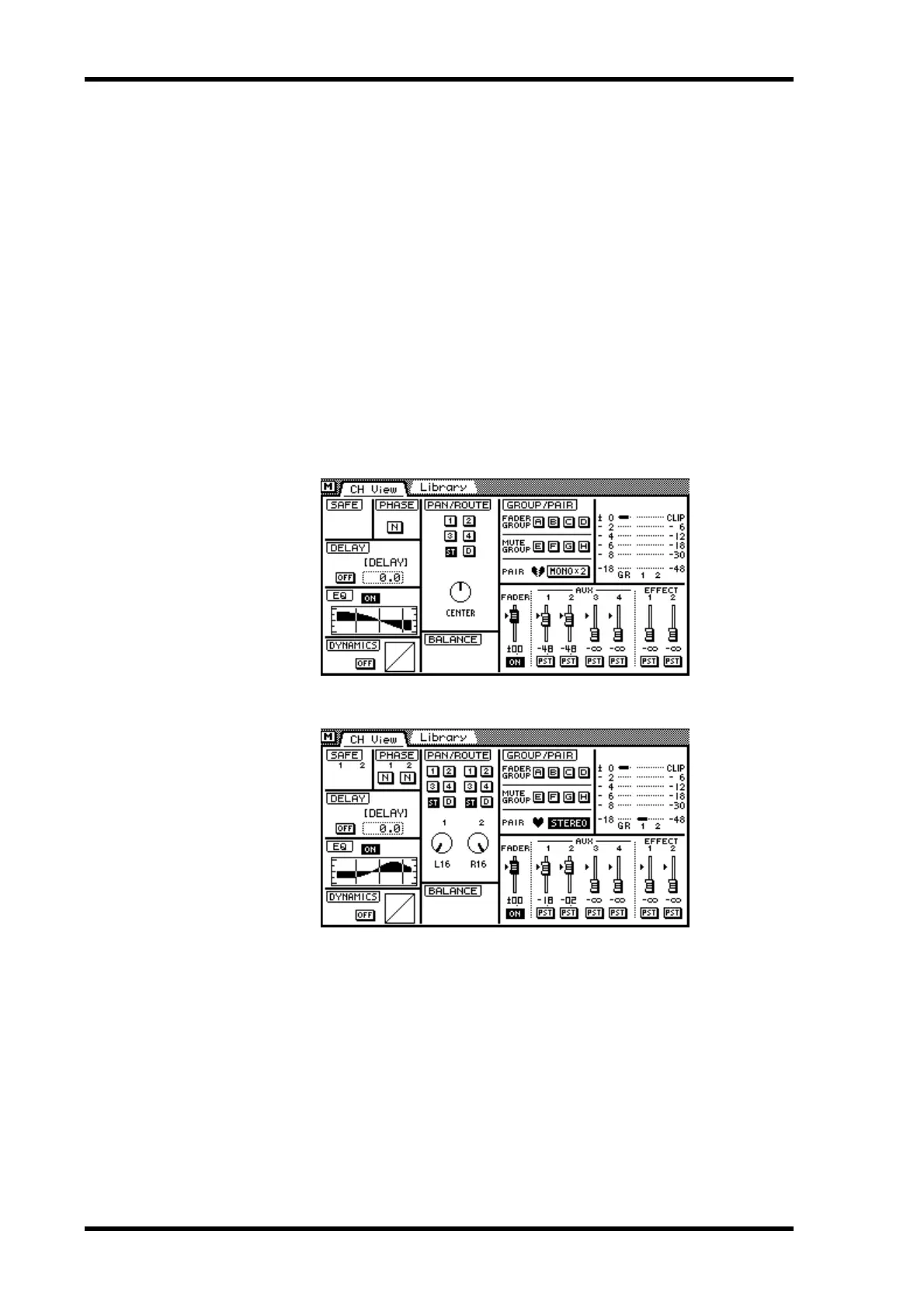
The Channel View page shows various settings and parameter values of the selected
input channel, stereo input channel, effects return channel, aux send, bus out, or the
stereo output, allowing you to check a channel’s mix settings at a glance. Parameters can
also be adjusted.
1. Use the [VIEW] button to locate the CH View page.
2. Use the [SEL] and [MIXING LAYER] buttons to select a channel. See Mix-
ing Layer on page 31 for more information.
3. Use the cursor buttons to select parameters and the [ENTER] button and
PARAMETER wheel to set them.
If you are using a mouse, simply click the switches and drag the rotary controls and fad-
ers.
View pages for the different channels are shown below.
Input channel view
Input channel view with channels configured as a stereo pair



 To Next Page