206 Chapter 16—Automix
03D—Owner’s Manual
Clearing Automix Memories
The contents of the four automix memories can be cleared individually. This can be
used to free up memory for further recording, or simply to clear automixes that are no
longer required. It can also be used to delete automixes that have been backed up using
MIDI Bulk Dump. See Bulk Dump on page 242 for more information. Automix mem-
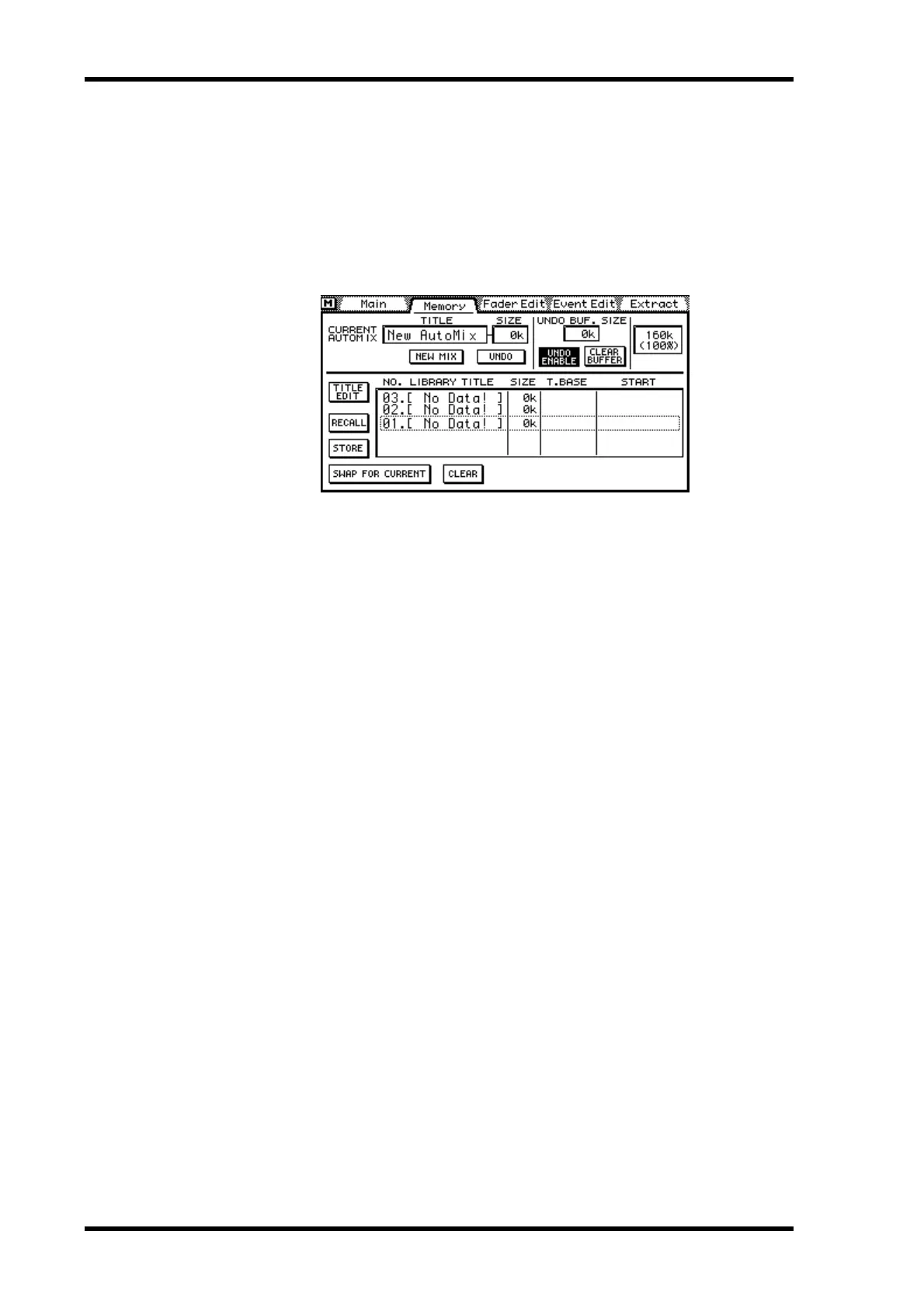
ories are cleared on the Memory page. You don’t have to recall an automix to clear it.
1. Use the [AUTOMIX] button to locate the Memory page.
2. Select the automix using the PARAMETER wheel or mouse.
If you are using a mouse, position the mouse cursor over the parameter box, press and
hold the left mouse button, and then drag the mouse.
3. Use the cursor buttons to select the CLEAR switch.
4. Press the [ENTER] button.
If you are using a mouse, simply click the CLEAR switch.
A confirmation dialog box appears.
5. Press OK to confirm.
The selected automix memory is cleared, and the title, size, time base, and start values
are reset.



 To Next Page