50 Chapter 5—EQ
03D—Owner’s Manual
Recalling EQ Programs
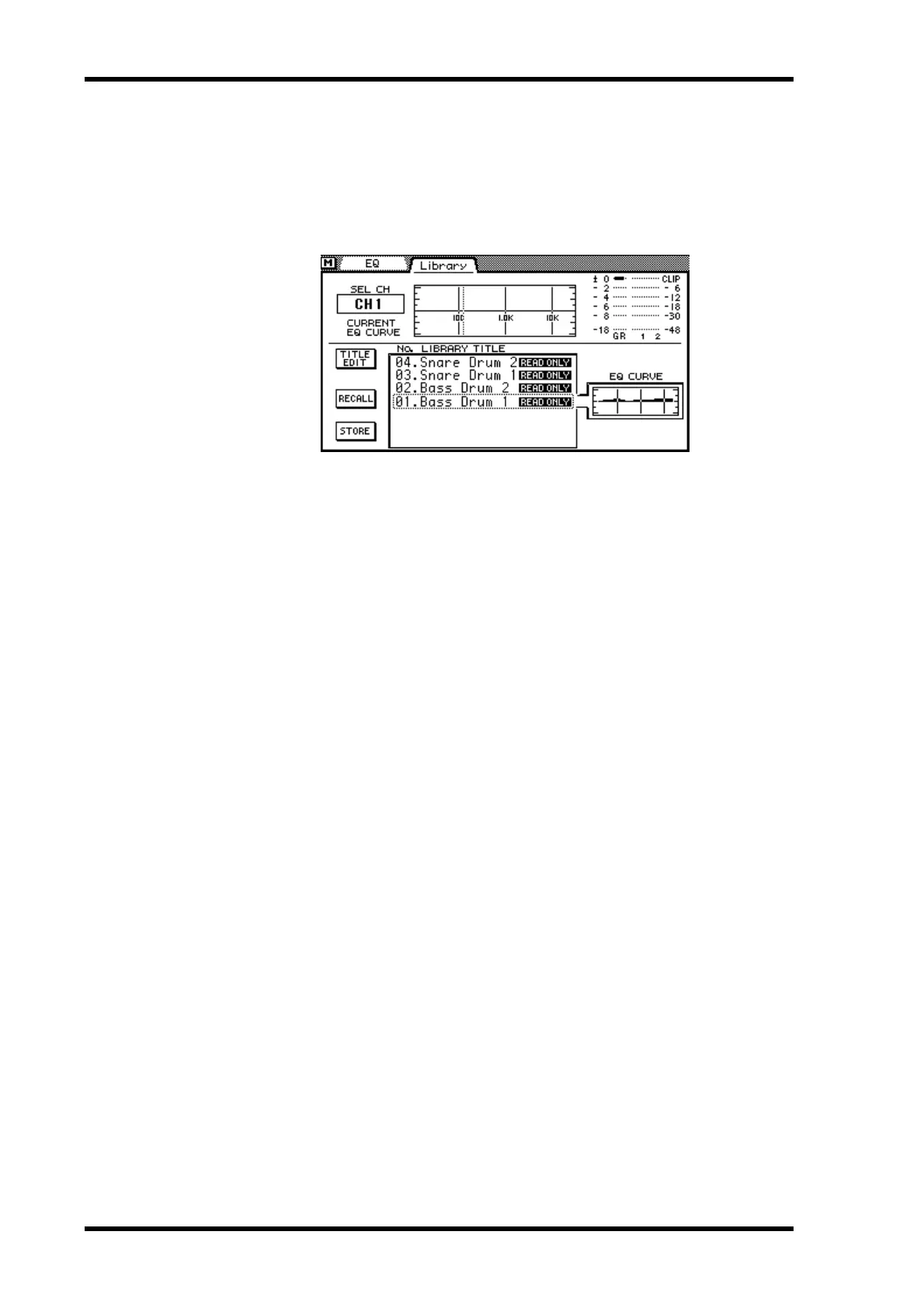
EQ programs are recalled from the EQ Library page. You can recall any of the 40 preset
and 40 user programs.
1. Press the [EQ LOW] and [LO-MID] buttons together to access the Library
page.
2. Use the [SEL] buttons to select the channel to which you want to recall
the EQ program.
3. Use the PARAMETER wheel to scroll through the list of EQ programs. If
you are using a mouse, position the mouse cursor over the parameter
box, press and hold the left mouse button, and then drag the mouse.
As each program is selected, its EQ curve appears in the EQ CURVE window. EQ pro-
grams that do not contain data have the title No Data!
4. Use the cursor button to select the RECALL switch, and then press the
[ENTER] button.
If you are using a mouse, simply click the RECALL switch.
The EQ program is recalled.



 To Next Page