27
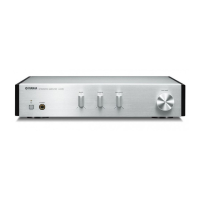
A-S2000
A-S2000
● ファクトリーリセット
工場出荷時の設定(INPUT:CDBAL)に戻します。
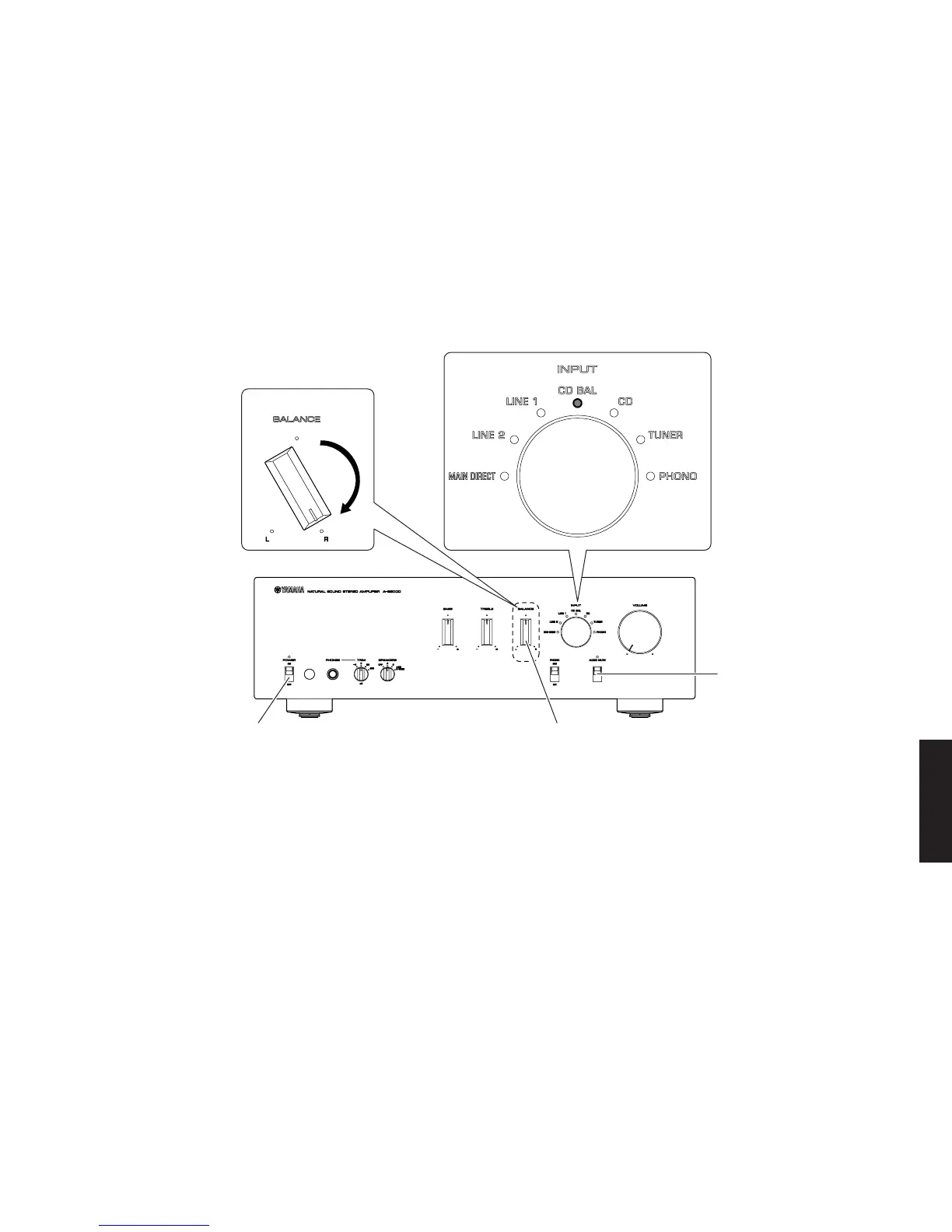
1. BALANCEノブを右いっぱいに回し、AUDIO
MUTEスイッチを押し下げながらPOWERON/
OFFスイッチをONにします。(Fig.7)
2. INPUTセレクターLEDCDBALが点灯し、通常
動作に戻ります。(Fig.7)
3. POWERON/OFFスイッチをOFFにして終了し
ます。
● Factory Reset
Set back to the factory setting (INPUT: CD BAL).
1. Turn the "BALANCE" knob clockwise fully and
then while pressing down the "AUDIO MUTE"
switch, set the "POWER ON/OFF" switch to the
ON position. (Fig. 7)
2. The INPUT selector LED “CD BAL” will light up
and the normal operation will be restored. (Fig. 7)
3. Set the POWER ON/OFF switch to the OFF posi-
tion to end.
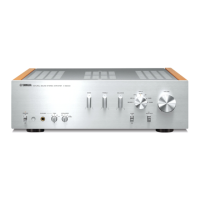
Fig. 7
"POWER ON/OFF" switch "BALANCE" knob
"AUDIO MUTE" switch
"BALANCE" knob


 To Next Page