26
A-S2000
A-S2000
● ファームウェアバージョンの確認
ダイアグのファームウェアバージョンの表示で
ファームウェアが正しく更新されたことを確認しま
す。ダイアグの詳細は「ダイアグ(自己診断)」を参照し
てください。
● ファームウェアバージョンの表示
マイコンのファームウェアバージョンを表示します。
・ 操作方法
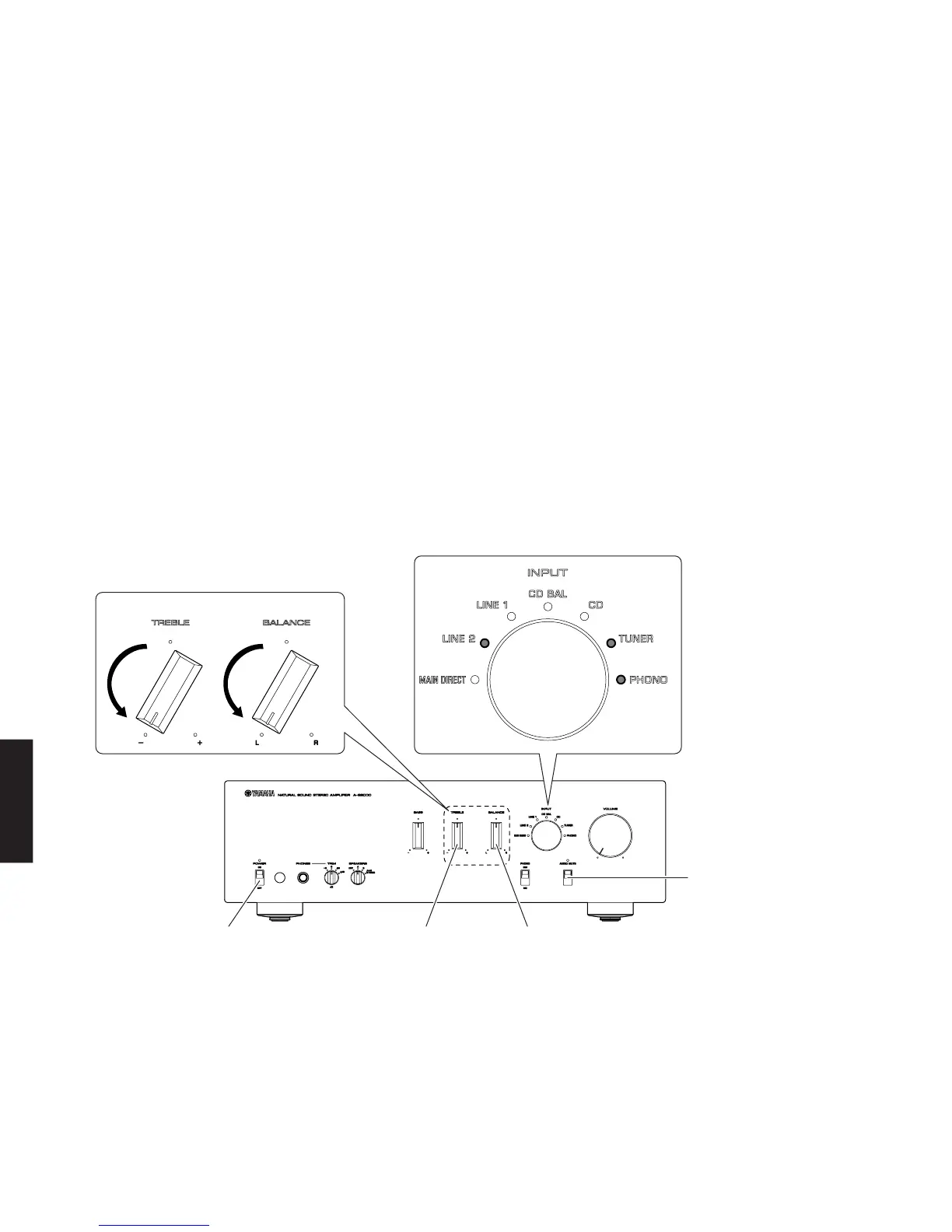
BALANCEノブおよびTREBLEノブを左いっ
ぱいに回し、AUDIOMUTEスイッチを押し下げ
ながらPOWERON/OFFスイッチをONにしま
す。(Fig.6)
・ ファームウェアバージョンの表示
INPUTセレクターLEDを使って、2進数(BCD)に
て表します。(Fig.6)
● Confirmation of Firmware Version
Confirm that the firmware is updated successfully by
checking the “Indication of Firmware Version” by the
self-diagnostic function.
For more information, refer to “SELF-DIAGNOSTIC
FUNCTION”.
● Indication of Firmware Version
Thefirmwareversionofthemicroprocessorisindi-
cated.
• Operation procedures
Turn the “BALANCE” and “TREBLE” knobs coun-
terclockwise fully and then while pressing down
the “AUDIO MUTE” switch, set the “POWER ON/
OFF” switch to the ON position. (Fig. 6)
• Indication of Firmware Version
The INPUT selector LED indicates the firmware
version in the binary system (BCD).
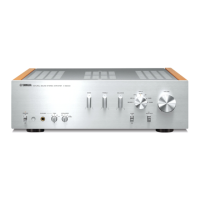
"TREBLE" knob"POWER ON/OFF" switch "BALANCE" knob
"AUDIO MUTE" switch
Example) when the firmware version is [V0035]
例) ファームウェアバージョンが[V0035]の場合
"BALANCE" knob"TREBLE" knob
Fig. 6


 To Next Page