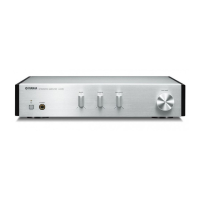
A-S2000
30
LINE 1
(2
4
= 16)
0
0
0
0
0
0
0
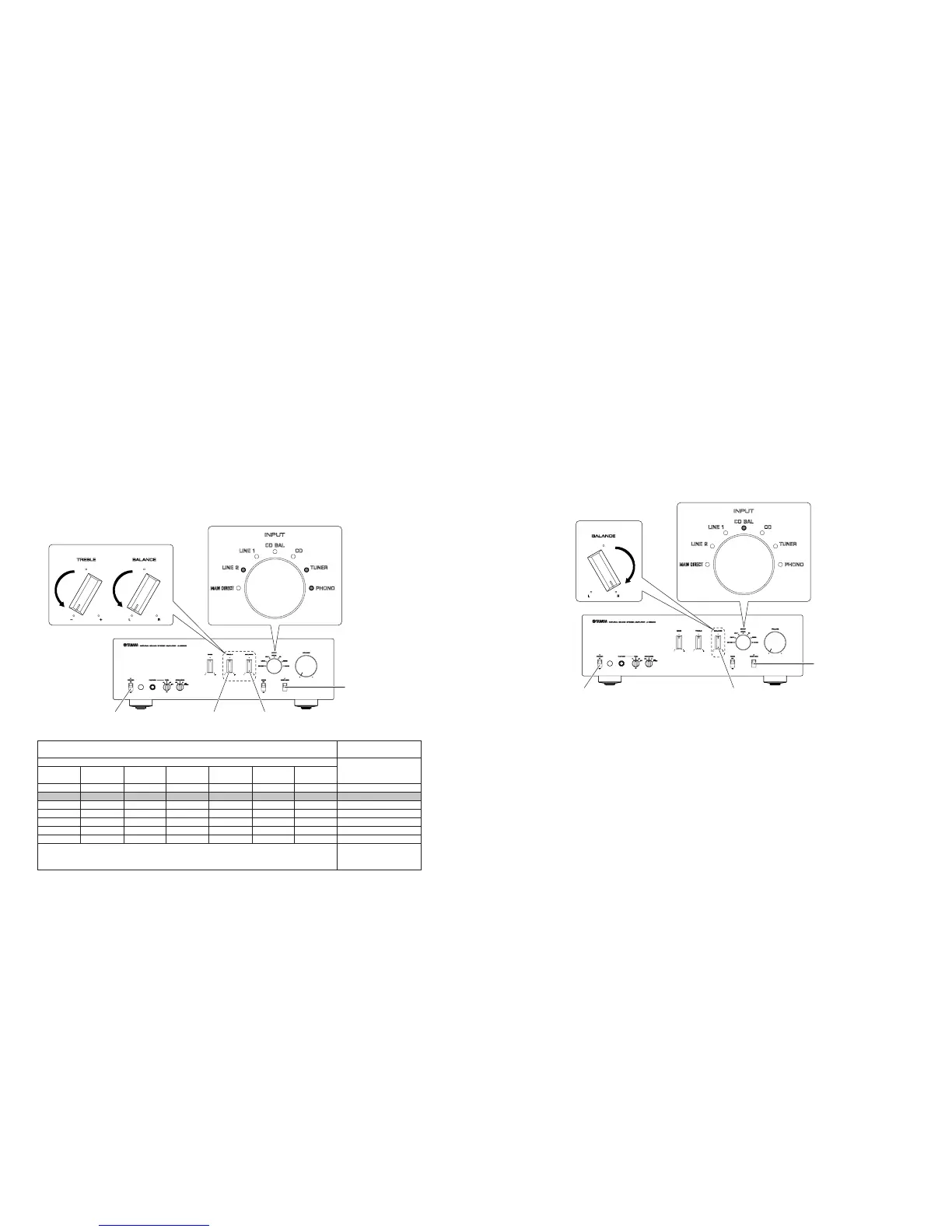
Input selector LED /
INPUTセレクターLED
Firmware version /
ファームウェアバージョン
Binary number (BCD) [Lit: 1, Off: 0] / 2進数(BCD)[点灯:1、消灯:0]
Decimal number / 10進数MAIN DIRECT
(2
6
= 64)
0
0
0
0
0
0
0
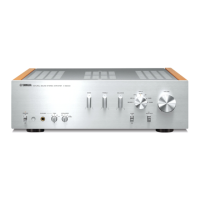
"TREBLE" knob"POWER ON/OFF" switch "BALANCE" knob
"AUDIO MUTE" switch
Example) when the firmware version is [V0035]
例) ファームウェアバージョンが[V0035]の場合
"BALANCE" knob"TREBLE" knob
LINE 2
(2
5
= 32)
1
1
1
1
1
1
1
CD BAL
(2
3
= 8)
0
0
0
0
0
0
1
CD
(2
2
= 4)
0
0
1
1
1
1
0
TUNER
(2
1
= 2)
1
1
0
0
1
1
0
PHONO
(2
0
= 1)
0
1
0
1
0
1
0
•
•
•
•
•
•
● バージョン情報
マイコンのファームウェアバージョンを表示します。
・ 操作方法
BALANCEノブおよびTREBLEノブを左いっ
ぱいに回し、AUDIOMUTEスイッチを押し下げ
ながらPOWERON/OFFスイッチをONにしま
す。
・ ファームウェアバージョンの表示
INPUTセレクターLEDを使って、2進数(BCD)に
て表します。
● Version Information
Thefirmwareversionofthemicroprocessorisindi-
cated.
• Operation procedures
Turn the “BALANCE” and “TREBLE” knobs coun-
terclockwise fully and then while pressing down
the “AUDIO MUTE” switch, set the “POWER ON/
OFF” switch to the ON position.
• Indication of Firmware Version
The INPUT selector LED indicates the firmware
version in the binary system (BCD).
● Factory Reset
Set back to the factory setting (INPUT: CD BAL).
• Operation procedures
Turn the "BALANCE" knob clockwise fully and
then while pressing down the "AUDIO MUTE"
switch, set the "POWER ON/OFF" switch to the
ON position.
The INPUT selector LED “CD BAL” will light up
and the normal operation will be restored.
Set the POWER ON/OFF switch to the OFF posi-
tion to end.
● ファクトリーリセット
工場出荷時の設定(INPUT:CDBAL)に戻します。
・ 操作方法
BALANCEノブを右いっぱいに回し、AUDIO
MUTEスイッチを押し下げながらPOWERON/
OFFスイッチをONにします。
INPUTセレクターLEDCDBALが点灯し、通常
動作に戻ります。
POWERON/OFFスイッチをOFFにして終了し
ます。


 To Next Page