En 11
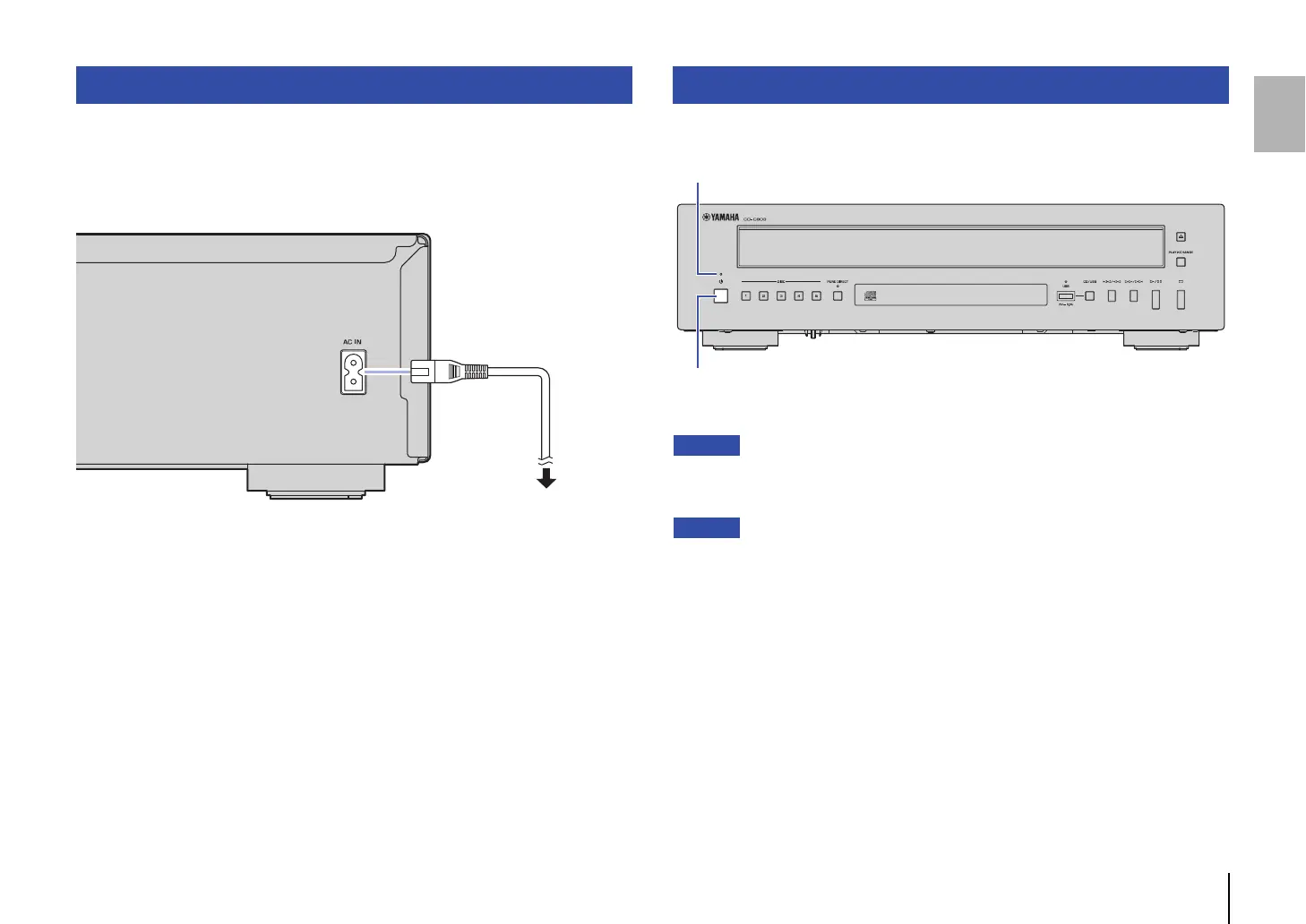
After all the connections between audio devices are complete, connect the supplied
power cord to the AC IN connector on this unit, and then plug the other end into an AC
outlet.
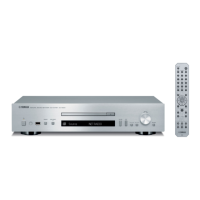
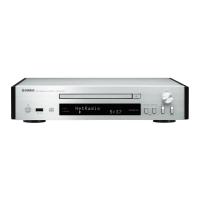
To turn on the power to the unit, press A (Power) on the front panel.
• If you plan not to use this product for a long period of time, remove the power cord plug from the
AC outlet. Even when the unit is in Standby mode, this product still uses a small amount of
electricity.
• If you press STANDBY/ON on the remote control while the power to the unit is on, the unit will enter
Standby mode.
• The power indicator on the unit operates as follows:
Brightly lit: Power is on
Dimly lit: Standby mode
Off: Power is off
• This unit features an Auto Power Standby function that reduces power consumption (page 22).
(Default: Auto Power Standby On)
Connecting the power cord
To an AC wall outlet
Power cord (supplied)
This unit (rear panel)
Turning on the power
A (Power)
Power indicator
This unit (front panel)


 To Next Page