En 17
Replacing discs during CD playback
(PLAYXCHANGE)
You can replace discs during CD playback.
1
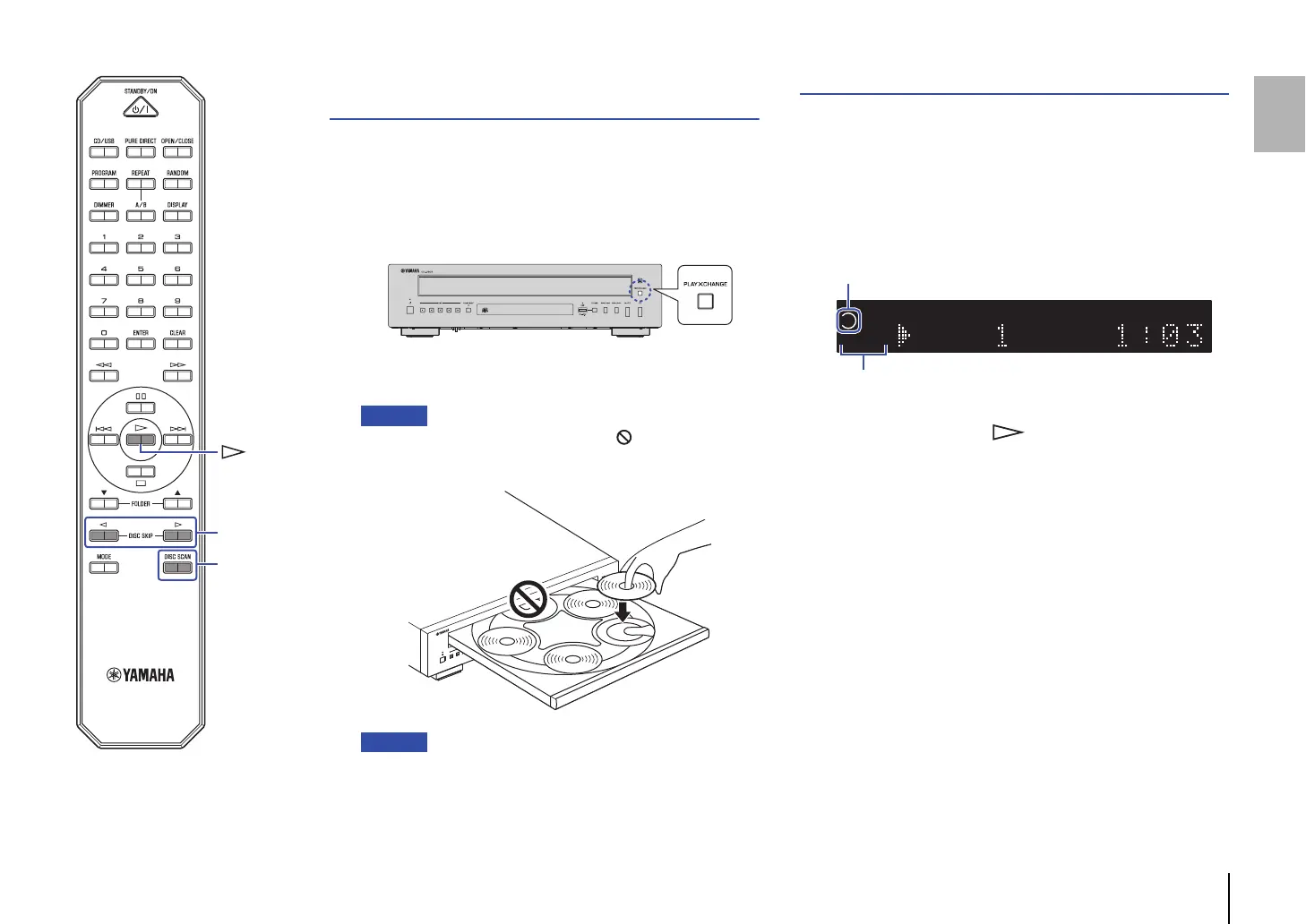
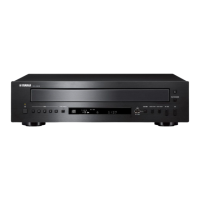
Press PLAYXCHANGE on the front panel while a CD
is playing.
The disc tray extends.
2
Replace discs.
• Do not place a disc in the slot marked with in the figure below
(farthest from the front edge of the tray).
Otherwise, this product or the disc may be damaged.
• The DISC SKIP buttons will not work while the disc tray is extended.
3
Press PLAYXCHANGE.
The disc tray retracts.
Locating a CD to listen to (DISC SCAN)
This function enables you to play a 10-second section of each
loaded CD to help you find a CD that you want to listen to.
1
Press DISC SCAN while playback is stopped.
The unit starts scanning discs. While scanning, the disc slot
indicators (1-5) flash.
The unit plays 10 seconds for each CD. During playback, the
corresponding disc slot indicator lights up.
2
Press DISC SCAN or (Play).
The unit stops scanning, and starts playback from track 1 of
the currently playing CD.


 To Next Page