14 En
You can play music files (stored on your USB flash drive) on this
unit. For information on supported USB flash drives, please refer to
“Supported file formats/discs/USB flash drives” (page 23).
1
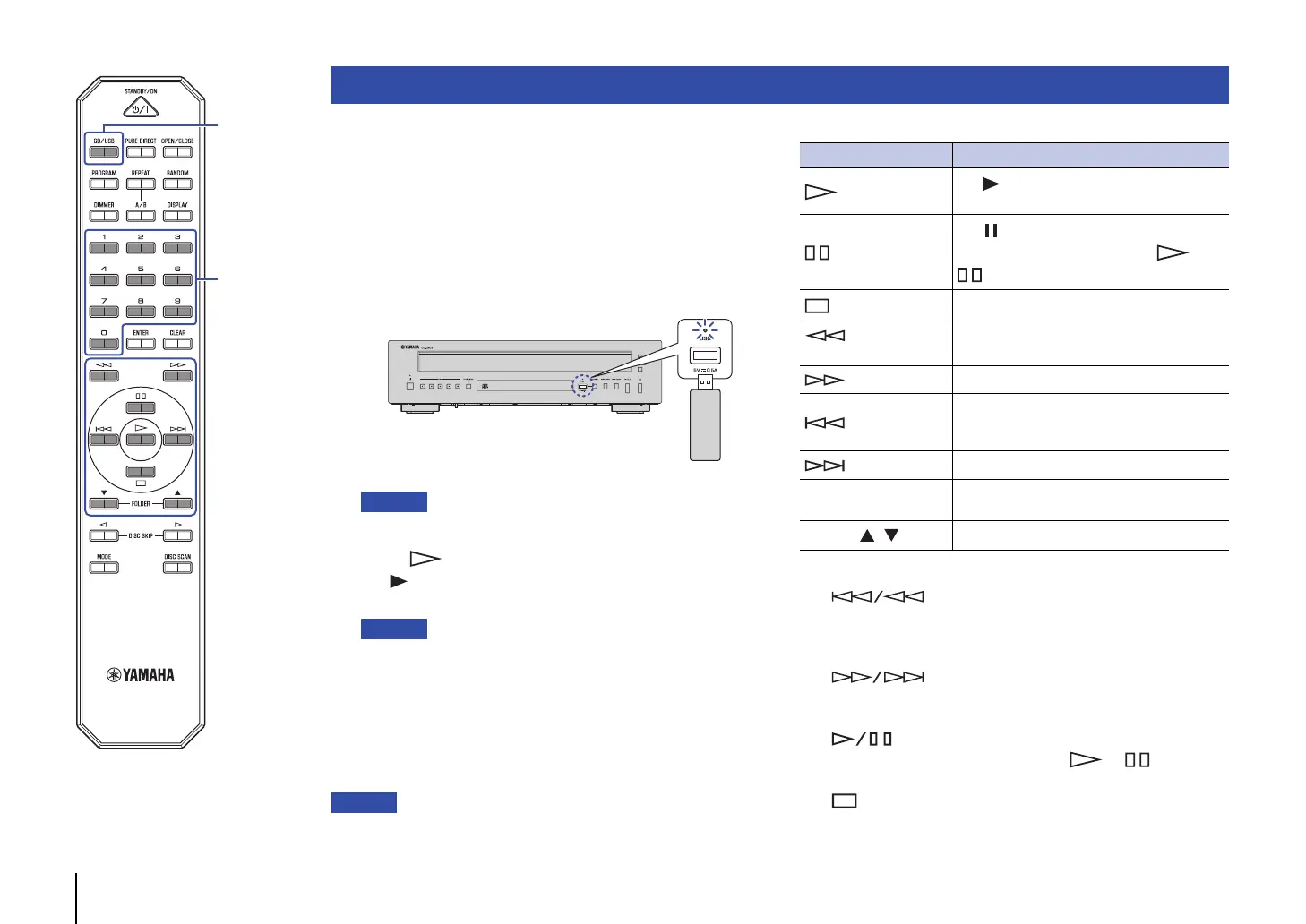
If the USB indicator on the front panel is off, press
CD/USB to switch to USB mode.
The USB indicator on the front panel lights up orange.
2
Connect the USB flash drive to the USB jack.
The USB indicator on the front panel lights up green.
• Do not use USB extension cables.
3
Press (Play).
The indicator appears on the information display and
playback starts.
• During audio file playback, the playback media indicator
corresponding to the file format lights up.
• If compatible music files are stored on your USB flash drive, the unit
will play them in chronological order based on date of creation.
• You can configure this product so that playback automatically starts
when power to the unit is turned on or when you switch to Disc or
USB mode (page 22).
(Default: Automatic Playback On)
• Do not remove the USB flash drive during playback, or while the information
display on the front panel is indicating “USB READING”. In this case, first
press CD/USB to switch to Disc mode, make sure that the USB indicator
turns off, and then remove the flash drive.
Use the following remote control keys to control operation.
The control buttons on the front panel function as follows:
(Skip backward/Search backward):
Skips back to the previous track. Skips back to the top of the
current track if pressed during playback. It also searches
tracks backward if you press and hold the button.
(Skip forward/Search forward):
Skips to the next track. It also searches tracks forward if you
press and hold the button.
(Play/Pause):
Resumes or pauses playback. Press or to resume
playback.
(Stop):
Stops playback.
Playing music files stored on your USB flash drive
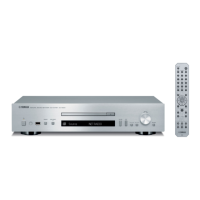
This unit (front panel)
USB flash drive
Available keys Function
(Play)
The indicator appears on the information
display and playback starts.
(Pause)
The indicator appears on the information
display and playback pauses. Press or
to resume playback.
(Stop)
Stops playback.
(Search backward)
Searches tracks backward.
(Search forward)
Searches tracks forward.
(Skip backward)
Skips back to the previous track. Skips back to
the top of the current track if pressed during
playback.
(Skip backward)
Skips to the next track.
Numeric keys
Enter a track number to directly select the
corresponding track.
FOLDER ,
Selects the next or previous folder.
Numeric keys


 To Next Page