12 En
PLAYING AUDIO
This unit enables you to play data CDs as well as audio CDs. For
information on the type of CDs that can be played on this unit,
please refer to “Supported file formats/discs/USB flash drives”
(page 23).
1
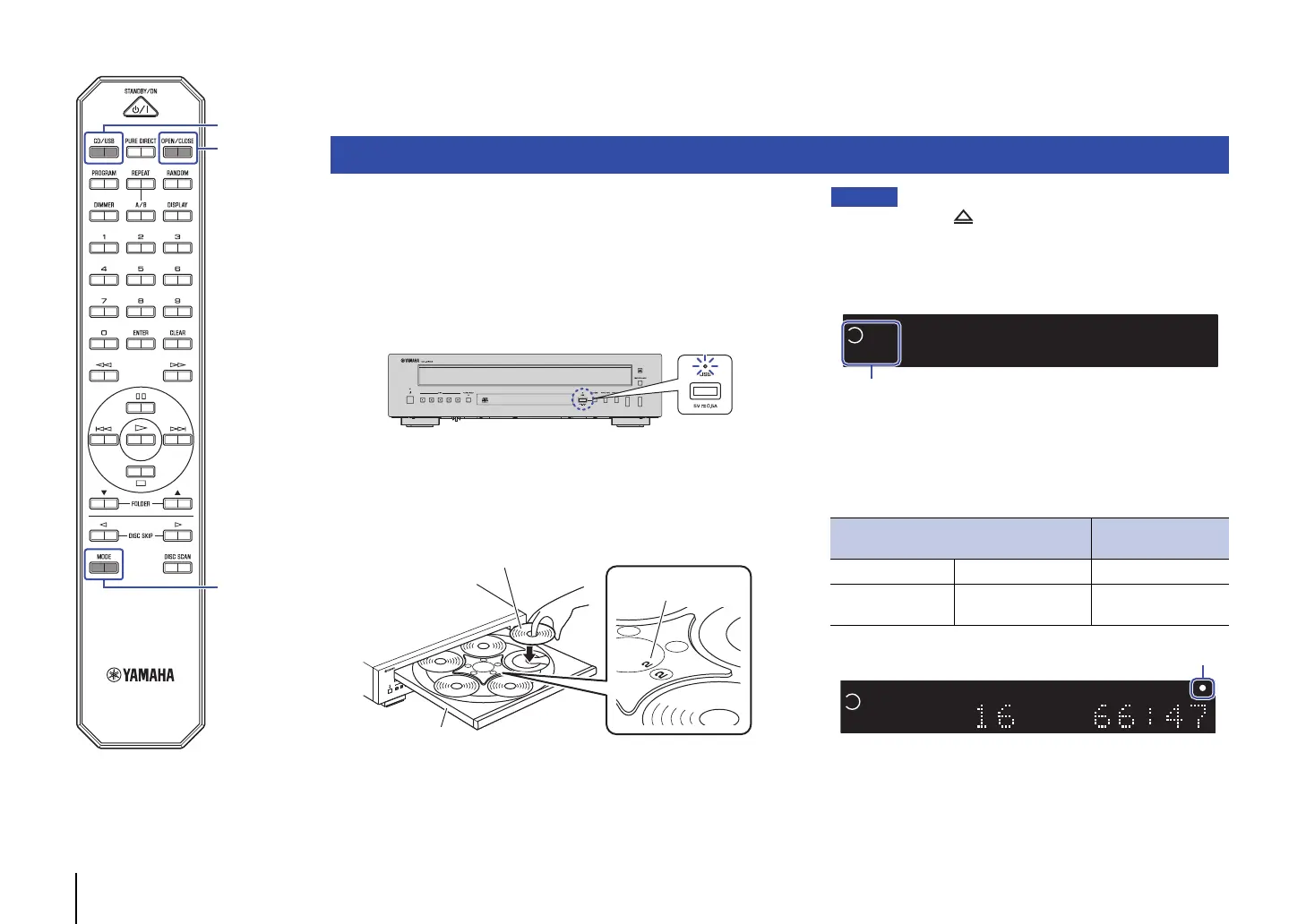
If the USB indicator on the front panel is lit, press
CD/USB to switch to Disc mode.
2
Place a disc on the disc tray.
Press OPEN/CLOSE repeatedly to extend and retract the disc
tray.
• You can also press (Open/Close) on the front panel repeatedly to
extend and retract the disc tray.
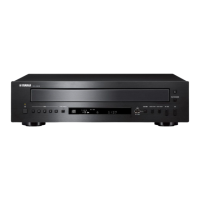
• After the disc tray retracts, disc slot indicators (1-5) light up. If some
disc slots are empty while discs are loading, the disc slot indicators
corresponding to empty disc slots will turn off.
3
Press MODE repeatedly to select the playback
mode.
Pressing MODE repeatedly will change the playback mode as
follows:
Playing CDs
Disc tray
Disc slot number
Label side facing up
Playback mode
Playback mode
indicator
1-disc mode One CD is played. Lit
All-disc mode
Each CD will be played
in sequence.
Off
Disc slot indicators (1-5)


 To Next Page