– 31 –
741-001
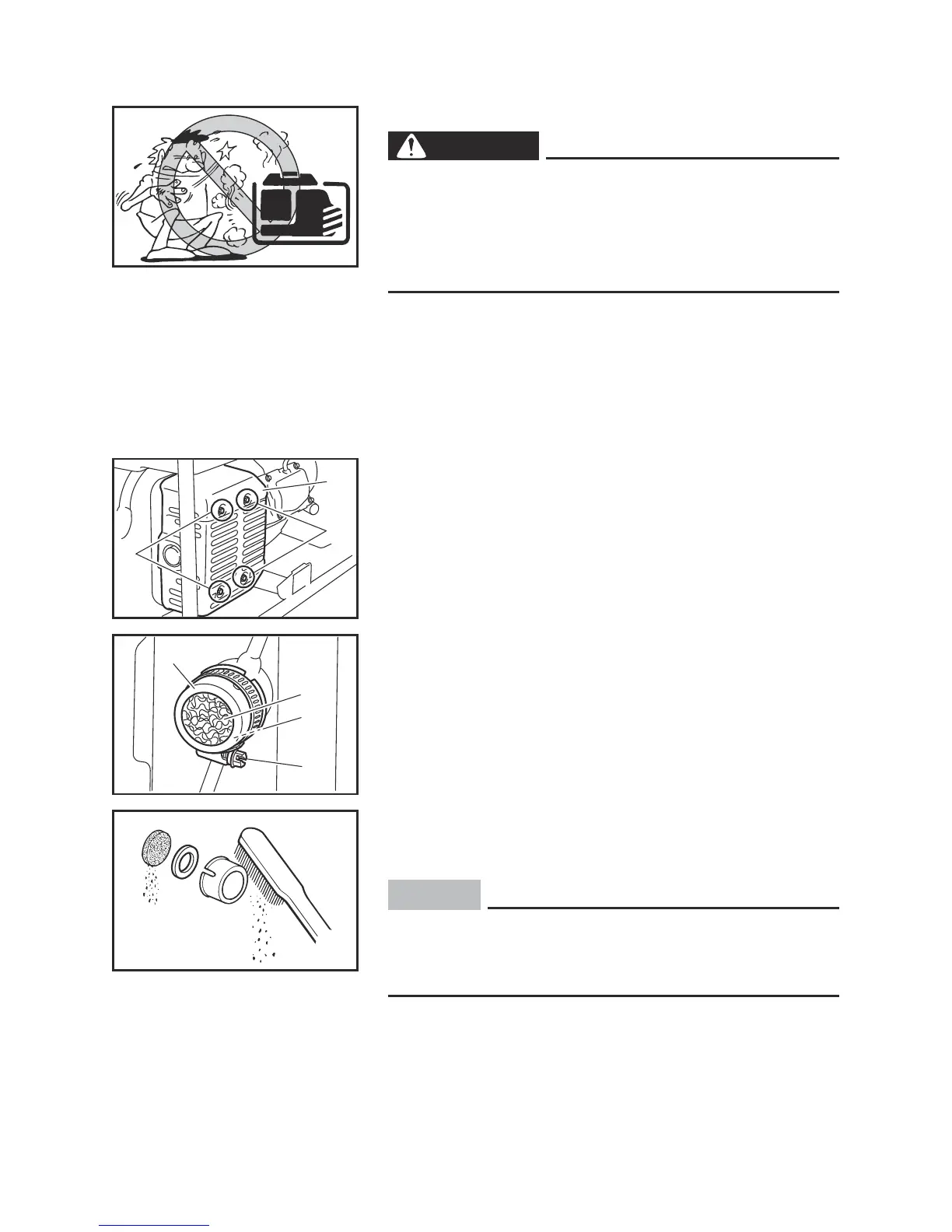
Muffler screen
WARNING
The engine and muffler will be very hot after the
engine has been run.
Avoid touching the engine and muffler while they
are still hot with any part of your body or clothing
during inspection or repair.
1
1
2
2. Loosen the muffler cap bolt and then remove the
muffler cap and muffler screen.
3 Muffler cap bolt
4 Muffler cap
5 Muffler screen
6 Washer
5
3
4
6
3. Remove the carbon deposits on the muffler screen,
washer and muffler cap using a wire brush.
NOTICE
When cleaning, use the wire brush lightly to avoid
damaging or scratching of the muffler screen and
muffler cap.
4. Check the muffler screen.
Replace it if damaged.
711-064
1. Remove the muffler cover bolts and then remove
the muffler cover.
1 Muffler cover bolt
2 Muffler cover
7P5-F8199-U0-E0.indd 31 2014/05/21 9:13:48


 To Next Page
 Loading...