Erasing Markers 39
MD4—Owner’s Manual
Erasing Markers
1. Press the [ADJUST] button.
The display shows ADJST: MARK 1
2. Use the [√] and [®] SELECT buttons to select the marker that you want to
erase.
3. Press the [CLEAR] button.
The display shows CLR MARK 1?
4. Press the [ENTER] button to erase the marker.
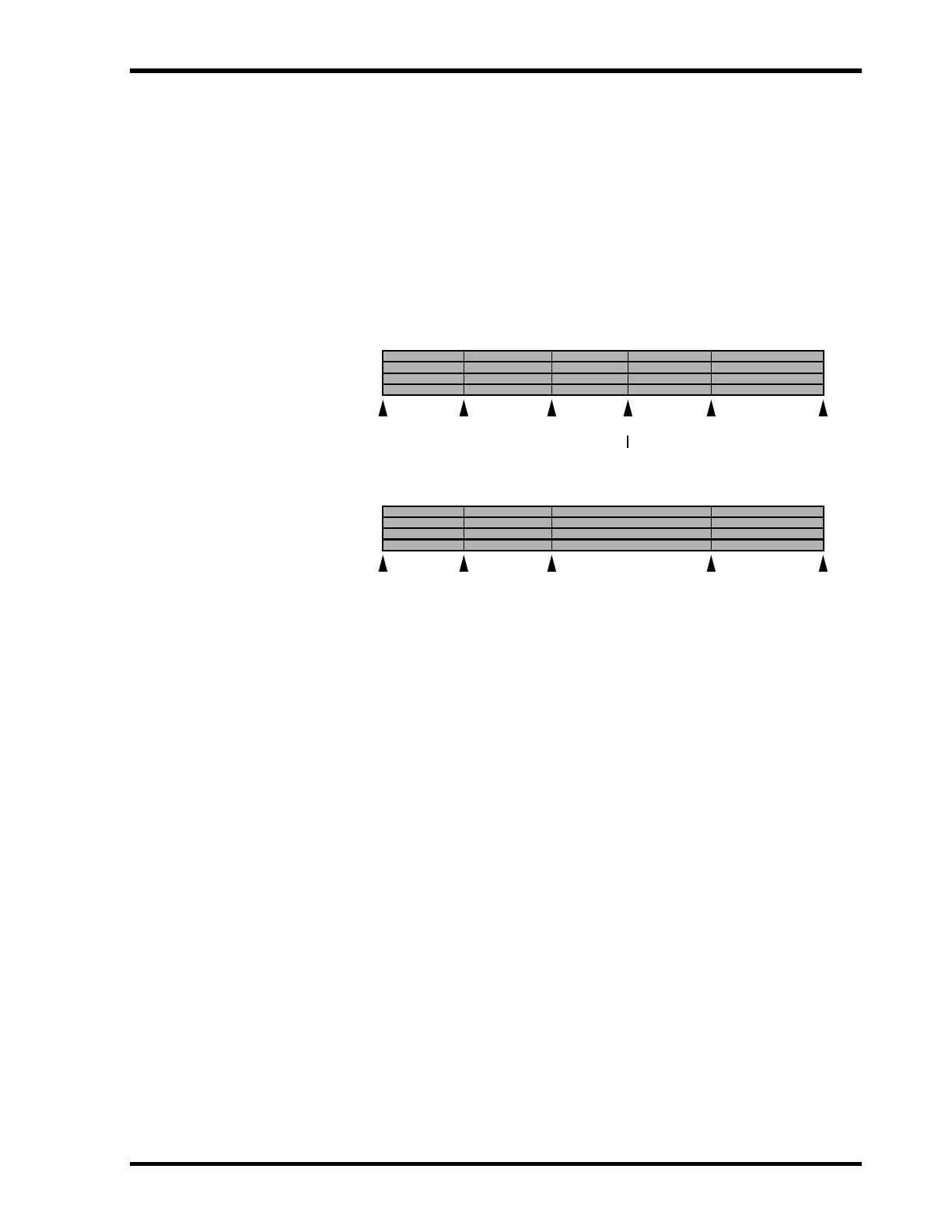
The marker is erased and existing subsequent markers are renumbered, as shown below.
5. When you’ve finished, press the [TOC WRITE] button to update the TOC.
[S] [1] [2] [3] [E]
After Erase
Marker to be erased
[S] [1] [2] [4] [E][3]
Before Erase



 To Next Page