Program Playback 43
MD4—Owner’s Manual
Program Playback
The Program Play function allows you to compile a program of songs for custom playback. The
Program may contain up to 36 steps.
1. Press the [UTILITY] button and use the [√] and [®] SELECT buttons to select
the PRG Play function.
2. Press the [ENTER] button.
The display shows EDITXNEW
3. Use the [√] and [®] SELECT buttons to select EDIT or NEW.
EDIT allows you to edit the current Program. NEW resets the Program.
4. Press the [ENTER] button.
The display shows s1:XX*¬XX*¬ (the lower case s indicates that the Program is being edited).
5. Use the [√] and [®] SELECT buttons to select steps and the [–] and [+] DATA
buttons to select a song for each step.
To reset a step, press the [CLEAR] button.
6. When you’ve set all the required steps, press the [ENTER] button.
The display shows S1:XX1¬XXX2 and MD4 waits in Pause mode (the upper case S indicates
that the Program is being played).
7. Press the [PLAY] button to start Program playback.
The songs play back in the order specified in the Program.
8. Use the [ ] and [ ] SONG SEARCH buttons to select other steps in the
Program and the [PAUSE] button to pause playback.
To stop playback, press the [STOP] button.
When Program Playback is paused, selecting the TOTAL Time Counter mode allows you to
search for a specific point within the Program. See Searching by Time on page 36 for more infor-
mation.
Program Play settings are stored when MD4 is turned off.
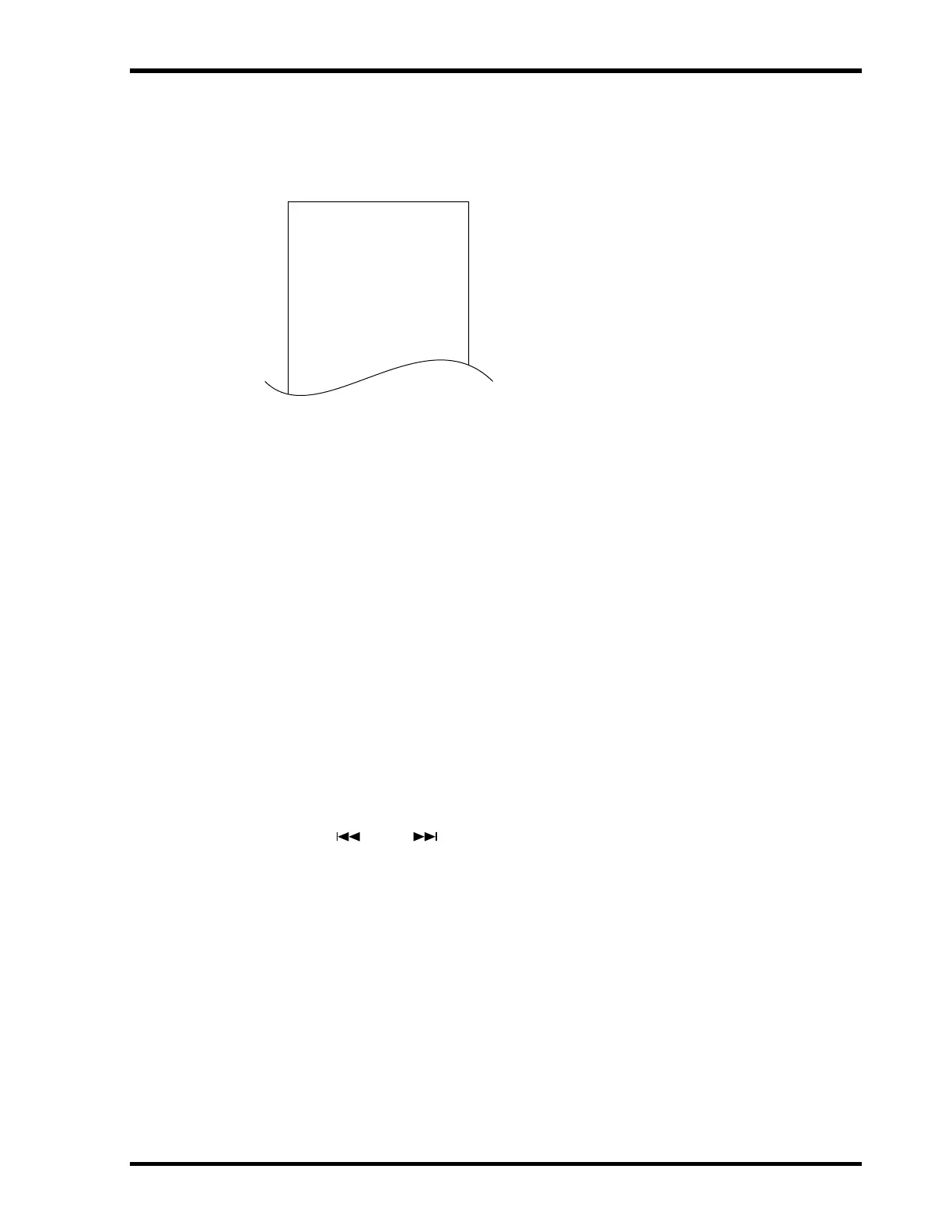
Program
S1: Song 3
S2: Song 5
S3: Song 2
S4: Song 9
S5: Song 1
S6: Song 7
S7: Song 6
S8: Song 4
S9: Song 9
" "
" "
"


 To Next Page