Adding the unit to the MusicCast network
Perform the following procedure to add the unit to the MusicCast network. You can also configure the unit’s
wireless network settings at once.
1 Launch the “MusicCast CONTROLLER” application on your mobile device and tap
“Setup”.
2 Operate the “MusicCast CONTROLLER” application following the on-screen
instructions.
NOTE
(
If you configure the unit's wireless network settings with this method, the SSID and security key for your wireless LAN router
(access point) will be needed.
(
If you add the second or later MusicCast compatible device, tap “Settings” and then “Add New Device” in the “MusicCast
CONTROLLER” application.
(
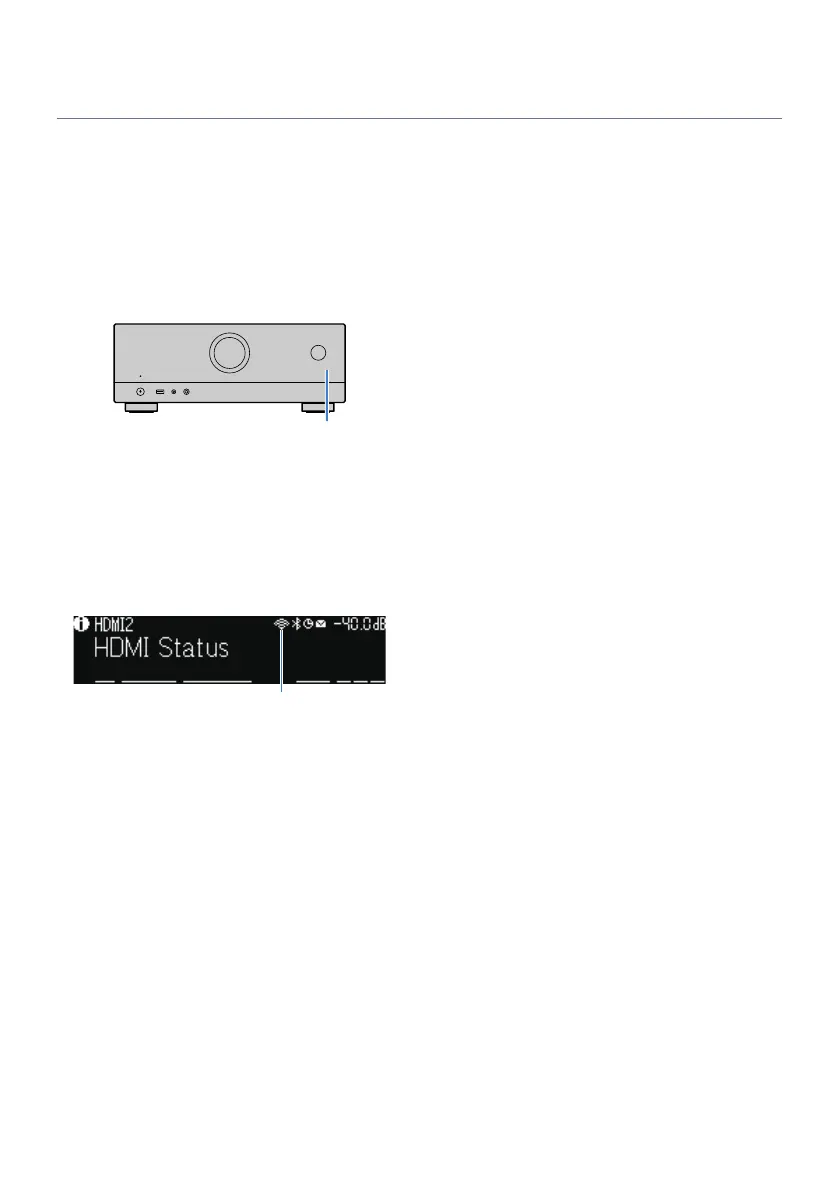
When you add the unit to the MusicCast network, the wireless LAN indicator sometimes lights up on the front display even if a
wired connection is used.
Related links
(
“Setting the power interlock from the unit to MusicCast compatible devices”(p.220)
(
“Configuring wireless speakers”(p.71)
(
“Flow of the speaker configurations”(p.73)
70
PREPARATIONS > Setting MusicCast



 To Next Page