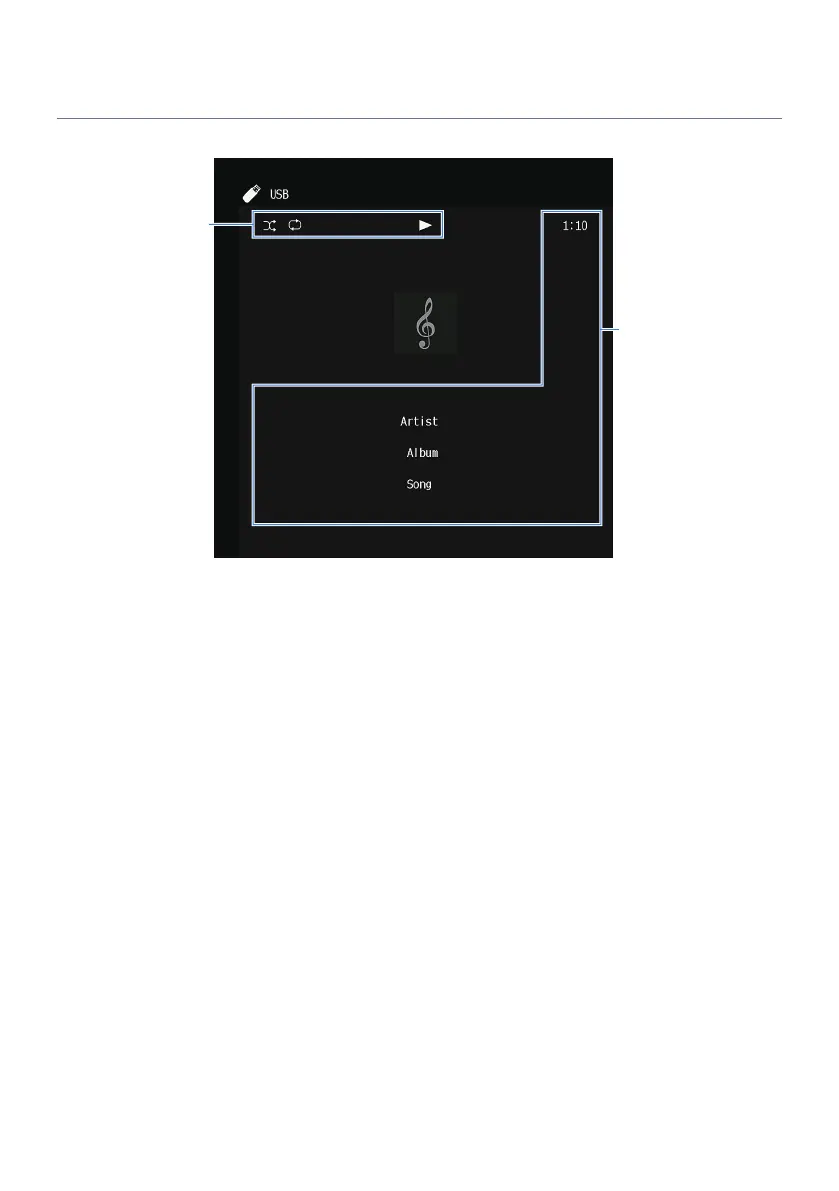
Item names and functions of the playback screen
When playback starts, the playback screen appears on the TV.
a
Status indicators
Display the current shuffle/repeat settings and playback status (such as play/pause).
b
Playback information
Displays the artist name, album name, song title, track number, station name, and elapsed time.
NOTE
(
Displayed items vary depending on the content of playback.
(
Using the external device operation keys on the remote control, you can perform playback operations. Note that the playback
operations may not work for some input sources or external devices.
(
When “SERVER”, “NET RADIO” or “USB” is selected for the input source, press RETURN on the remote control to display the browse
screen.
95
PLAYBACK > Basic playback procedure



 To Next Page