116
MIDI Functions
MIDI Volume
The volume setting is used to control the volume level of the
individual MIDI channels: Drum and Bass.
1
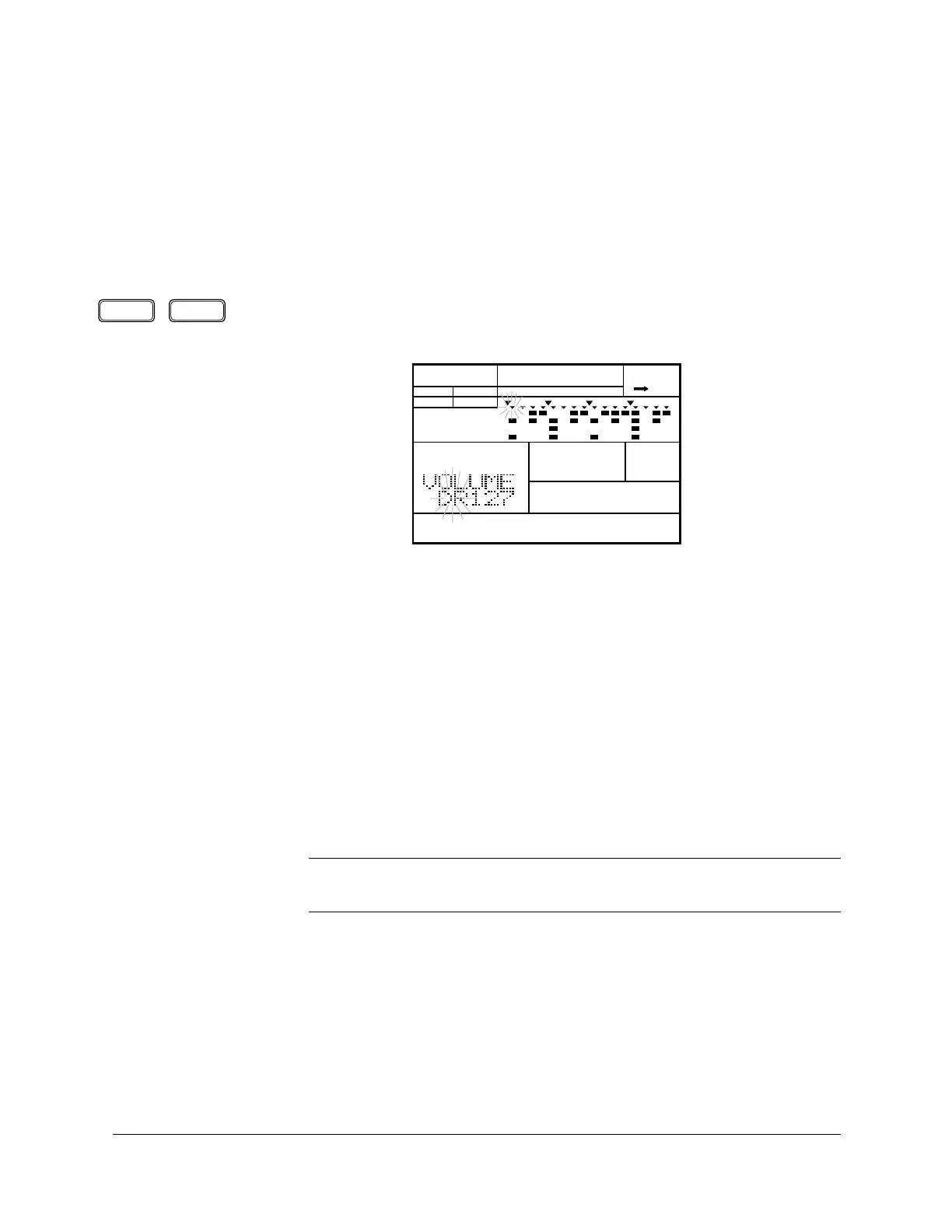
Select the Volume display page by pressing the [PAGE+] or [PAGE–] button.
The current instrument flashes below the “VOLUME” prompt.
2
Select the instrument “DR” (drums) or “BS” (bass) by rotating the Jog Dial
or by using the [ +1 ] and [ –1 ] buttons.
3
Change the focus area to the volume data by pressing the [ > ] cursor
button.
4
Change the volume by rotating the Jog Dial or by using the [ +1 ] and [ –1 ]
buttons.
The default is “127”. The range is “000” to “127”.
■ Volume and Expression
NOTE
The volume setting affects the sounds produced by tapping the drum pads, or note
events from the internal sequencer or an external MIDI device.
PAGE – PAGE +
PATTERN MIDI
A CHASE
MAIN A
PAD BANK
OTHERS
HH
SD
BD












 To Next Page