60
Other Pattern Functions
■ Setting the Pattern Name
This mode allows you to assign a name of up to five characters to a
user/combination pattern.
1
Press the [PATTERN] button to put the RY20 into Pattern Mode. Select a
pattern by rotating the Jog Dial or using the [ +1 ] and [ –1 ] buttons.
2
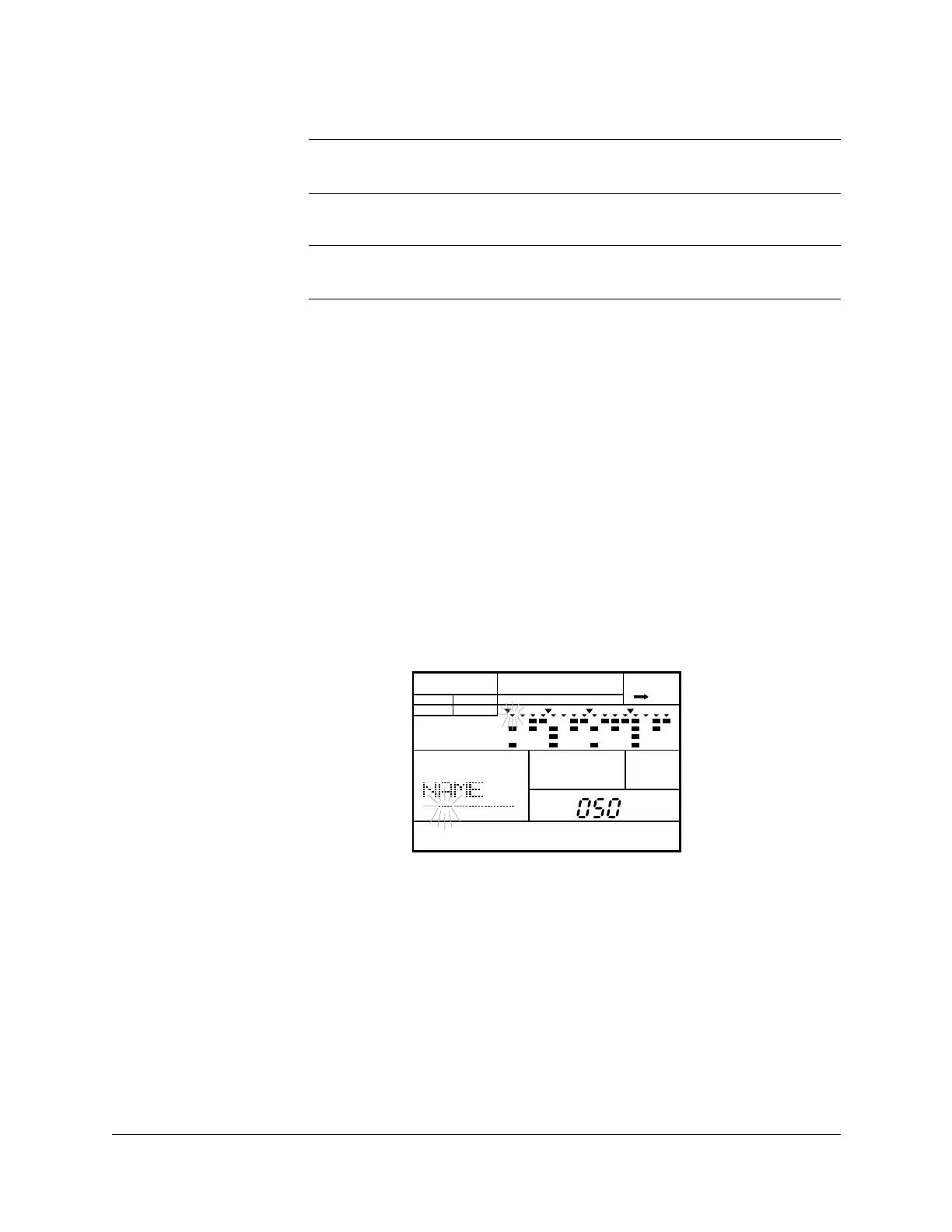
Select Name display page by pressing the [PAGE+] button until the display
indicates “NAME” and the name of the current pattern. Notice that the first
character is flashing.
The default name for all user patterns is “-----”.
3
Select the first character of the name by rotating the Jog Dial or by using
the [ +1 ] and [ –1 ] buttons.
IMPORTANT
The error message “
MEMORY FULL” may appear. See the important message on
page 33 for details.
WARNING
Turning the power off during the execution of the copy function may cause the
irretrievable loss of ALL user data.
PATTERN
INTRO
A CHASE
PATTERN
PAD BANK
OTHERS
HH
SD
BD












 To Next Page