75
Playing the Songs
This allows you to temporarily change the pattern that is played by the
current song.
The RY20 has two convenient functions for playing songs: Chain and
Repeat.
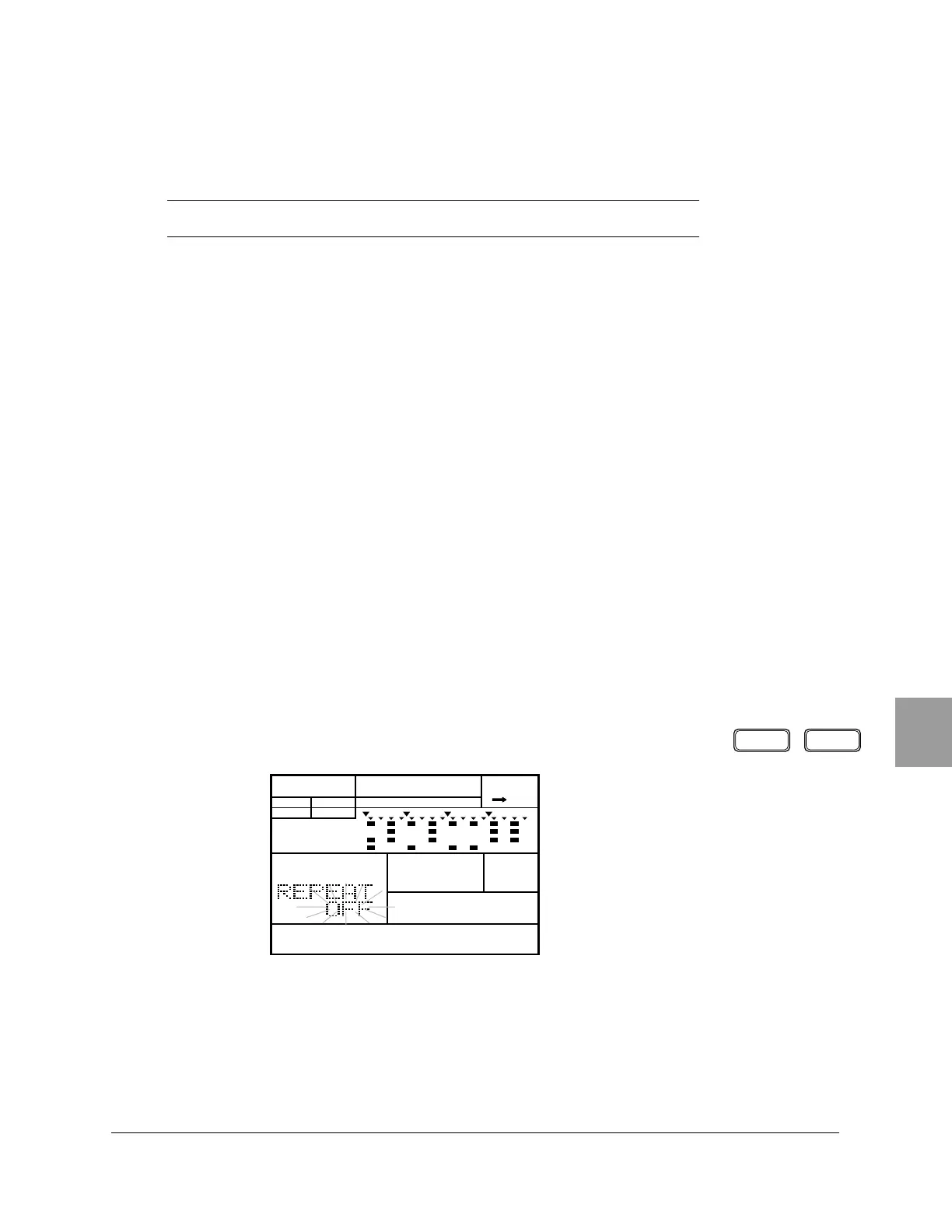
Repeat
Repeat causes the currently selected song to be played continuously.
1
Press the [ SONG ] button to put the RY20 into Song Mode.
2
Select the song you want to play by rotating the Jog Dial or using the
[ +1 ] and [ –1 ] buttons.
3
Select the Repeat display page by pressing the [ PAGE+ ] or [ PAGE– ]
buttons. The display indicates “REPEAT”.
4
Change the value from “OFF” to “ON” by rotating the Jog Dial or using the
[ +1 ] and [ –1 ] buttons.
NOTE
This pattern change is not recorded in memory.
■ Chain and Repeat
PAGE – PAGE +
SONG
A CHASE
MAIN A
PAD BANK
OTHERS
HH
SD
BD












 To Next Page