89
Modifying the Drum Kits
The decay setting is used to modify voices, such as cymbals, that have
a longer decay.
1
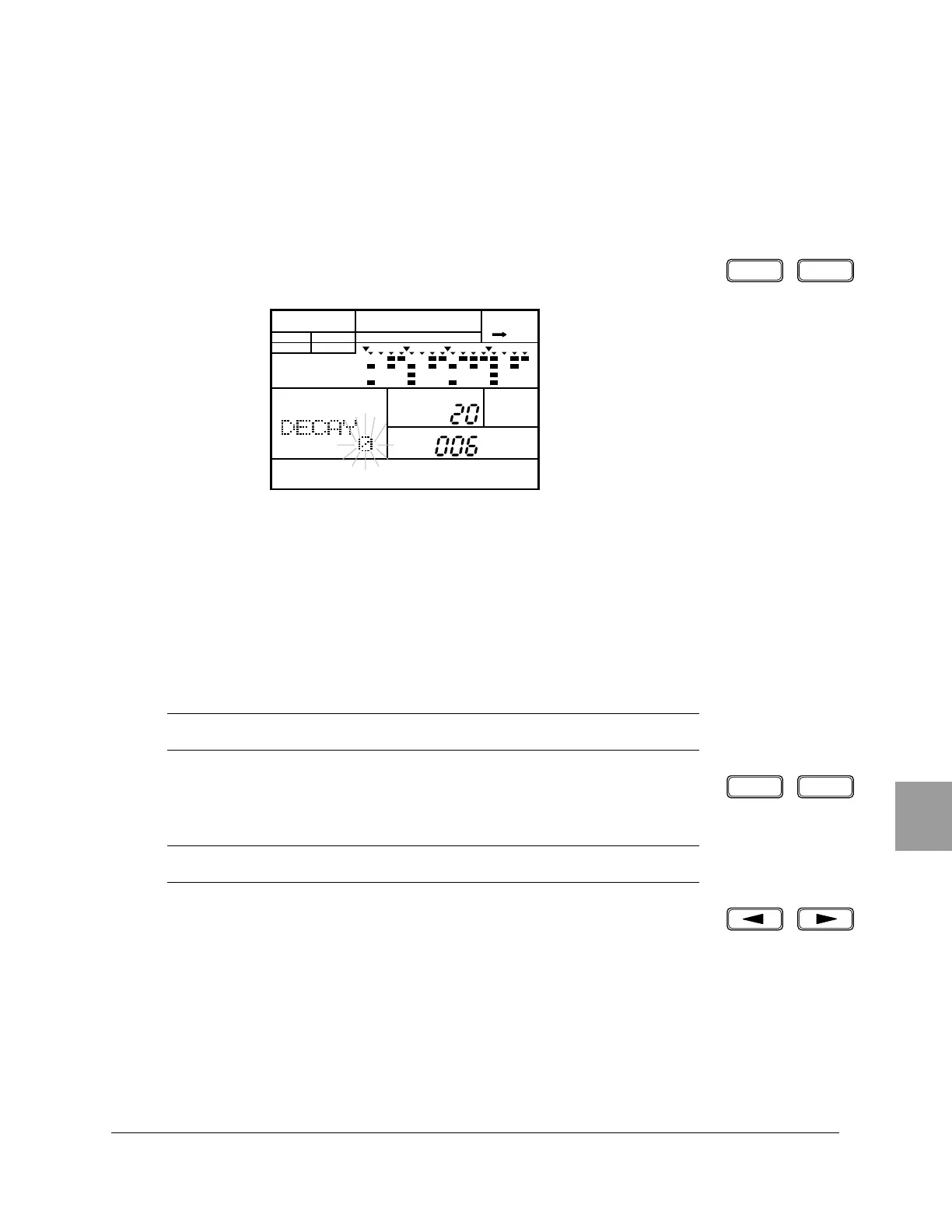
Select the Decay display page by pressing the [PAGE+] or [PAGE–] buttons.
The display reads “DECAY” and the current value flashes.
2
Press the pad you want to modify after selecting the Pad Bank.
3
Adjust the decay of the pad by rotating the Jog Dial or by using the [ +1 ]
and [ –1 ] buttons.
The range is from “+7” to “-7”.
Pressing the [ +1 ] and [ –1 ] buttons simultaneously resets the decay to “0”.
You can use the [ < ] and [ > ] cursor buttons to access the “DECAY”,
“DRUM KIT” and “PAD” settings.
■ Decay
NOTE
Some of the voices may not produce an audible effect.
NOTE
If you have selected the Bass Pad Bank, the decay setting applies to all the pads.
PAGE – PAGE +
PATTERN DRUM KIT
A CHASE
DRUM KIT
PAD
MAIN A
PAD BANK
OTHERS
HH
SD
BD
–1 +1












 To Next Page