90
Modifying the Drum Kits
The RY20 allows you to set four sensitivity parameters. These
parameters determine the effect of tapping a drum pad harder (with
increasing velocity) on the output sound.
Level Sensitivity
The harder you tap a drum pad, the louder its voice will sound.
1
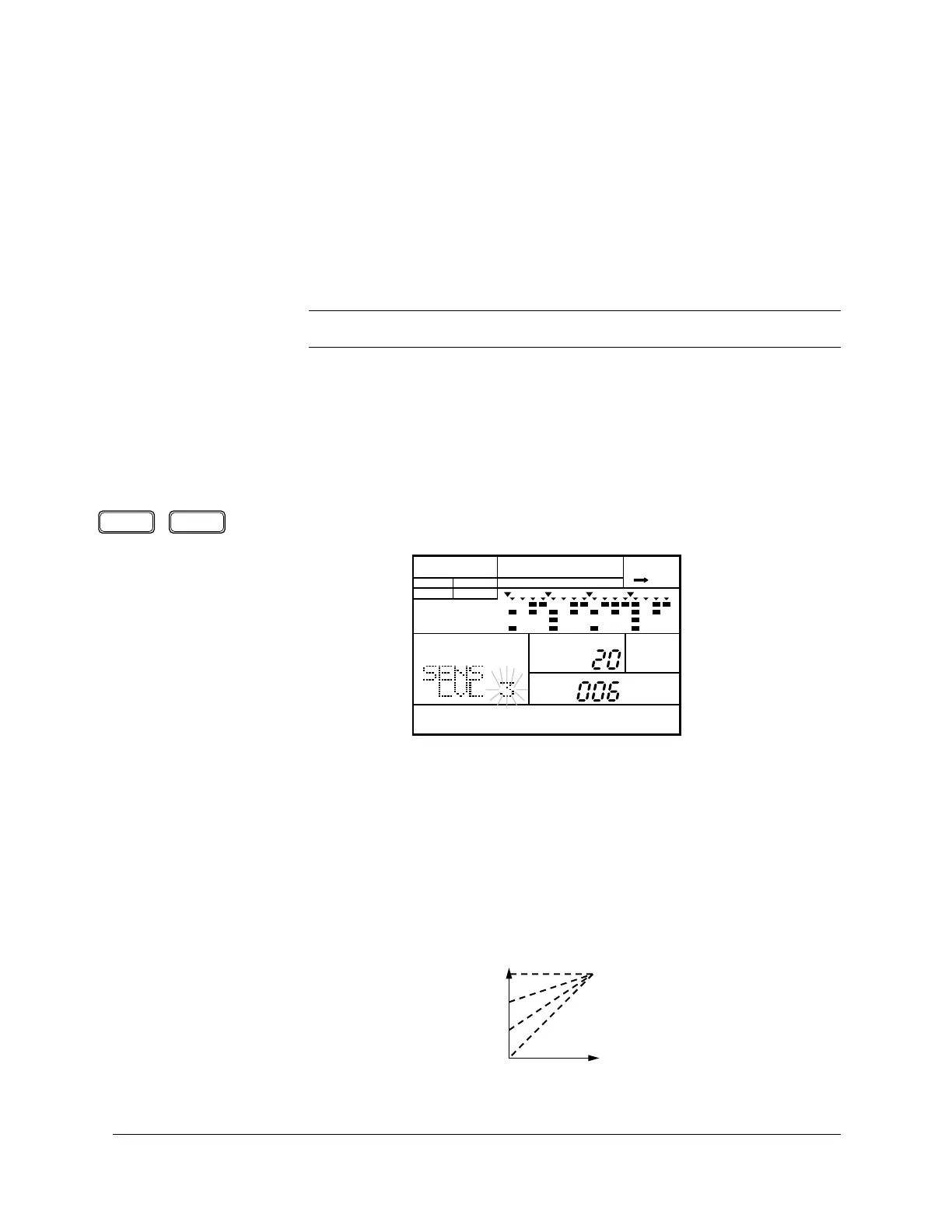
Select the Level Sensitivity parameter by pressing the [PAGE+] or [PAGE–]
button. The display reads “SENS” and “LVL”. The current level flashes.
2
Press the pad you want to modify after selecting the Pad Bank.
3
Adjust the level sensitivity of the drum pad by rotating the Jog Dial or by
using the [ +1 ] and [ –1 ] buttons.
The range is from “0” to “3”. Depending on the Pad Sensitivity setting (see
page 98), adjusting this setting affects how loud a voice will sound the
harder you tap its corresponding drum pad.
■ Sensitivities
NOTE
Some of the voices may not produce an audible effect.
PAGE – PAGE +
PATTERN DRUM KIT
A CHASE
DRUM KIT
PAD
MAIN A
PAD BANK
OTHERS
HH
SD
BD
Velocity
Volume
+3
+2
+1
0












 To Next Page