55
Other Pattern Functions
6
Modify the value by rotating the Jog Dial or using the [ +1 ] and [ –1 ]
buttons.
The default level is “00”. The range is from “–99” to “99”. The level value
controls how much the volume will be changed from its recorded value. As
the level is reduced, the volume of all the notes on the track is
correspondingly lowered. When you raise the level, the volumes are
correspondingly increased.
7
Select the next track you wish to modify with the Track Select/Mute
buttons.
Repeat the above steps.
■ Clearing a Pattern
Clearing data from a user/combination pattern is a flexible operation.
You can clear individual tracks or an entire section.
1
Press the [PATTERN] button to put the RY20 into Pattern Mode. Select a
pattern by rotating the Jog Dial or using the [ +1 ] and [ –1 ] buttons.
2
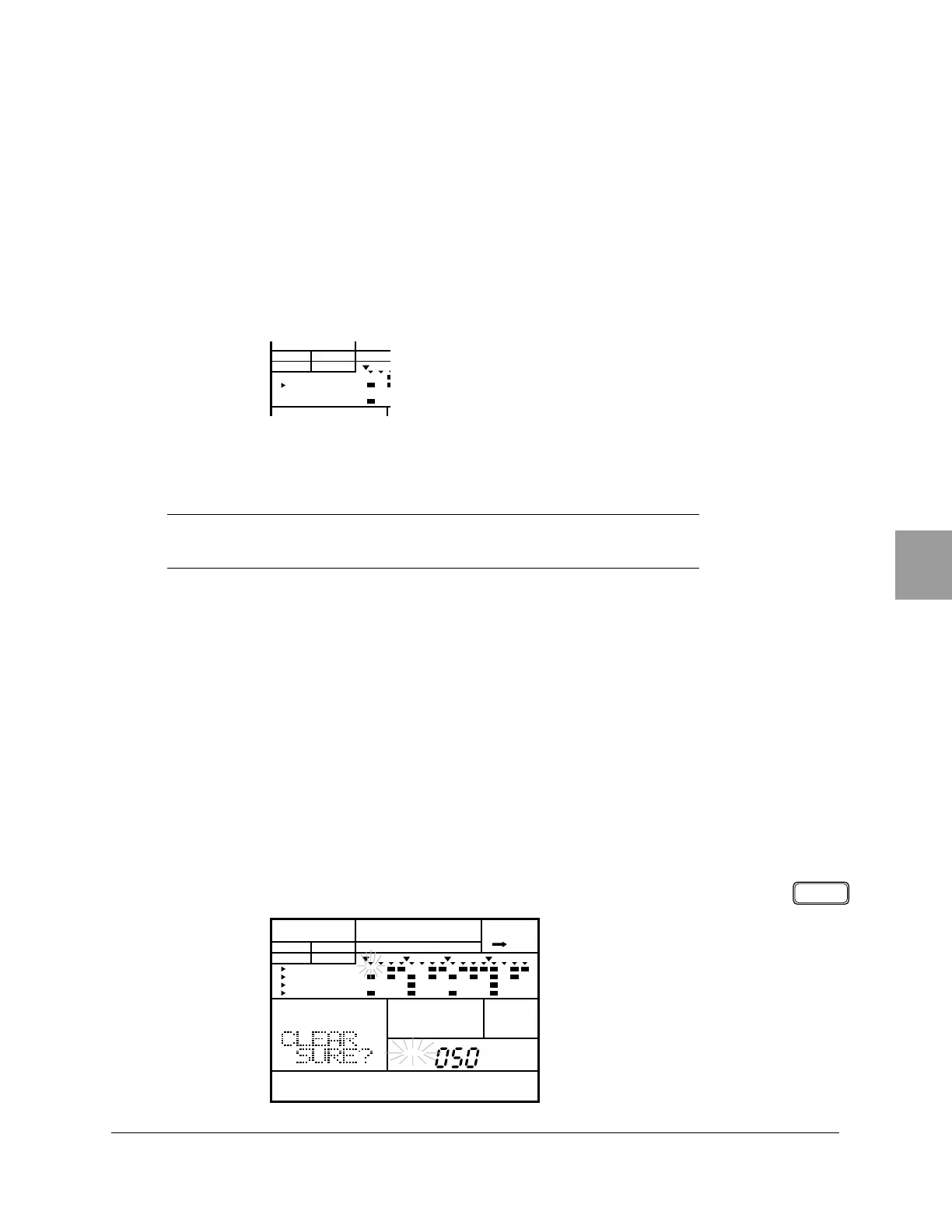
Select the Clear display page by pressing the DELETE [ CLEAR ] button. The
display indicates “CLEAR SURE?”.
NOTE
You can reset each parameter to its default setting by pressing the
[ +1 ] and [ –1 ]
buttons simultaneously.
PATTERN
A CHASEPAD BANK
OTHERS
HH
SD
BD
CLEARDELETE
PATTERN
A CHASE
PATTERN
MAIN A
PAD BANK
OTHERS
HH
SD
BD












 To Next Page