74
Playing the Songs
Selecting a Part
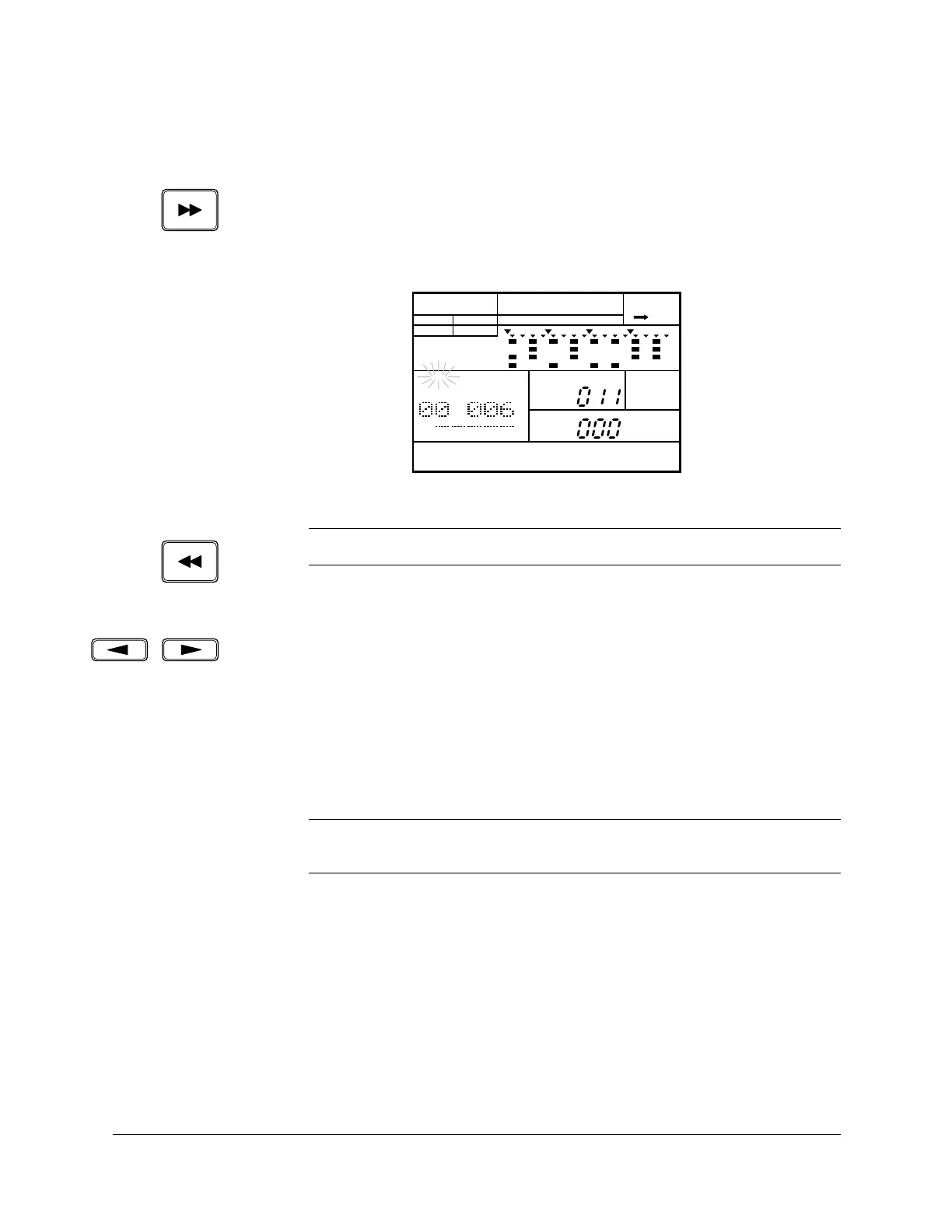
While the RY20 is stopped, you can select one of the parts of your song.
The [FORWARD] button steps forwards through the parts of the song. Each
time you press the button, the RY20 moves to the next part.
Press the [ PLAY ] button to start playback from the selected part.
Other Song Play Functions
You can use the [ < ] and [ > ] cursor buttons to select other focus areas in
the Song Mode display page.
1
Select the “PART” prompt. This allows you to use the Jog Dial or the [ +1 ]
and [ –1 ] buttons to change the part number. Then press the [ PLAY ]
button to start playback from the selected part.
2
Select the “MEASURE” prompt. This allows you to select a measure within a
song by rotating the Jog Dial or by using the [ +1 ] and [ –1 ] buttons.
Now you can start playback from the selected measure by pressing the
[ PLAY ] button.
3
Select the “PATTERN” prompt. Change the current pattern by rotating the
Jog Dial or by using the [ +1 ] and [ –1 ] buttons.
NOTE
The
[BACKWARD] button steps backwards through the parts of the song.
NOTE
This is an alternative method to using the
[FORWARD] and [BACKWARD] buttons as
shown above.
SONG
A CHASE
SONG
PART
MEASURE
PATTERN
MAIN A
PAD BANK
OTHERS
HH
SD
BD












 To Next Page