20
Playing the Preset Patterns
The RY20 records its patterns into four tracks. The tracks are Bass
Drum, Snare Drum, High Hat, and Others.
1
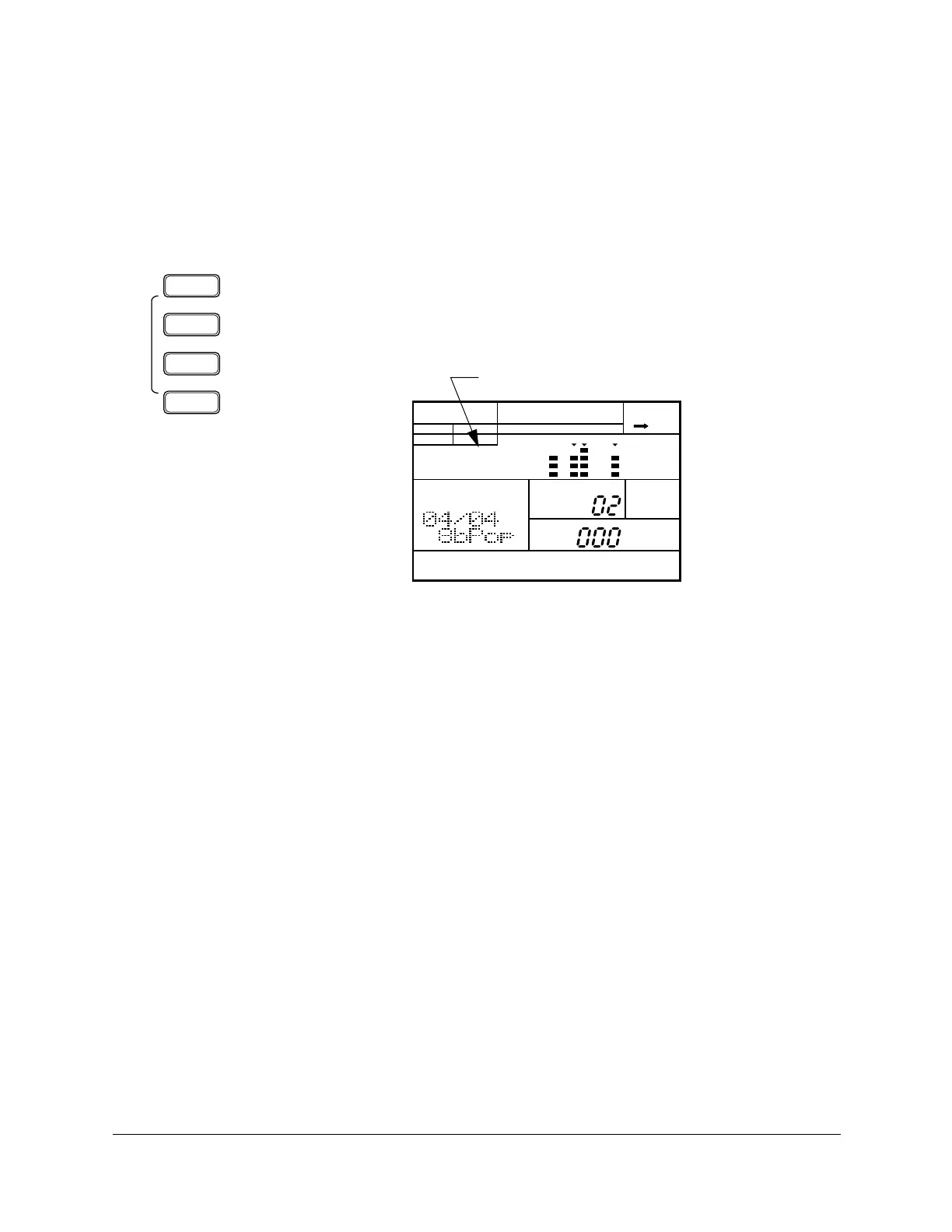
To mute a track, press the appropriate Track Select/Mute button. For
example, to mute the percussion instruments or a bass part, press the
[OTHERS] button.
The “MUTE” indicator lights up next to the word “OTHERS”.
2
Press the key again to turn muting off.
■ Muting a Track
OTHERS
HH
SD
BD
TRACK
SELECT/
MUTE
PATTERN
A CHASE
MUTE
MEASURE
PATTERN
MAIN A
PAD BANK
OTHERS
HH
SD
BD
Mute Indicator












 To Next Page