22
Playing the Pads
To play a voice, tap the appropriate drum pad.
The RY20 has 12 drum pads.
The drum pads are velocity sensitive. The harder you tap a pad, the louder
the voice will play.
1
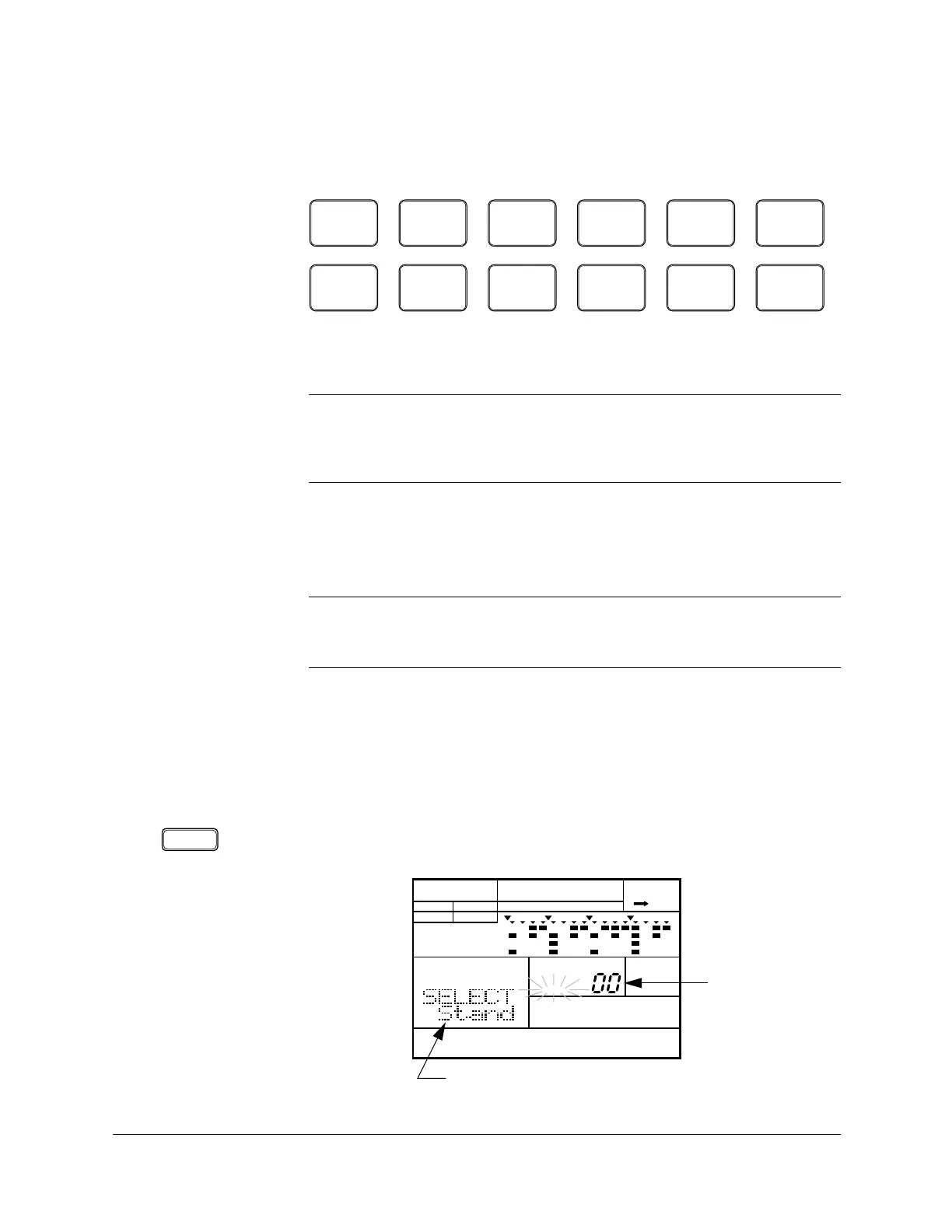
Place the unit in Drum Kit Mode by pressing the [DRUM KIT] button. The
“DRUM KIT” indicator flashes beside the current drum kit number.
NOTE
The voices of the RY20 are fully programmable and can be assigned to any pad.
The drum pads are labeled
[ 0 ] through [ 11 ] and also have a drum name printed
on each. The voice assigned to the pad may not correspond to the name printed on
the pad. See page 83 for further details.
NOTE
The velocity sensitivity level (“
SENS LVL”) and the pad sensitivity (“PADSNS”)
settings determine the way in which the velocity sensitive feature works. See
page 90 and page 98 for further details.
■ Selecting a Drum Kit
TOM 1
0
BD
6
TOM 2
1
SD
7
TOM 3
2
SIDE
STICK
8
TOM 4
3
HH
PEDAL
9
HH
OPEN
4
HH
CLOSED
10
RIDE
5
CRASH
11
INTRO MAIN A MAIN B FILL AB FILL BA ENDING
DRUM KIT
PATTERN DRUM KIT
A CHASE
DRUM KIT
MAIN A
PAD BANK
OTHERS
HH
SD
BD
Drum Kit Number
Drum Kit Name












 To Next Page