70
Recording a Song
3
Press the [ ENTER ] button to delete the part.
4
Press the [ PAGE– ] button to return to Song Record Mode.
1
In Song Record Mode, you can insert a part into the current song.
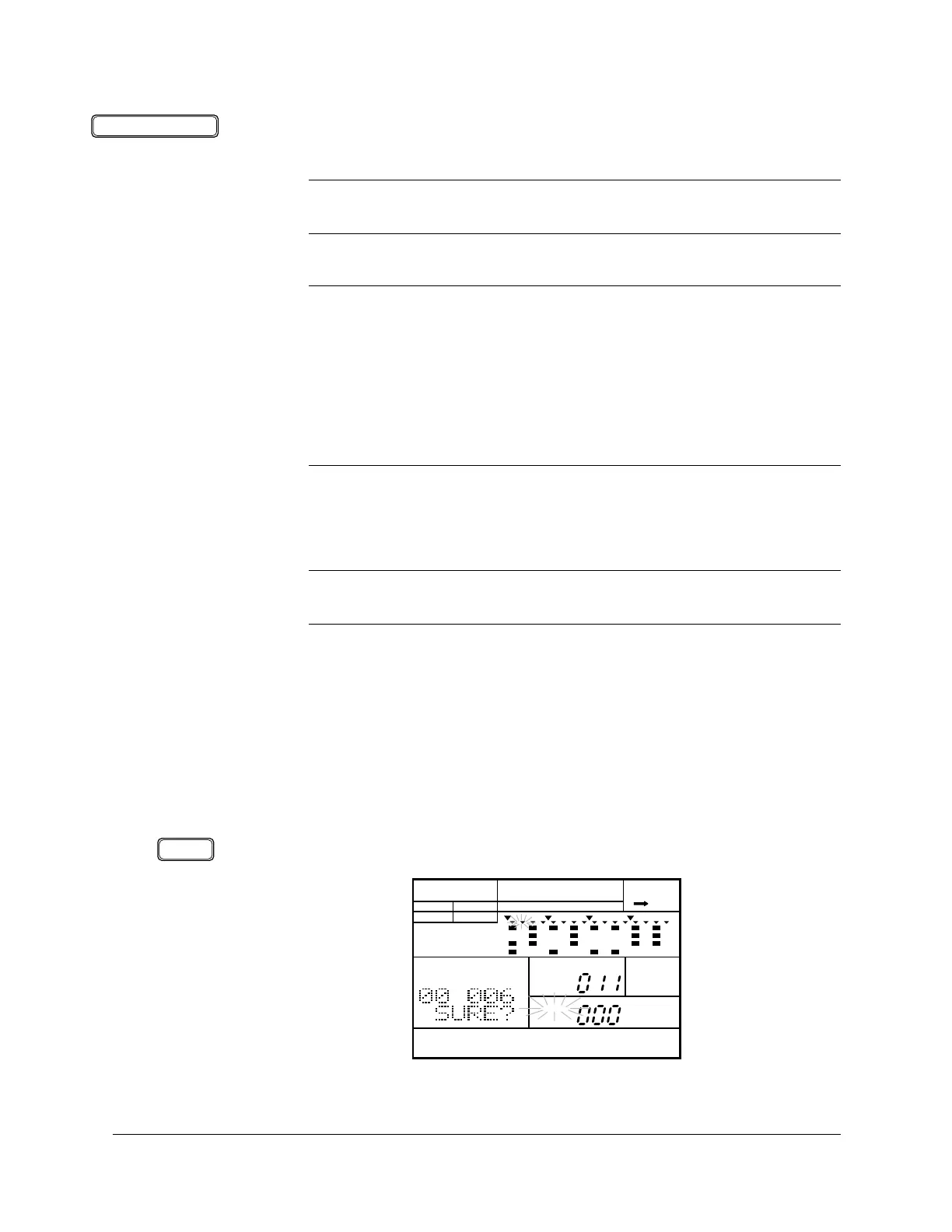
Select the Insert Part display page by pressing the INSERT [ COPY ] button.
The “INS” indicator is lit and the prompt “SURE?” is displayed.
WARNING
BE CERTAIN THAT THIS IS WHAT YOU INTEND BEFORE YOU PRESS THE
[ ENTER ] BUTTON.
IMPORTANT
If you decide that you DO NOT want to delete a part from the song, you can cancel
this operation by simply selecting another function.
Press the
[ SONG ] button to return to Song Record Mode.
Press the [ PAGE+ ] or [ PAGE– ] buttons to select another display page.
Cancel the recording by pressing the [RECORD] button.
NOTE
If the selected part has no data, the message “
PART EMPTY” will momentarily
appear.
■ Inserting a Part
ENTER
COPYINSERT
SONG
INS A CHASE
SONG
PART
MEASURE
PATTERN
MAIN A
PAD BANK
OTHERS
HH
SD
BD












 To Next Page