18
Playing the Preset Patterns
The “MAIN B” section indicator and the “NEXT” indicator both light.
If the section is empty, the “EMPTY” indicator will also light up.
Selecting a Measure
Each section consists of one or more measures.
While the RY20 is stopped, you can select one of the measures of the
current pattern.
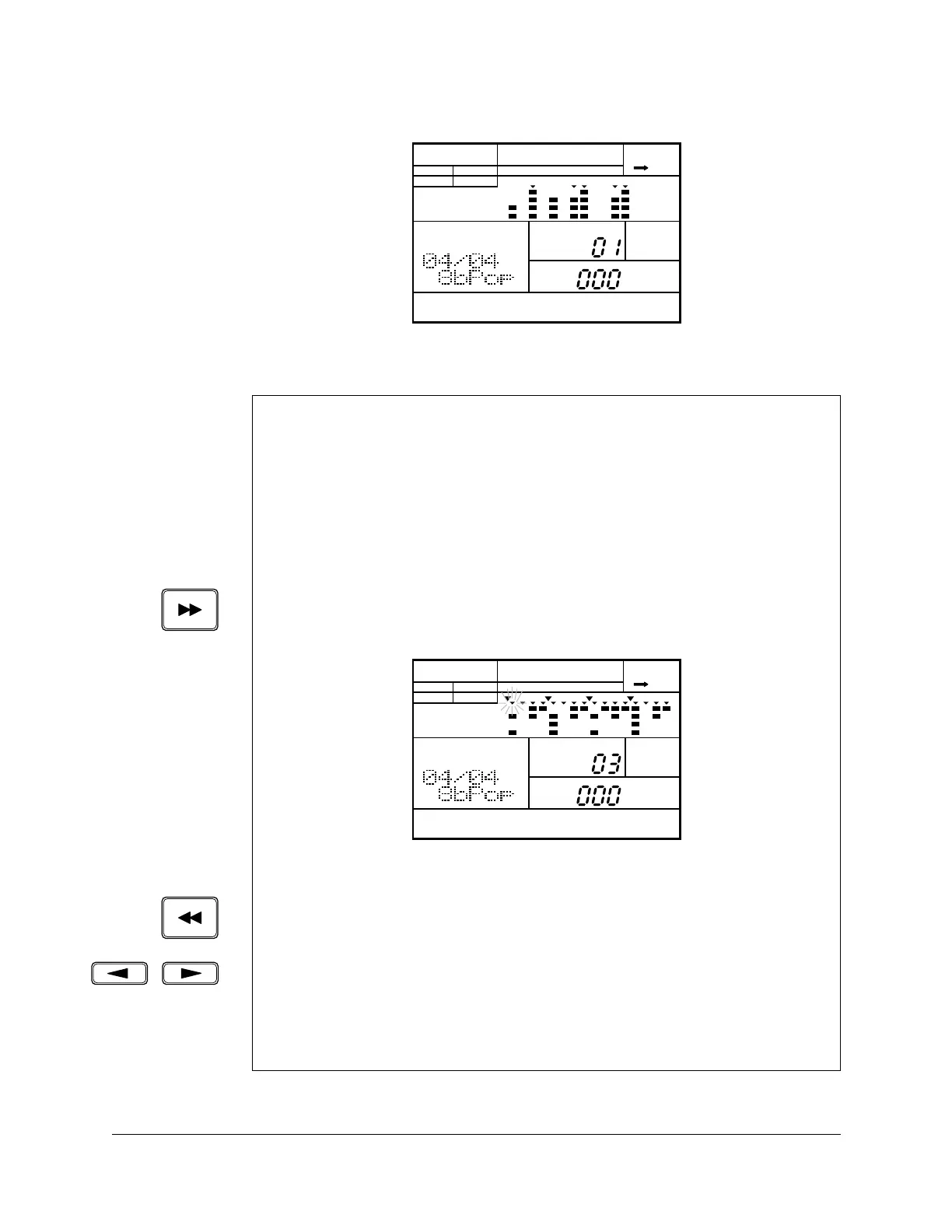
The [FORWARD] button steps forwards through the measures of the
pattern. Each time you press the button, the RY20 moves to the next
measure.
Press the [ PLAY ] button to start playback at the selected measure.
The [BACKWARD] button steps backwards through the measures of the
pattern.
Alternatively, press the [ < ] cursor button to change the focus to the
“MEASURE” prompt. The “MEASURE” prompt starts to flash. Select another
measure by rotating the Jog Dial or by using the [ +1 ] or [ –1 ] buttons.
Press the [ > ] cursor button to return to “PATTERN” selection.
PATTERN
A CHASE
MEASURE
NEXT
PATTERN
MAIN B
PAD BANK
OTHERS
HH
SD
BD
PATTERN
A CHASE
MEASURE
PATTERN
MAIN A
PAD BANK
OTHERS
HH
SD
BD












 To Next Page